OSD Setup Manual
11
< Date/Time >
Users can set the current date, time and other OSD parameters in this menu. Login using
account with proper privilege to enter the submenu. In System Setup menu, select
<Date/Time> and press ENTER. The Date/Time menu displays as follows.
Date/Time
Date
Time
Time Zone
Date/Time Display
Date Display Mode
Time Display Mode
Daylight Saving Time Setup
Network Time Protocol Setup
2011/02/21
PM 10:39:26
OFF
ON
Y/M/D
12 HR
NOTE: The reset of Date / Time setting only applies to new video. The date and time
of previously recorded video will not be changed.
NOTE: To avoid database corruption, formatting the database is recommended after
changing Date / Time setting.
Date / Time
Select <Date> or <Time> and press ENTER to adjust the settings. LEFT / RIGHT
keys are used to move the cursor to previous or next field, ENTER is for selecting,
and UP / DOWN are used to change the value in the selected field.
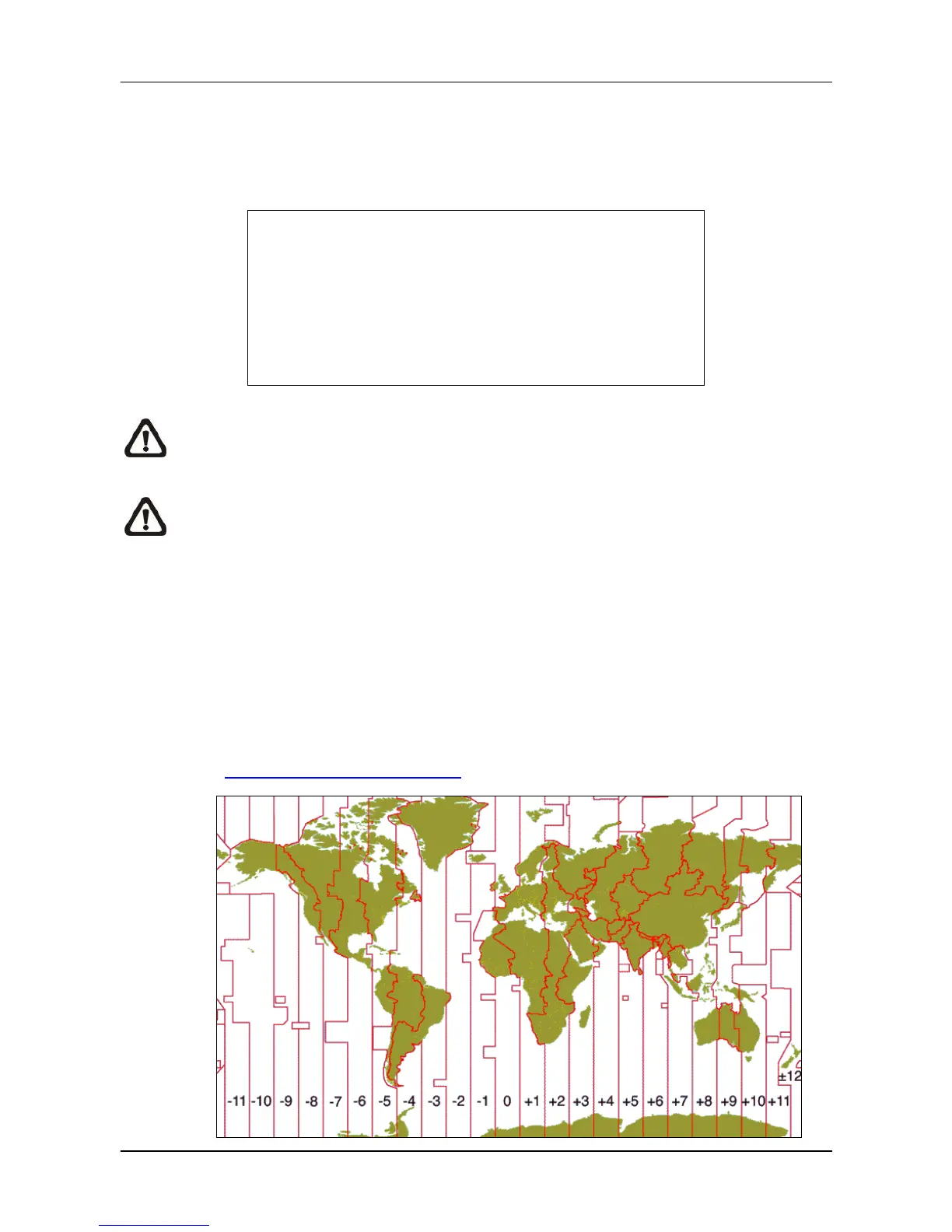
Time Zone
Press ENTER to set users’ local time zone. Please refer to the following figure or
visit www.greenwichmeantime.com to find out users’ local time zone.



 To Next Page