OSD Setup Manual
35
Weekend Schedule
<Weekend Schedule> determines whether a weekend schedule is in effect.
Choose <ON> to take effect the related weekend settings.
Weekend Start
/ End
<Weekend Start> indicates the specific day and time when weekend schedule
should begin, for example, Fri PM 06:00. <Weekend End> indicates the specific
day and time when weekend schedule should end, for example, Mon AM 06:00.
Time is indicated in 1-minute increments.
Note that the value users have set indicates when the regular Day and Night
scheduling ends, and Weekend recording begins.
< Preset Record Configuration >
The <Preset Config> is used to select the preset recording quality. Several different preset
recording quality levels are offered for users to choose: <Best Quality>, <Standard>,
<Extended Record>, <Event Only>, <ezRecord>, <512Kbps DSL>, <256Kbps DSL>,
<128Kbps DSL>, <Adv. Schedule> and <OFF>. For different preset configurations, the
recording file size differs.
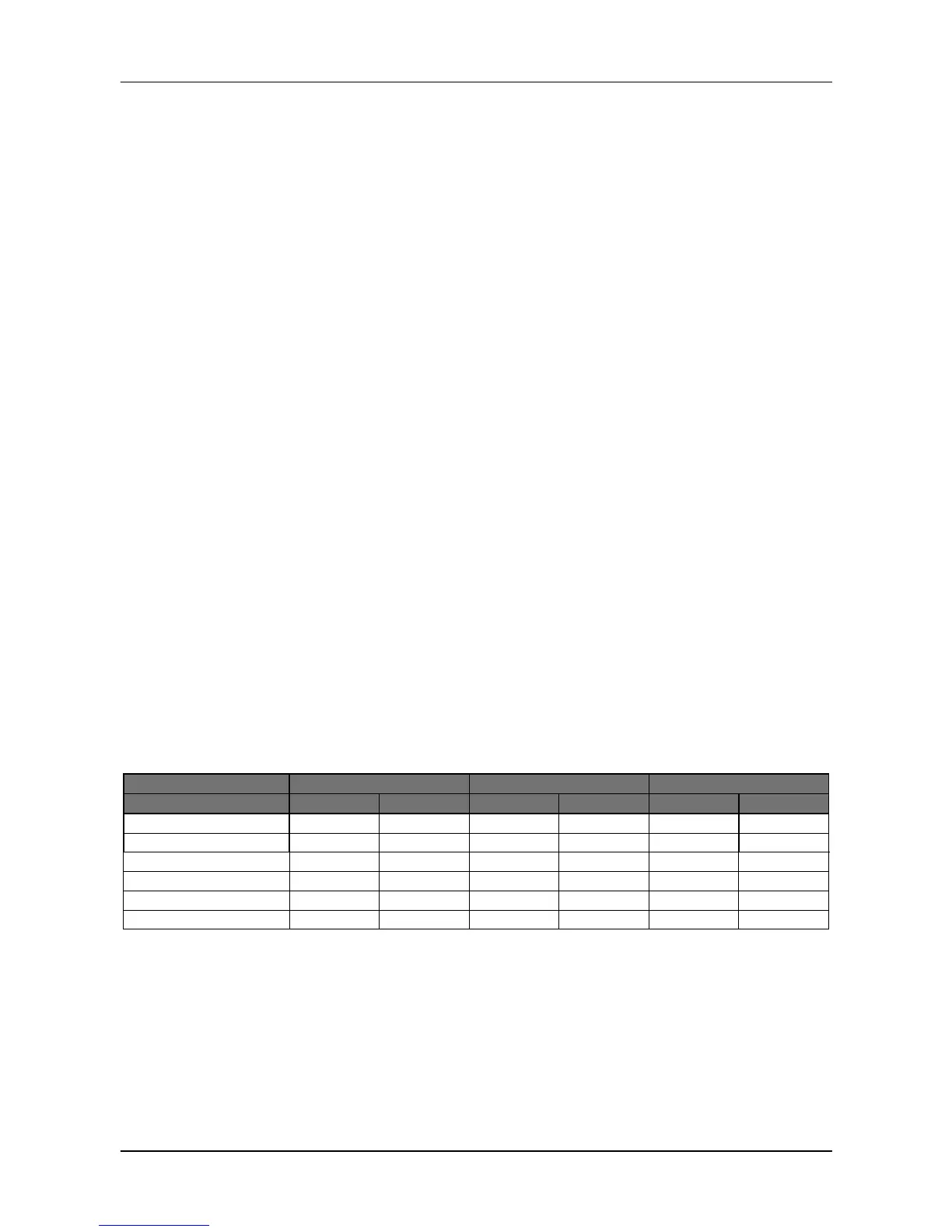
Refer to the table below for file sizes of a few simple preset configurations. For other preset
configurations, file sizes are variable and further setup is required. <Event Only> will be
described in <Event Setup> section. <ezRecord> will be explained in <ezRecord Setup>
section. Instruction about <Adv. Schedule> can be found in <Advance Schedule Setup>
section. When <OFF> is selected, refer to section <Per Camera Config> for more details.



 To Next Page