User’s Manual
17
5. Configure CMS
CMS supports up to 10 groups, with at most 64 IP devices added in each
group. The following sections will guide users to setup CMS step by step.
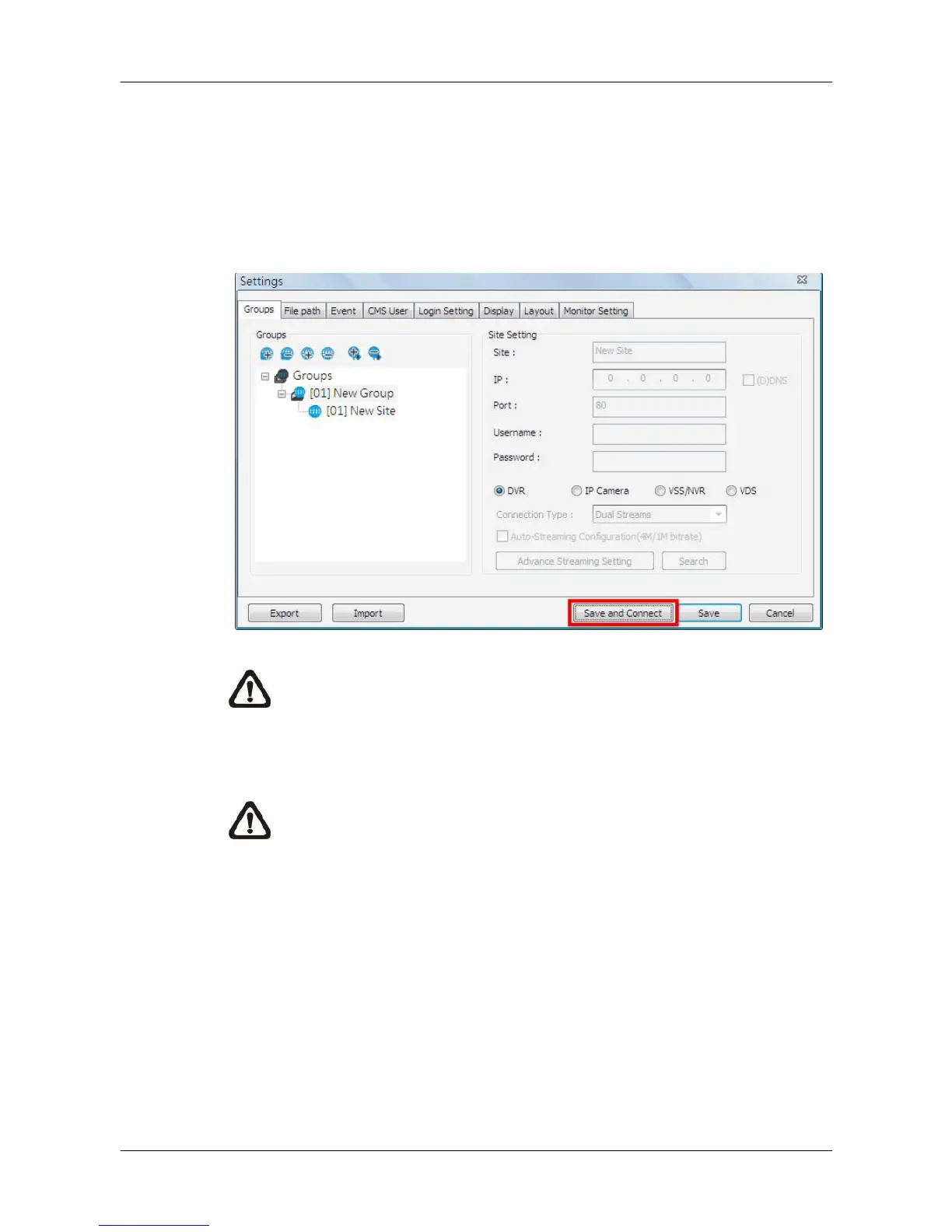
Click on the <Setting> icon and select <CMS Setting>. The following window
will be displayed.
NOTE: The configuration in “Groups” tab and “Import” function will be
unable to be saved when CMS is detecting network connection or is
connecting to some sites. Error messages will be shown to inform
users.
NOTE: When the setting of connecting group and sites is completed,
users can directly click on <Save and Connect> to connect the sites.



 To Next Page