User’s Manual
95
Under Dome Camera Control Mode
X axis
Move dome / OSD menu selecting left or right
Y axis
Move dome / OSD menu selecting up or down
Z axis
Clockwise to zoom in; Counterclockwise to zoom out
1 Slow down movement
2 Speed up movement
3 Focus Far
4 Focus Near
5 Iris Close
6 Iris Open
7 Auto / Manual Focus
8 Change to Dome Camera Control mode
9 Enter OSD Menu (IP Dome)
10 Function as ENTER key in OSD Menu (IP Dome)
11-12
No function
6.7.3 About CMS
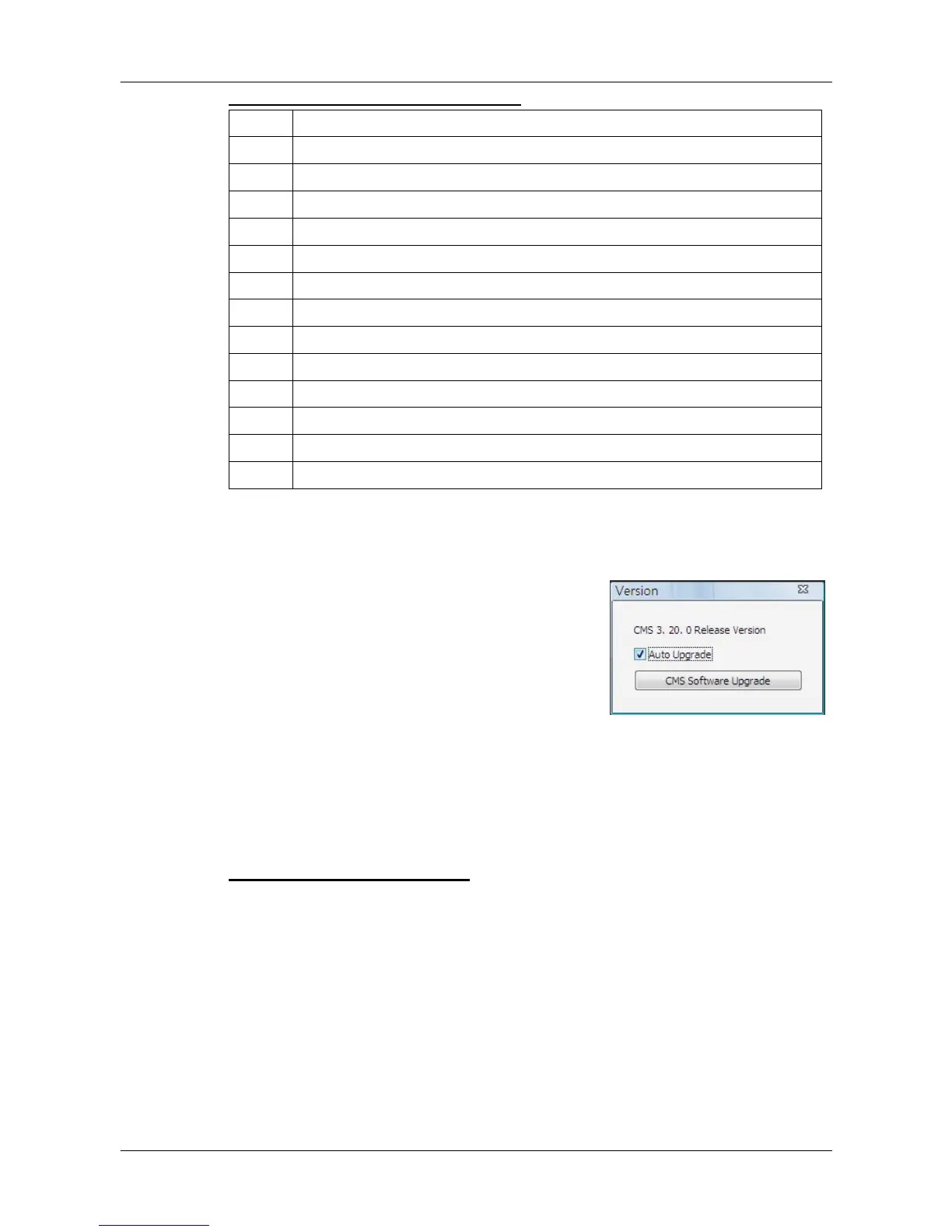
Select <About CMS> and the version window
will pop up, showing CMS version info and
CMS software upgrade options. CMS software
can be upgraded automatically or manually.
Check the box in front of <Auto Upgrade> to
enable automatic software upgrade. Moreover,
the <CMS Software Upgrade> button allows
users to immediately upgrade CMS.
Refer to the following for details of automatic and manual software upgrade.
Automatic Software Upgrade
If automatic software upgrade is enabled, CMS will connect to the FTP Server
and check for upgrade once a month. If no upgrade is available, CMS will
continue normal process. If upgrade is detected, please follow the steps
below to proceed.
Step 1. A message box will pop up to inform that there is upgrade available.
Click <OK> to download the upgrade software and continue to the
next step. Otherwise, click <Cancel> to abort and continue to normal
CMS process.



 To Next Page