OSD Setup Manual
8
<ESC>
Press to cancel or exit from certain OSD menu without saving any changes.
Key Usage in Virtual Keyboard
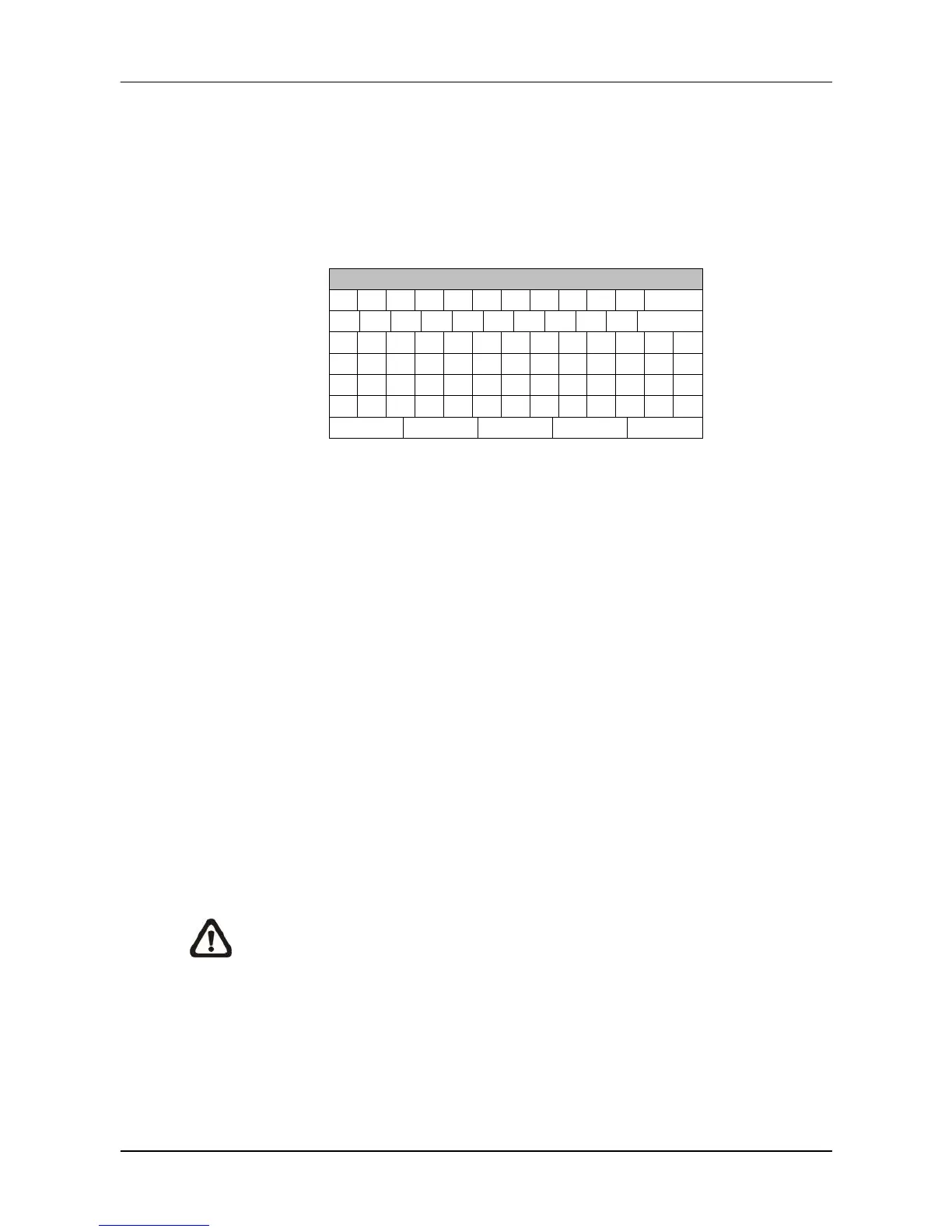
A virtual keyboard shows up while editing settings such as camera title, unit name,
etc. The virtual keyboard displays as follows.
!
OK
<To input characters>
Move the cursor by pressing Direction keys and press ENTER to select characters.
<To move the cursor in title entry field>
Select “<<” / “>>” and press ENTER to move the cursor to left / right in the title
entry field.
<To delete previous character>
Select <Backspace> and press ENTER.
<To delete current character>
Select <Delete> and press ENTER.
<To exit the virtual keyboard>
Select <OK> and press ENTER to save the settings and exit. Otherwise press
ESC or select <Cancel> and press ENTER to exit without saving changes.
NOTE: If a USB keyboard is connected and when any key on the keyboard
is pressed, the cursor on the virtual keyboard will be automatically moved to
<OK>.



 To Next Page