User’s Manual
11
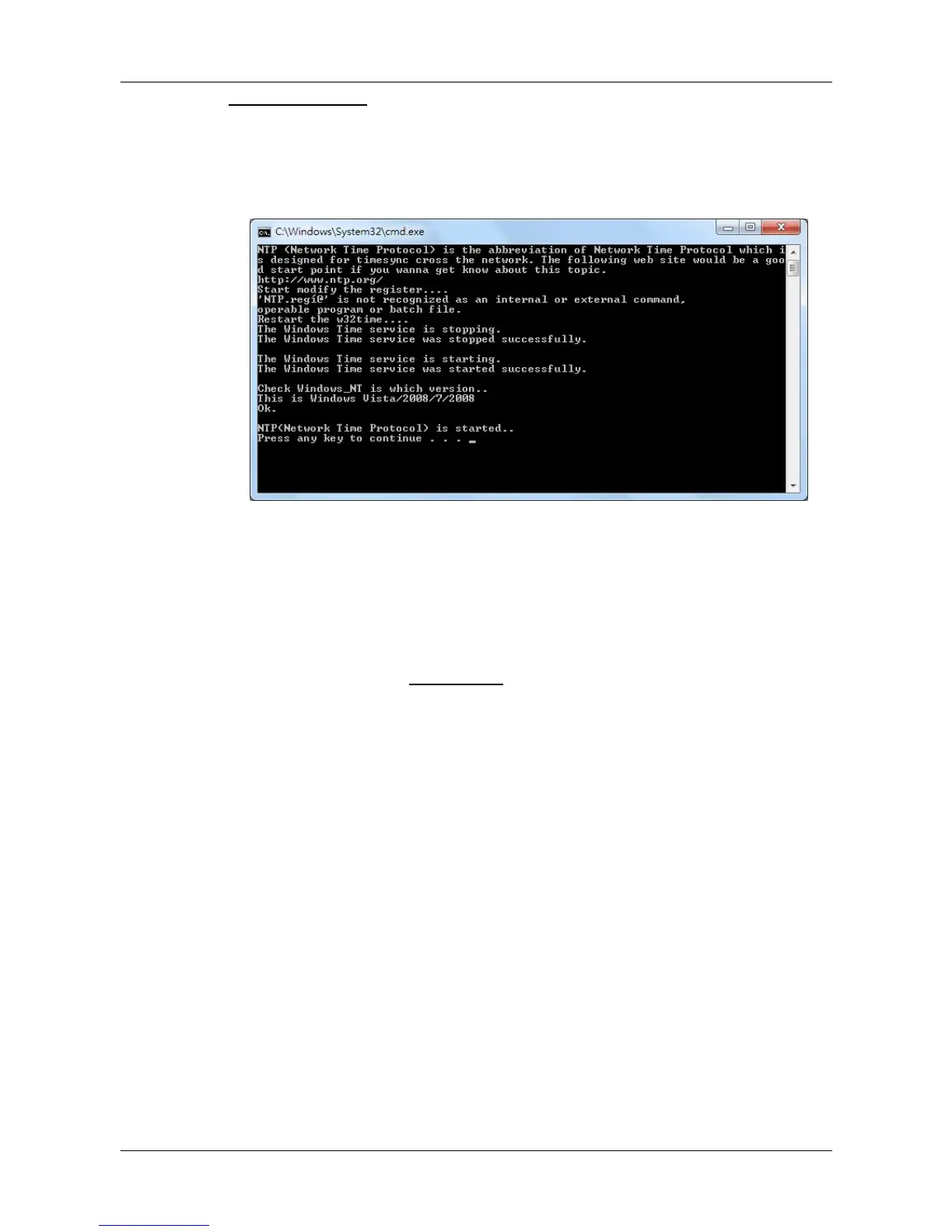
Start NTP Server
If users wish to sync the PC’s time with a Network Time Protocol (NTP),
select this item and a command window will be prompted. Confirm to add
NTP register and let the command window run the rest works. After the NTP
is started, users can press any key to finish the process.
2.2 Software Upgrade
CMS software can be upgraded to new released version automatically or
manually. The upgrade process will be performed in CMS main window.
Please refer to section About CMS for more information about automatic and
manual software upgrade.



 To Next Page