OSD Setup Manual
25
< UPS Setup >
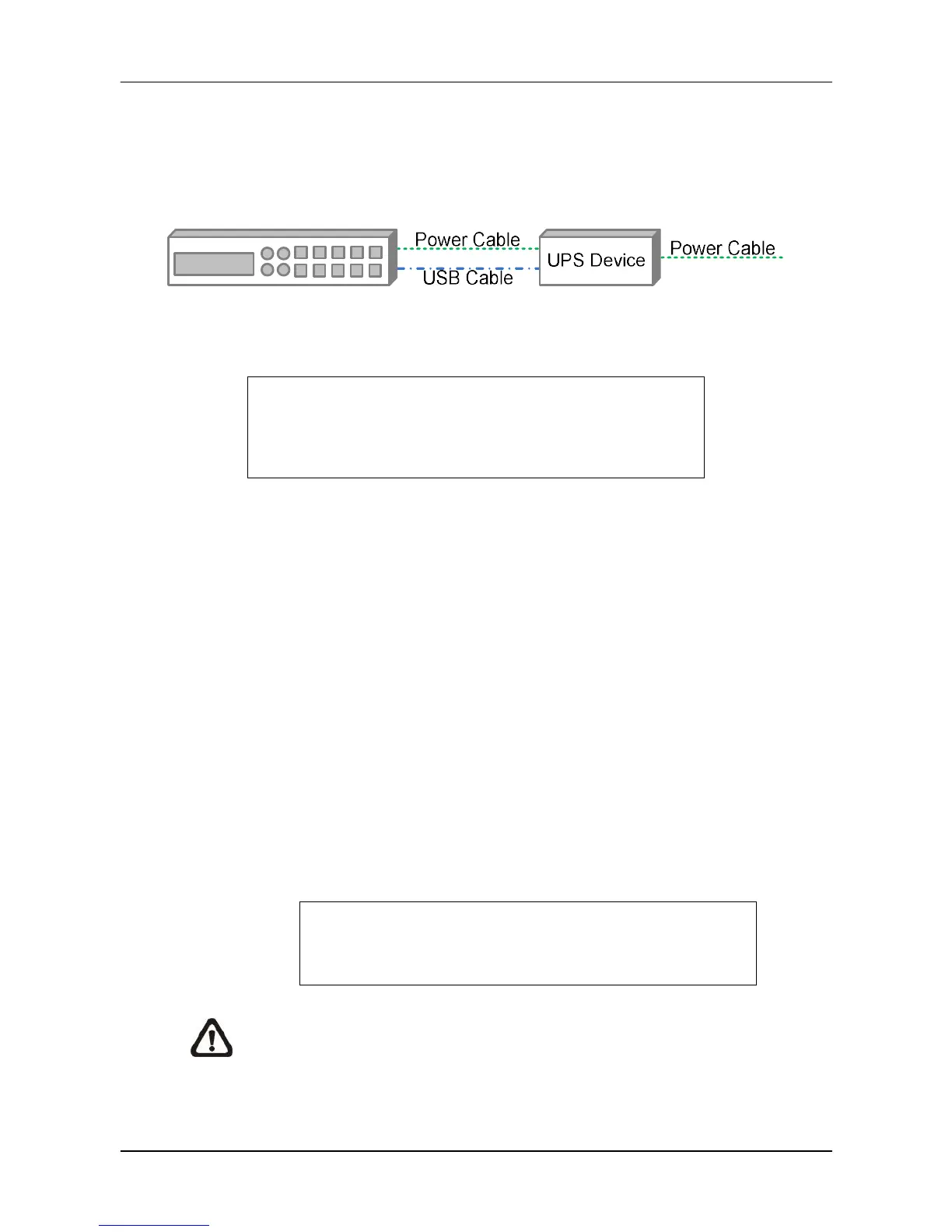
When users wish to connect the NVR to the power source via an UPS device, the required
connections are illustrated as the following figure. The USB cable is for data communication
between the NVR and the UPS device.
The UPS Setup menu is as the following.
UPS Setup
UPS Protocol
Power Failure Scenario
UPS Shutdown Setting
UPS Info
APC
Shutdown
UPS Protocol
This item is for users to select an appropriate UPS protocol. Note that if the UPS
protocol is not selected, <UPS Info> will be grayed out and not available for setup.
Power Failure Scenario
For this item, users can choose what action the NVR should take when power
failure occurs. If <Shutdown> is selected, users have to do further setting under
<UPS Shutdown Setting>. Otherwise, select <None> and power of the NVR will be
cut off when electricity of the UPS device totally runs out.
UPS Shutdown Setting
When <Power Failure Scenario> is set to <Shutdown>, this item will become
available. Users have to setup under which condition should the NVR begin to
automatically shutdown. The menu is shown as below.
UPS Shutdown Setting
Min Remaining Battery Level
Min Remaining Run Time
Delay To Activate
5 %
5 mins
10 secs
NOTE: The NVR will begin to shutdown when one of the first two condition
satisfied.



 To Next Page