User’s Manual
68
6.5.2 Schedule Record
Users can schedule specific time to record videos of current connected sites
to the local computer. Select <Schedule Record> and the Schedule Record
window will be displayed.
NOTE: Please beware that CMS only supports schedule recoridng for
up to 64 channels at once, despite the number of connecting sites.
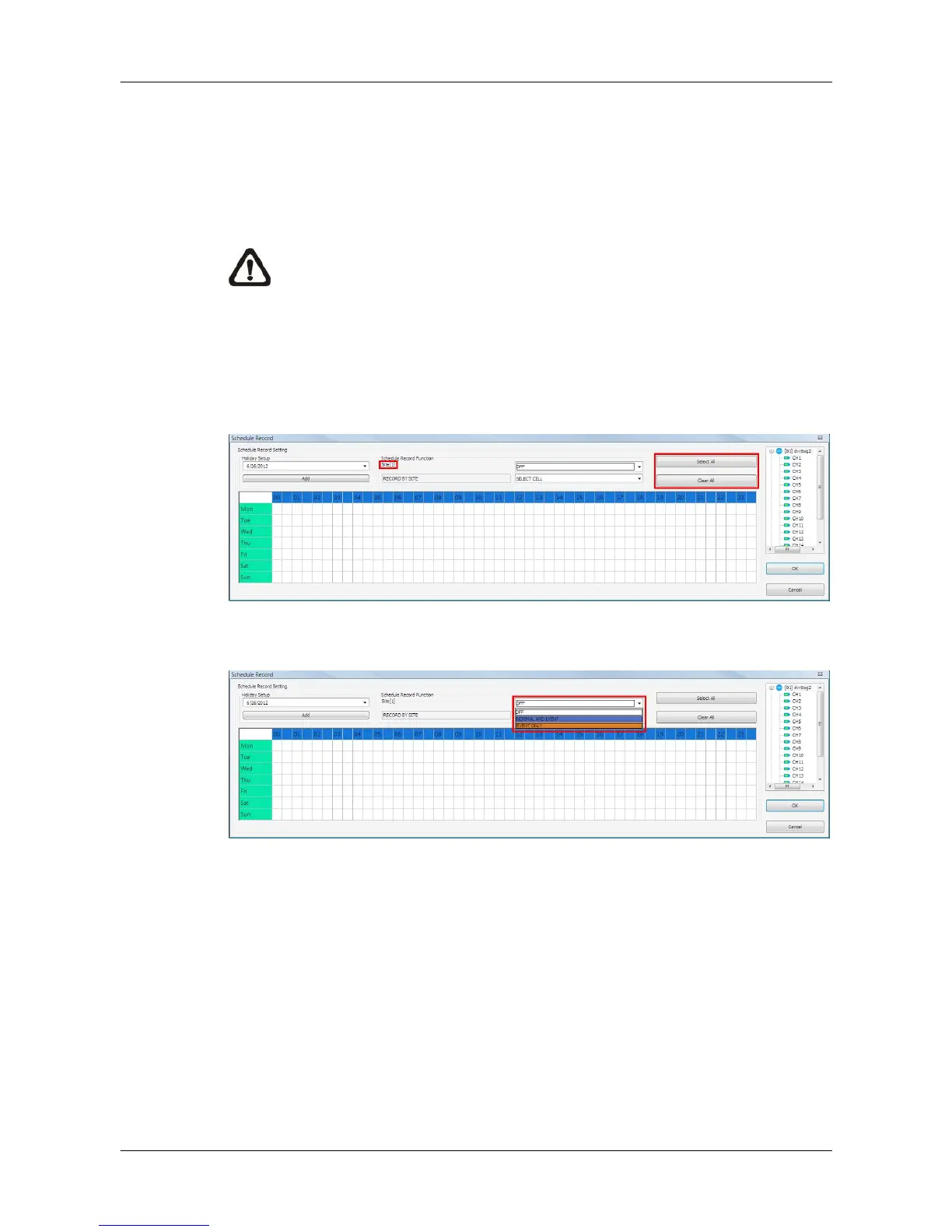
The current setting site will be shown on the top of the Schedule Record
window, as circled in the picture below. Alternatively, users can click on the
<Select All> or <Clear All> buttons to setup all sites to always record or
always not record at once.
The scroll-down menu circled below shows the recording types.
<OFF>
Select this to switch off the schedule record function.
<NORMAL AND EVENT>
Schedule to record both the normal and event videos within the selected time
frame.
<EVENT ONLY>
Schedule to record only the event videos within the selected time frame.



 To Next Page