User’s Manual
112
6.10 Alert Log
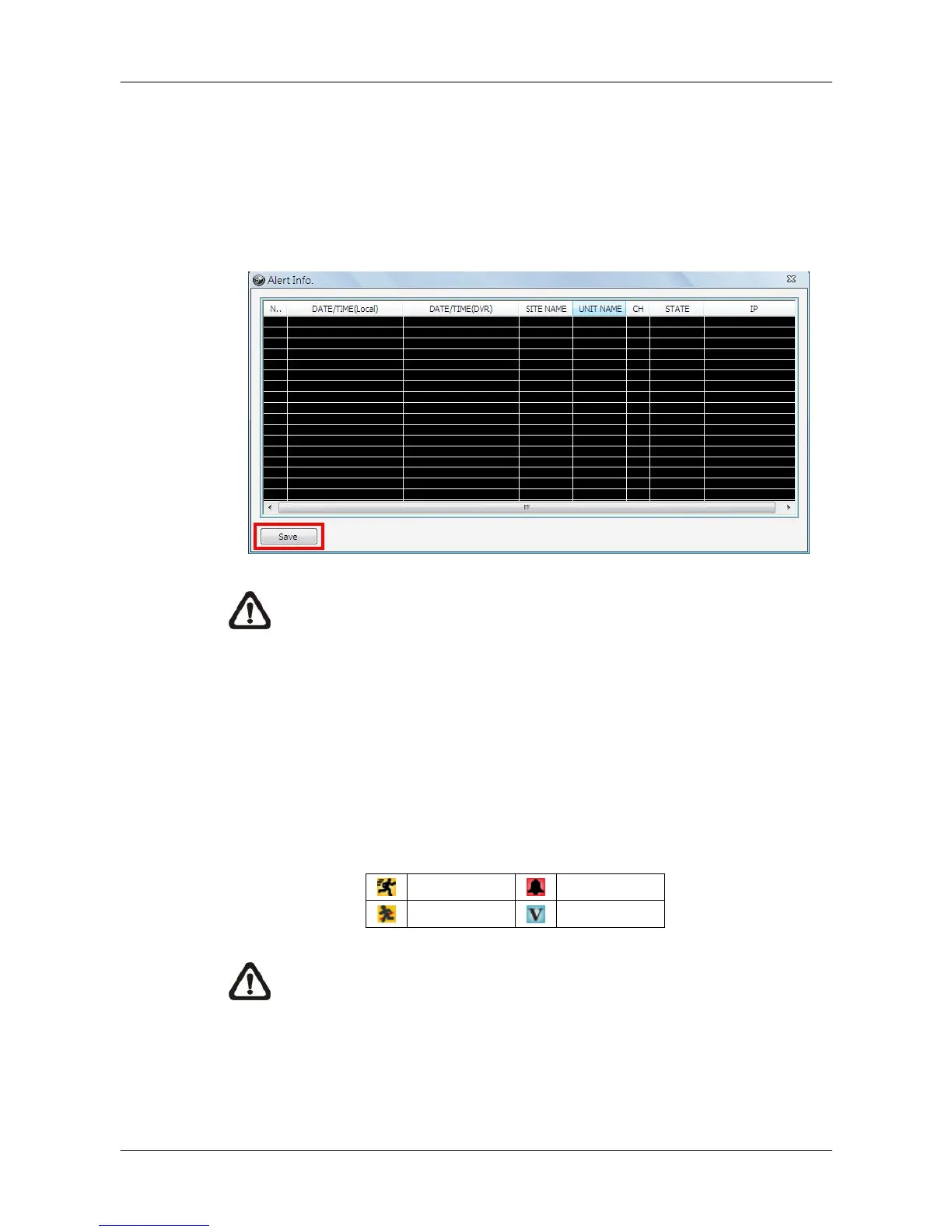
When an alert is triggered while the alert function is enabled, the <Alert Log>
icon will blink to indicate that an alert has been triggered. Click on the <Alert
Log> icon to display the Alert Info window. Users can click on the <Save>
button to save the alert information list.
NOTE: The maximum number of items that can be kept on the alert list
is 1,000. When the list reached 1,000 items, the earliest alert
messages will be deleted while the new ones are being saved.
Double click on the Event Messages (Alarm, Motion, or Video Loss) to view
the event video in full screen. If the DVR sending the Event Messages is not
currently connected to CMS, a message box will be displayed. Connect the
DVR and the event video will be available.
Icons of alert types, as listed below, will be displayed at bottom-left of the grid.
NOTE: If the alert event has not yet been added to the database of the
DVR, a warning message will be shown to notify users.



 To Next Page