User’s Manual
36
5.4 Alert Events
The alert function enables the connected DVR(s) to send alert signals to CMS.
This section describes how the alert function works.
Setting up the alert function
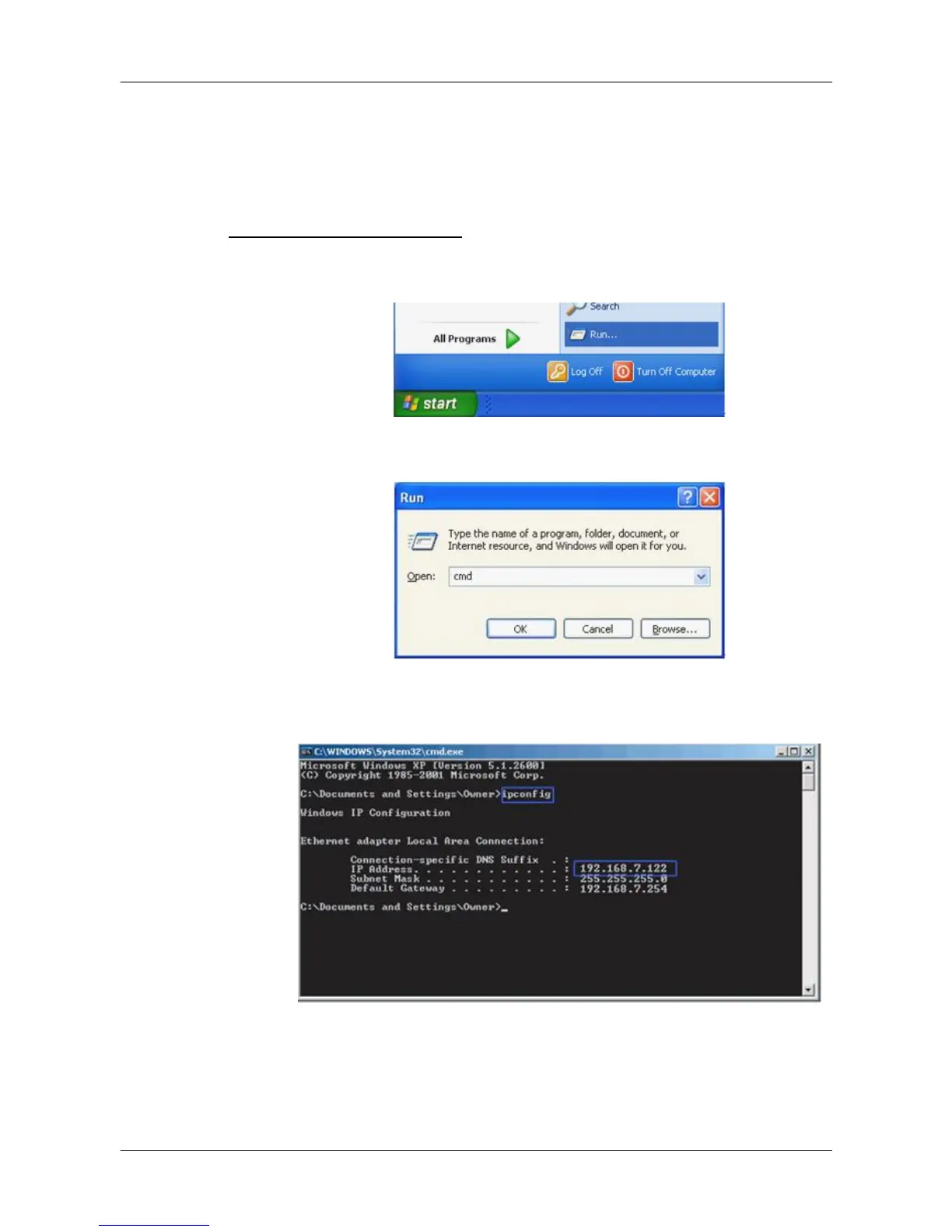
Step 1. Find the IP address of the local computer.
Go to Start menu, select Run.
Type in cmd and click OK.
Type in ipconfig to get the IP Address of the local computer. Write
down the IP address on a piece of paper for later use.



 To Next Page