User’s Manual
116
7.3 Camera Info.
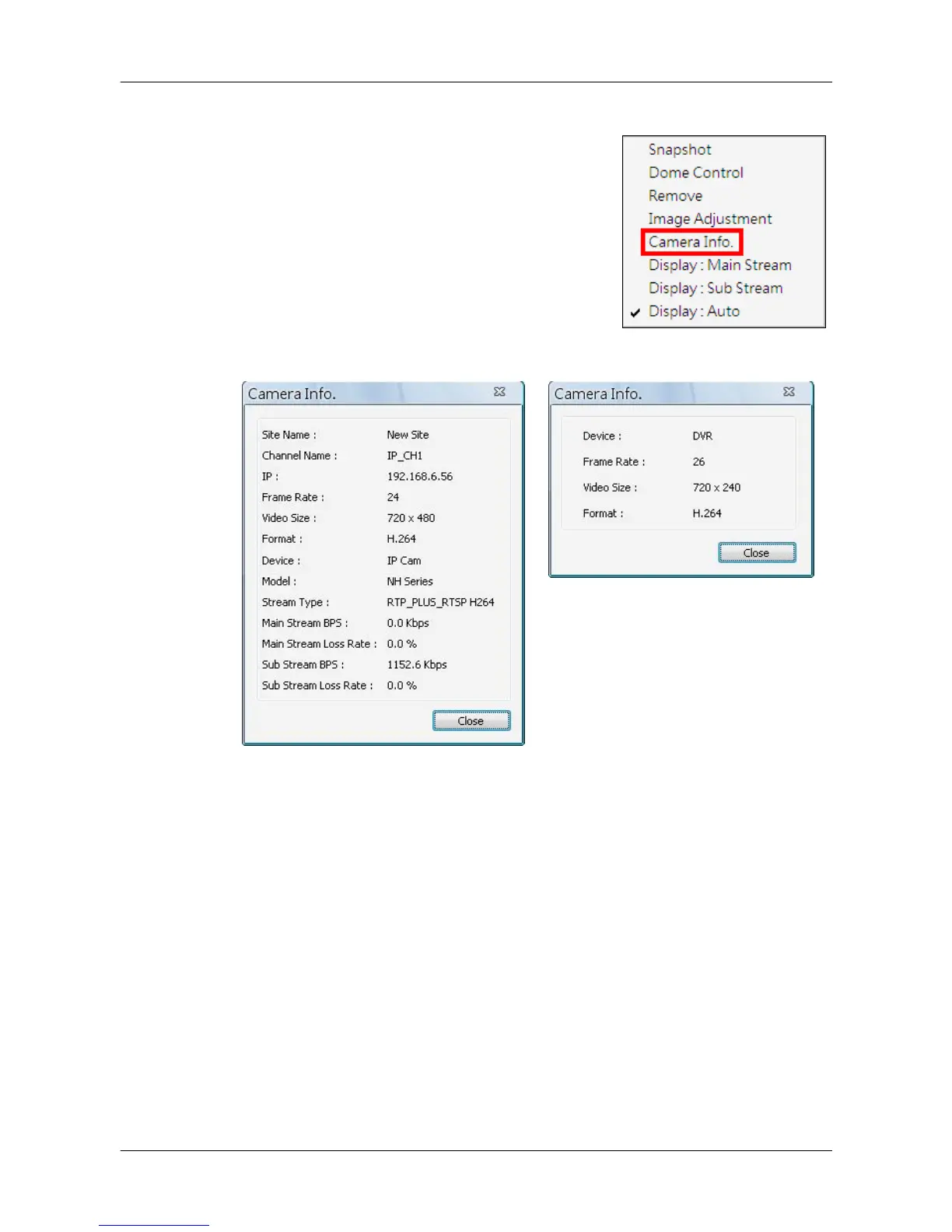
Camera information can be viewed both in CMS
and CMS Player. Right click on any channel grid
and select <Camera Info.> from the pull-down
menu to view its camera information. Refer to
the following for examples of Camera Info.
window from CMS and CMS Player.



 To Next Page