User’s Manual
55
6.3 View Operator
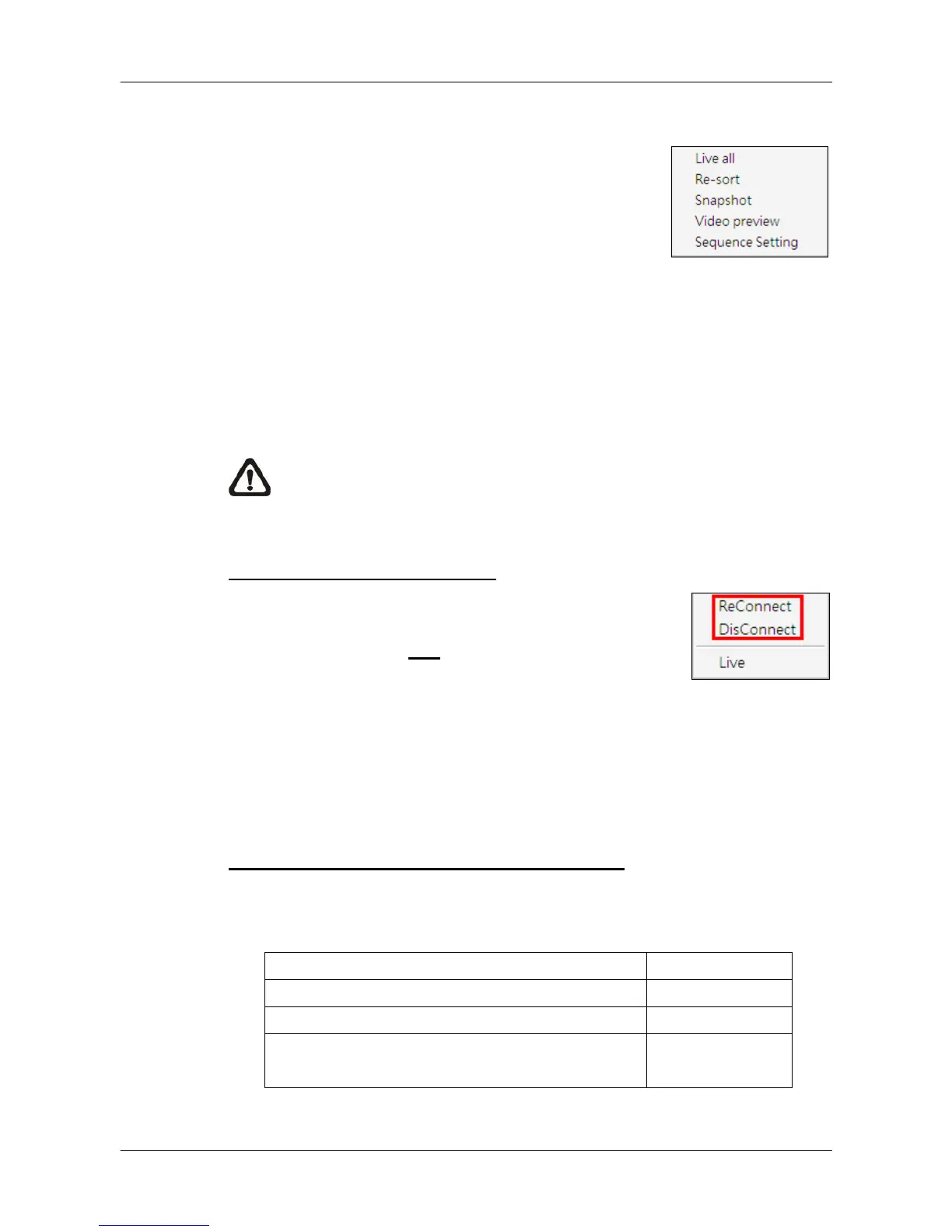
Click on the <View Operator> icon and the pull-down
menu are <Live all>, <Re-sort>, <Snapshot>, <Video
preview> and <Sequence Setting>. Details of the
menu items are described in the following subsections.
6.3.1 Live All
This menu item allows users to connect all sites in current site tree and
display their Live monitoring at one click. More details about connection to
sites, please refer to the following descriptions.
NOTE: For Live viewing of more than 16 IP devices, users need to
lower the camera resolution and change the compression method to
MPEG4 or MJPEG.
Reconnect/Disconnect the Sites
If the connection between CMS and any connected site
has been interrupted, users can reconnect the site by
right clicking on the Site in the site tree and select
<ReConnect> from the pull-down menu. Users can also
disconnect any site by right clicking and selecting
<DisConnect> from the pull-down menu.
Select <Live> after right click on a site and CMS will retrieve Live monitoring
image(s) of the site.
Auto-Reconnect of Specific Disconnected Sites
CMS will automatically reconnect to specific disconnected sites every 7
minutes. Refer to the following table for all possible cases.
Situation Auto-Reconnect
Sites that are not connected at the beginning: Yes
Sites that are disconnected manually No
Sites that are connected at the beginning but
disconnected for some reason later on
Yes



 To Next Page