User’s Manual
49
5.9 Monitor Setting
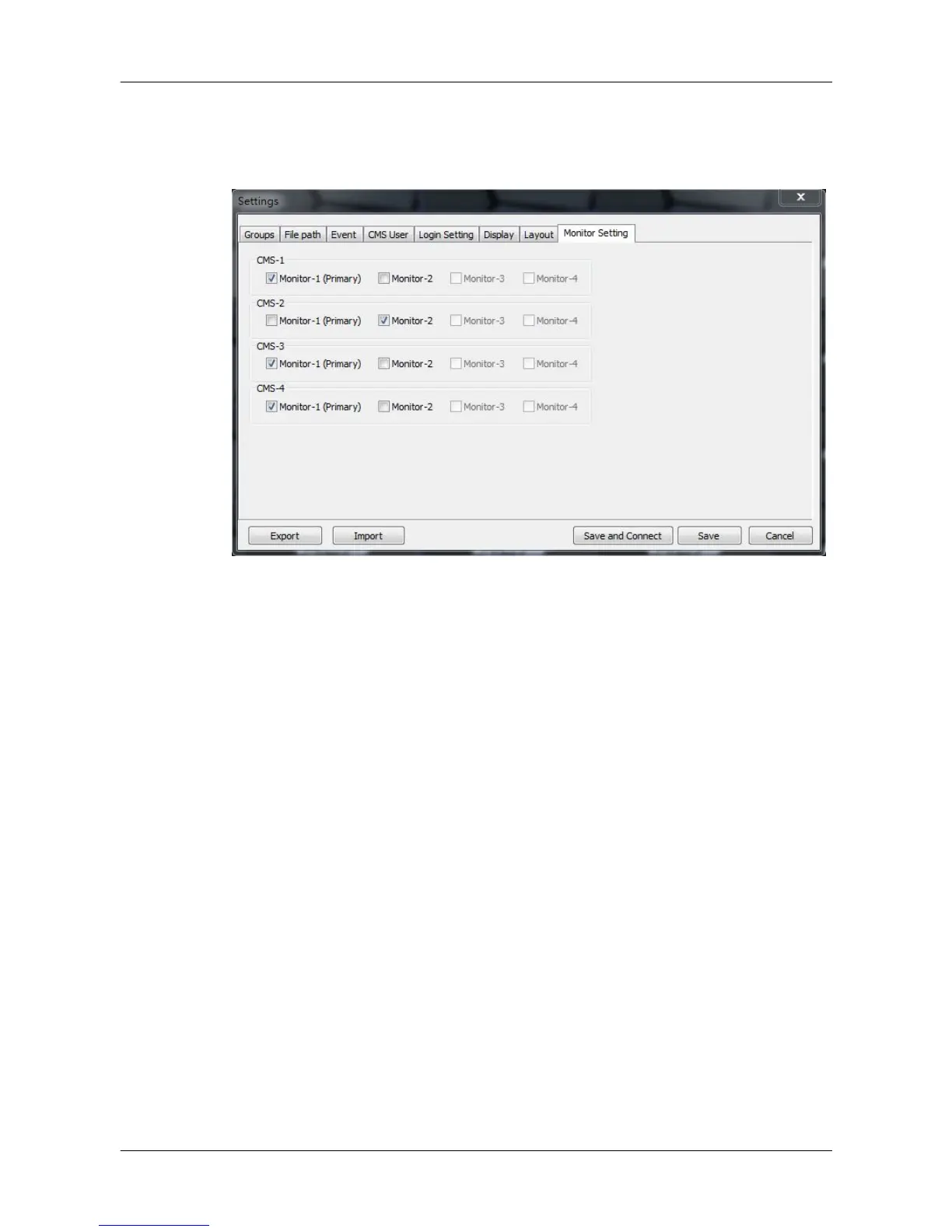
When two or more monitors are connected, users can decide which monitor
to show which CMS server under the Monitor Setting tab.
As shown in the above picture, the PC is connected to two monitors.
Therefore, users can select displaying monitors for each CMS server by
checking the box in front of the preferred monitor.



 To Next Page