OSD Setup Manual
75
Appendix D: HDD Copy Tool (EXT2IFS)
The data system of the DVR’s HDD is totally different from Windows
®
based PC. So if users
just simply plug the HDD onto the PC, the PC will not recognize its existence. Hence, to
access data from the DVR’s HDD, users will need a special HDD Copy Tool driver called
EXT2IFS. This appendix will introduce how to download, install, and setup EXT2IFS and
the DVR’s HDD.
NOTE: This driver is also compatible for HDDs with EXT3 file system.
Installation of the DVR’s HDD
EXT2IFS can be found on the website: http://uranus.it.swin.edu.au/~jn/linux/ext2ifs.htm. A
detailed description about the driver can also be found. Plug in the DVR’s HDD to the PC,
then follow the steps below.
Step 1. Download EXT2IFS to the PC from the website listed above.
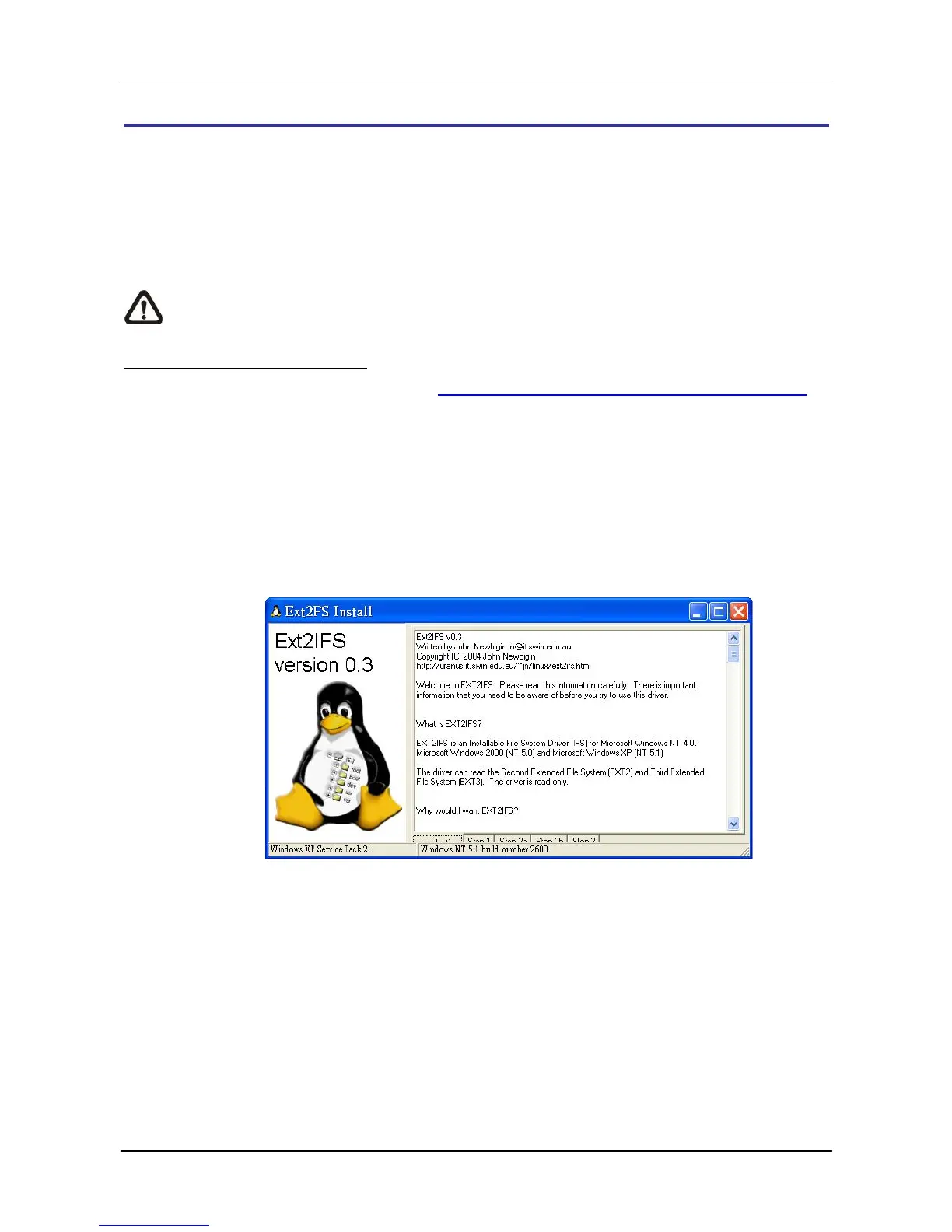
Step 2. Extract the EXT2IFS driver that was just downloaded. Open the extracted folder
and double click on “service.exe”, and the window below will be displayed.



 To Next Page