User’s Manual
9
2.1 Start Menu Add-ons
Click on the Start menu and find CMS.
There are several add-ons, as shown below.
Joystick
Go to the Joystick submenu and users will be granted with two pictures for
brief instructions of joystick controls. Refer to subsection Joystick Control
under section PC System Info for more details about joystick usages.
Multi-CMS
Access the Multi-CMS submenu and it provides four CMS server applications.
Users can select to startup any preferred CMS server.
CMS
Select this item to startup CMS server.
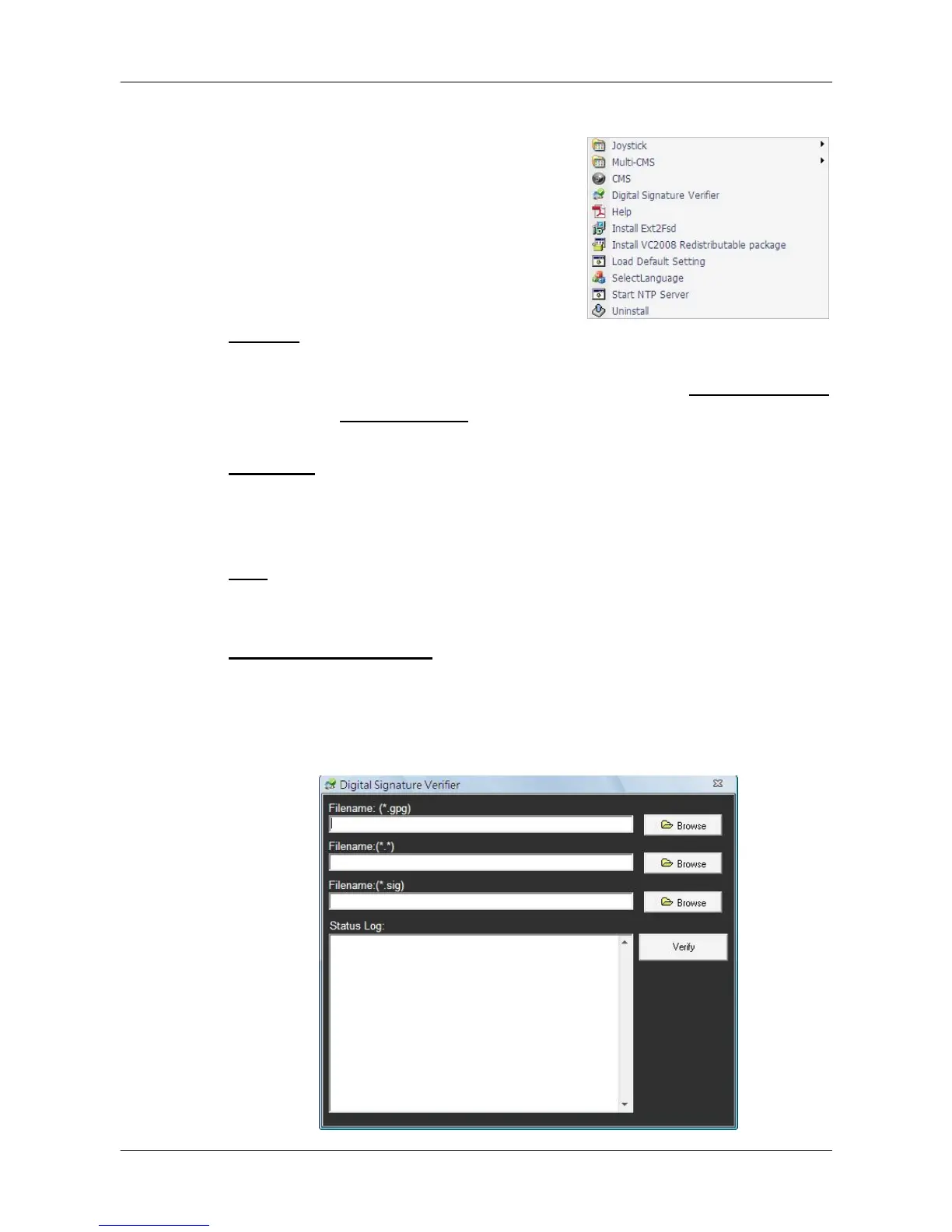
Digital Signature Verifier
Digital Signature Verifier allows users to verify exported video files with digital
signatures. As shown below, pick up all required files and click on <Verify>. A
GOOD signature indicates the exported clip has not been altered, whereas a
BAD signature means the video might be changed at some point.



 To Next Page