OSD Setup Manual
14
< Unit Name >
Users are allowed to assign a unit name, up to 11 characters, to the Versatile/Lite H.264
DVR.
Follow the steps below to edit the unit name.
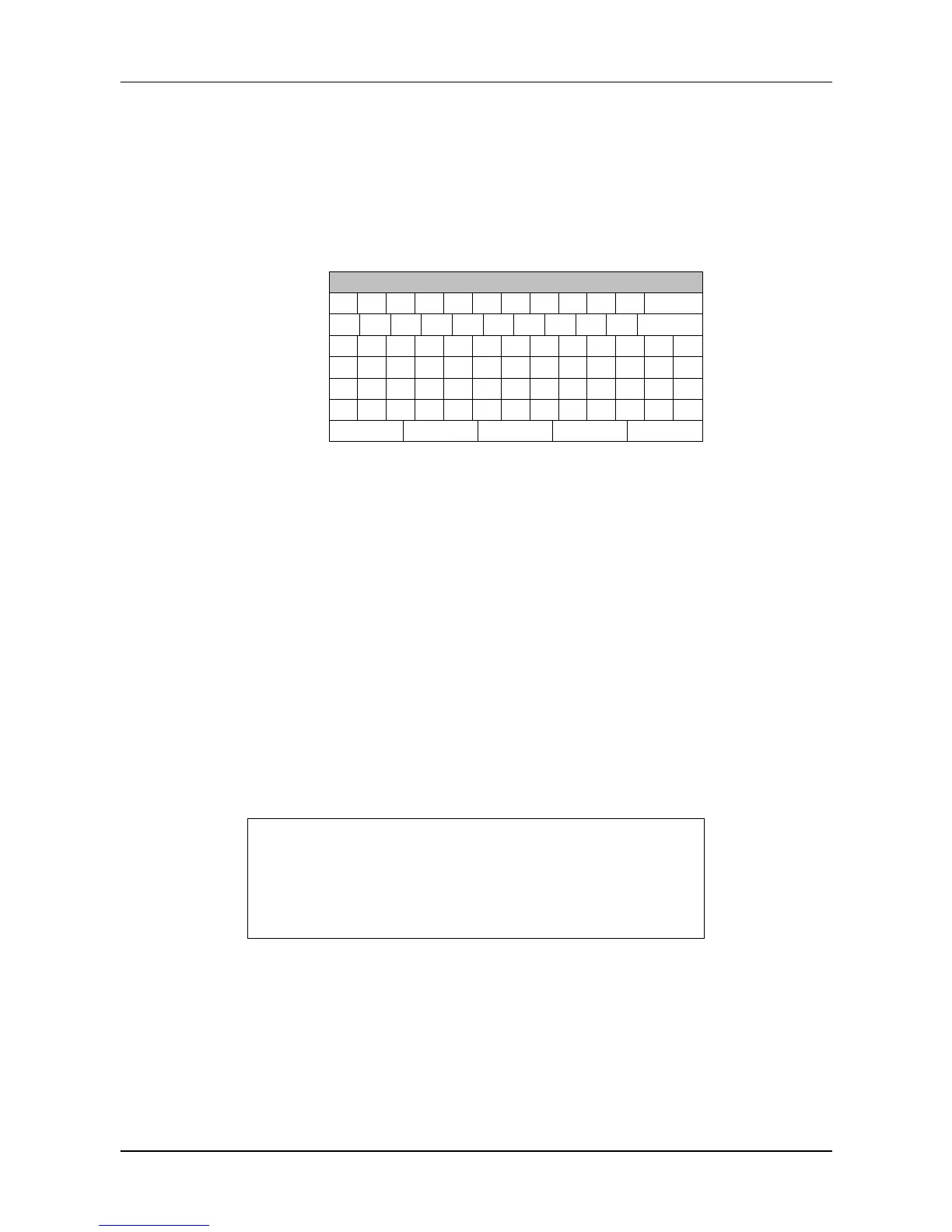
Select <Unit Name> from System Setup menu and press ENTER. A virtual
keyboard displays as below.
!
OK
Use Direction keys to move the cursor to the wanted character.
Press ENTER to add the character to the entry field (up to 11 characters).
When the unit name is entered, move the cursor to <OK> and press ENTER to
save the settings and exit.
< Show Unit Name >
This item enables the unit name of the Versatile/Lite H.264 DVR to be shown on the
monitor. Select <Yes> to show or select <No> to hide.
< User Management >
The DVR provides the option to create up to seven sets of usernames and passwords with
customized authority, excluding the preset “admin” account. The menu is as the following.
User Management
Password Protection
Auto Logout
Account Setup
Permissions Setup
Load Default Setting
On
300 Sec
No
Password Protection
Select <On> to request for username and password for accessing functions listed
in Authority Setup menu, or select <Off> to allow free access.



 To Next Page