User’s Manual
99
2-way Audio Talk (IP Cameras Only)
For IP cameras, 2-way audio talk function enables users to communicate with
the camera side. All stream types except “RTP OVER RTSP” support 2-way
audio. The current supported 2-way audio type is ALaw and uLaw audio type.
Check the box in front of <Talk> to enable the talk function. Display the IP
camera in single-channel viewing mode, and users can speak through the
microphone now to communicate with the camera side. “Talk” will be shown
on button left of the Live video.
NOTE: The communication mode is one to one. Broadcasting function
currently is not available.
Audio
Check the box in front of <Audio> to switch on/off the audio.
NOTE: Switching ON/OFF the audio at CMS will not affect the audio
setting of the connected sites.
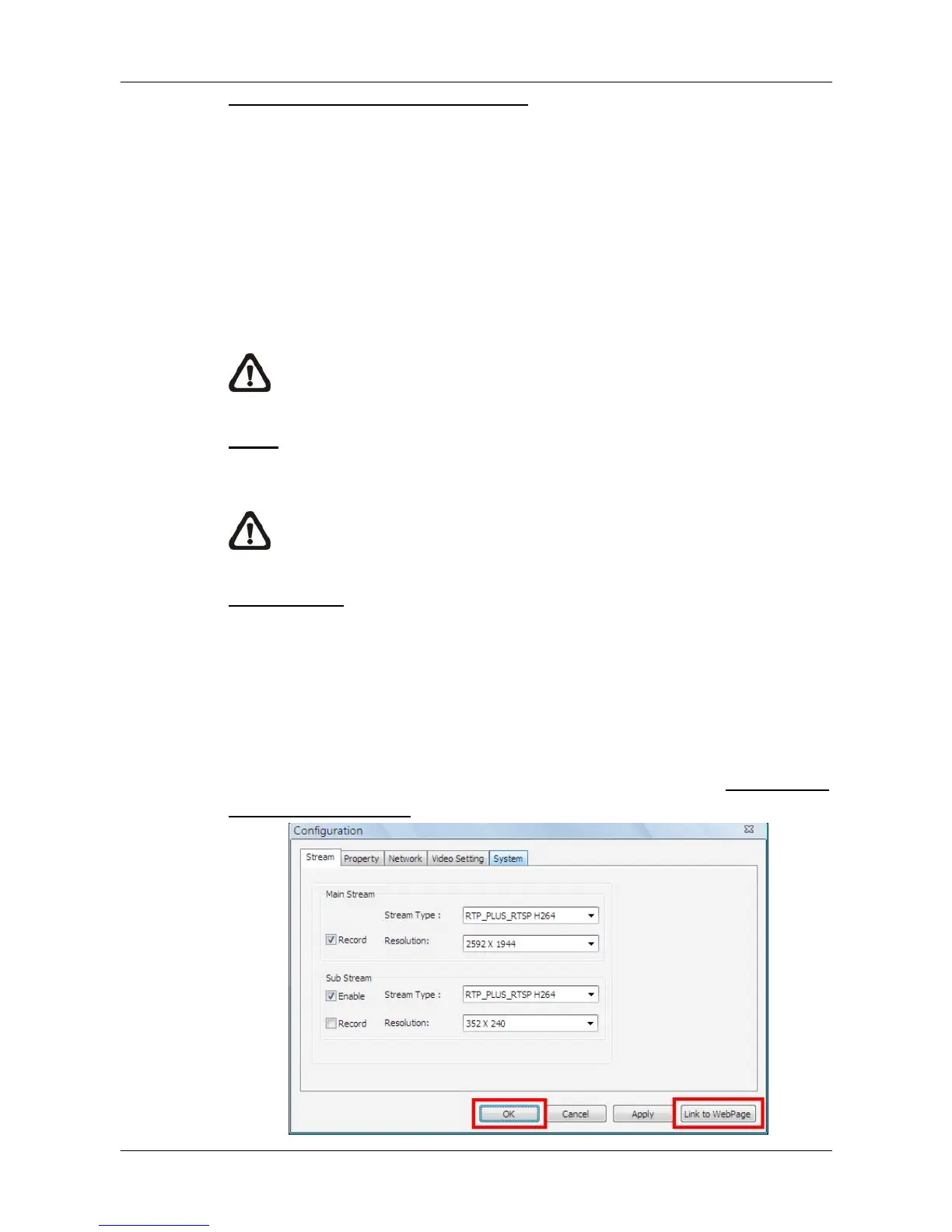
Configuration
Click on the <Configuration> button to open the configuration menu of the site.
The configuration menus for different types of sites are different from each
other. Refer to the following for examples.
Configuration Menu of an IP Camera:
The Configuration menu of an IP camera is as shown below. The <Stream>
tab is the same as in <Advance Streaming Setting> in section Setup the IP
Camera Site Manually.



 To Next Page