Troubleshooting and maintenance
9.7
Training manual • Basic training • Status 03.14
EOS P 396
9
3. Apply layer of powder manually:
• In the Dosing factor field enter 10 .
• Dose manually:
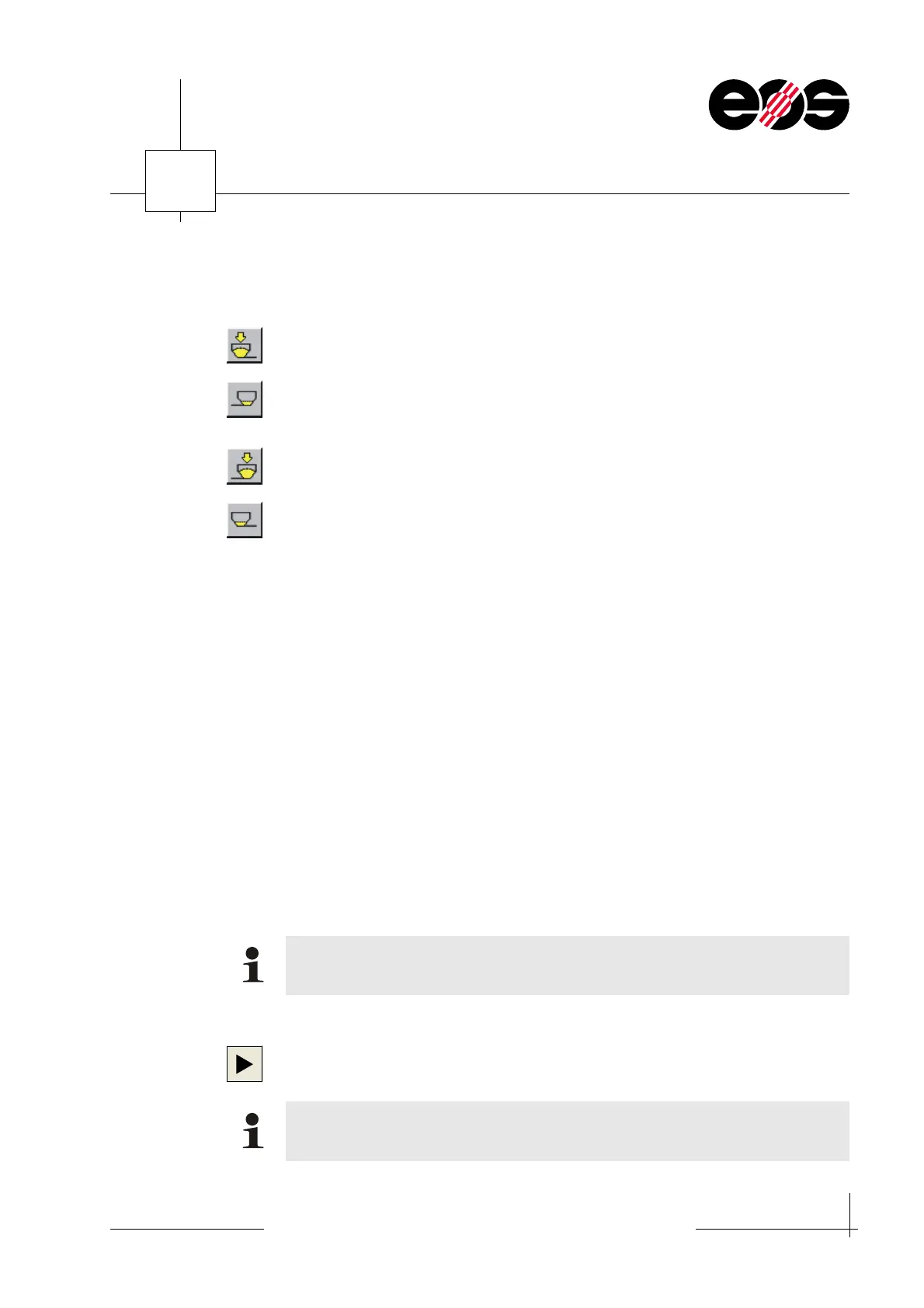
Click Dosing left button.
• Move recoater to the right filling position:
Click Filling position right button.
Plastic powder is applied.
• Dose manually:
Click Dosing right button.
• Move recoater to the left filling position:
Click Filling position left button.
Plastic powder is applied.
• Repeat the steps until a continuous,
approx. 3 mm thick layer of plastic powder is applied.
4. Reduce temperature in the process chamber:
• On the Options menu choose the HWI… option.
The HWI parameters window appears.
• In the Nominal temperature group box reduce the process chamber
temperature by 1 to 2 °C and accept entry using OK.
5. Load temperature job and determine building temperature.
☞ section 8, Checking, determining, setting building temperature.
6. Load a job.
☞ Operation EOS P 396 manual, section 6, Loading a job.
7. Adjust job:
• In the PSW delete from the job the SLI data already built.
☞ Operation EOS P 396 manual, section 6, Deleting parts.
• In the PSW move down SLI data.
☞ Operation EOS P 396 manual, section 6, Moving parts.
8. Start building process:
In the Minimum warm up time field select a value and accept with OK.
Note that between the parts built last and the newly loaded parts there must be
a powder layer of at least 3 mm.
The warm up value is dependent on the difference between the actual process
chamber temperature and the nominal temperature entered.


 To Next Page