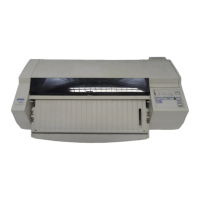
EPSON Stylus COLOR 3000
EPSON Stylus Color 3000 Service Manual
-13
Select "5. Uni-d" from the
adjustment program.
Change the value
using
↓
.
Press the Space key to
print.
Press 0 to
correct the value.
The printer prints another Uni-D
adjustment pattern in the draft
mode.
Press Return.
Yes
No
Gap Width
Change the value
using
↑
.
What
does the pattern
show?
Is Uni-D
OK?
OK now?
End
Start
The printer prints the Uni-D
adjustment pattern in the draft
mode.
Is Uni-D
Yes
No
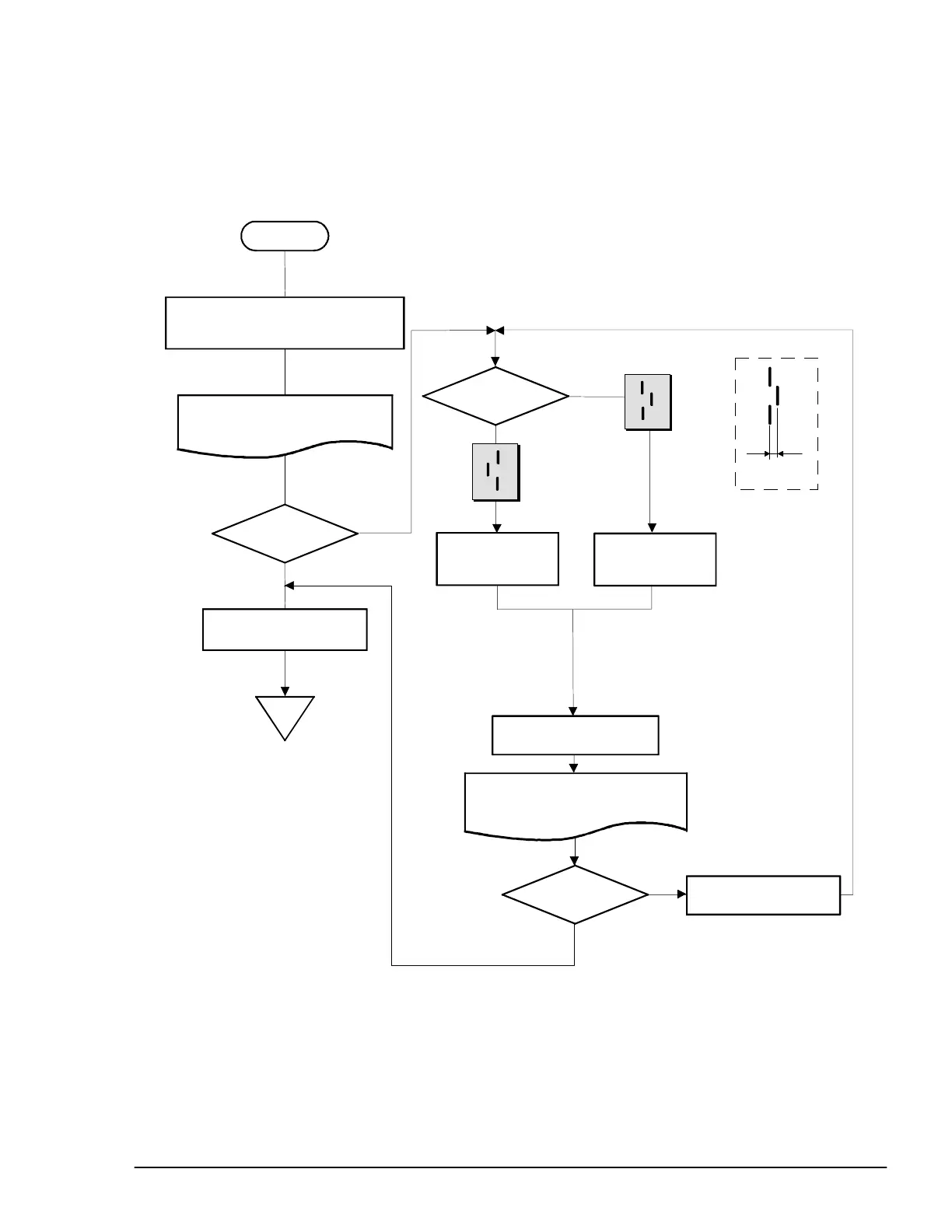
Figure 4-8. Uni-D Adjustment Flowchart



 To Next Page
 Loading...