405.1200.037.2 - Rel.: 2.21 of 25/02/2008
11-17
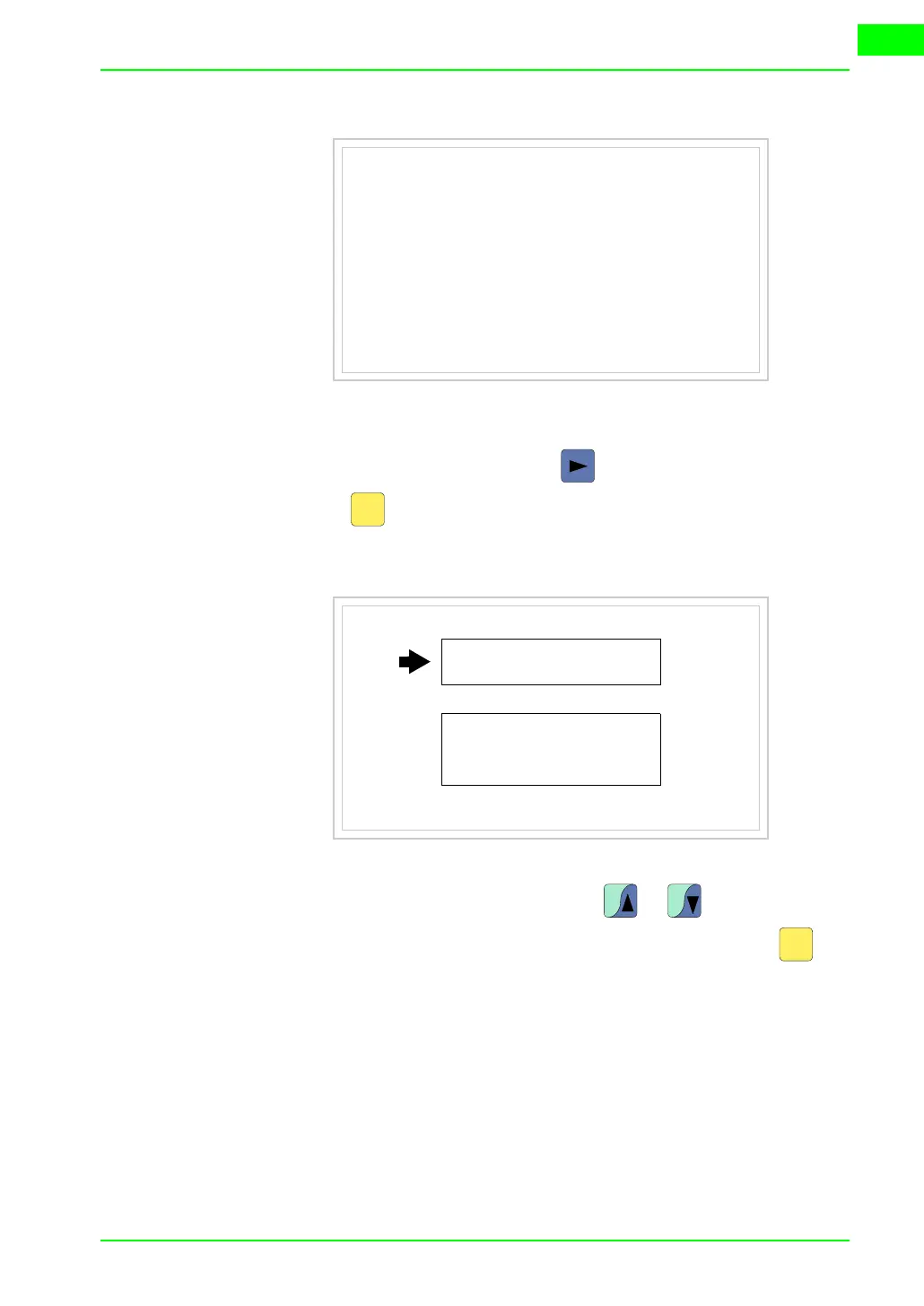
There is one of these pages for each communication port; you can move
between the various pages by pressing .
If you press while displaying this page you can access the page for set-
ting the clock and the contrast.
In order to access the contrast setting, use or to select the SET
CONTRAST option that is displayed in reverse colors and press ; the
following mask will appear:
Port : xxxxxxxxxxxxxxxxxxxxx
Driver : xxxxxxxxxxxxxxxxxxxxx
Ver : xxxxxxxxxxxxxxxxxxxxx
Addr VT : xxxxxxxxxxxxxxxxxxxxx
Error : xxxxxxxxxxxxxxxxxxxxx
Right = next page Enter = settings page
Enter
SET CONTRAST : ±##
SET CLOCK :
ddd,dd/mm/yy
hh:mm:ss
Up/Down = select Enter = set
PgUp PgDn
Enter



 To Next Page