CHAPTER 36
Operation of terminal with keyboard
405.1200.037.2 - Rel.: 2.21 of 25/02/2008
36-4
The VT offers the following ways of changing a field:
• Total change
• Partial change
Total change This is the default mode adopted by the VT when enabling a change in a
field: numerical and alphanumeric fields behave differently.
Numerical fields:
The cursor flashes on the rightmost digit of the field. When the first
digit is introduced the rest of the field goes to zero, while the succes-
sive introductions make the digits shift to the left.
Alphanumeric field (ASCII):
The cursor flashes on the leftmost digit of the field. When the new
string is introduced sequentially the cursor moves one character to
the right.
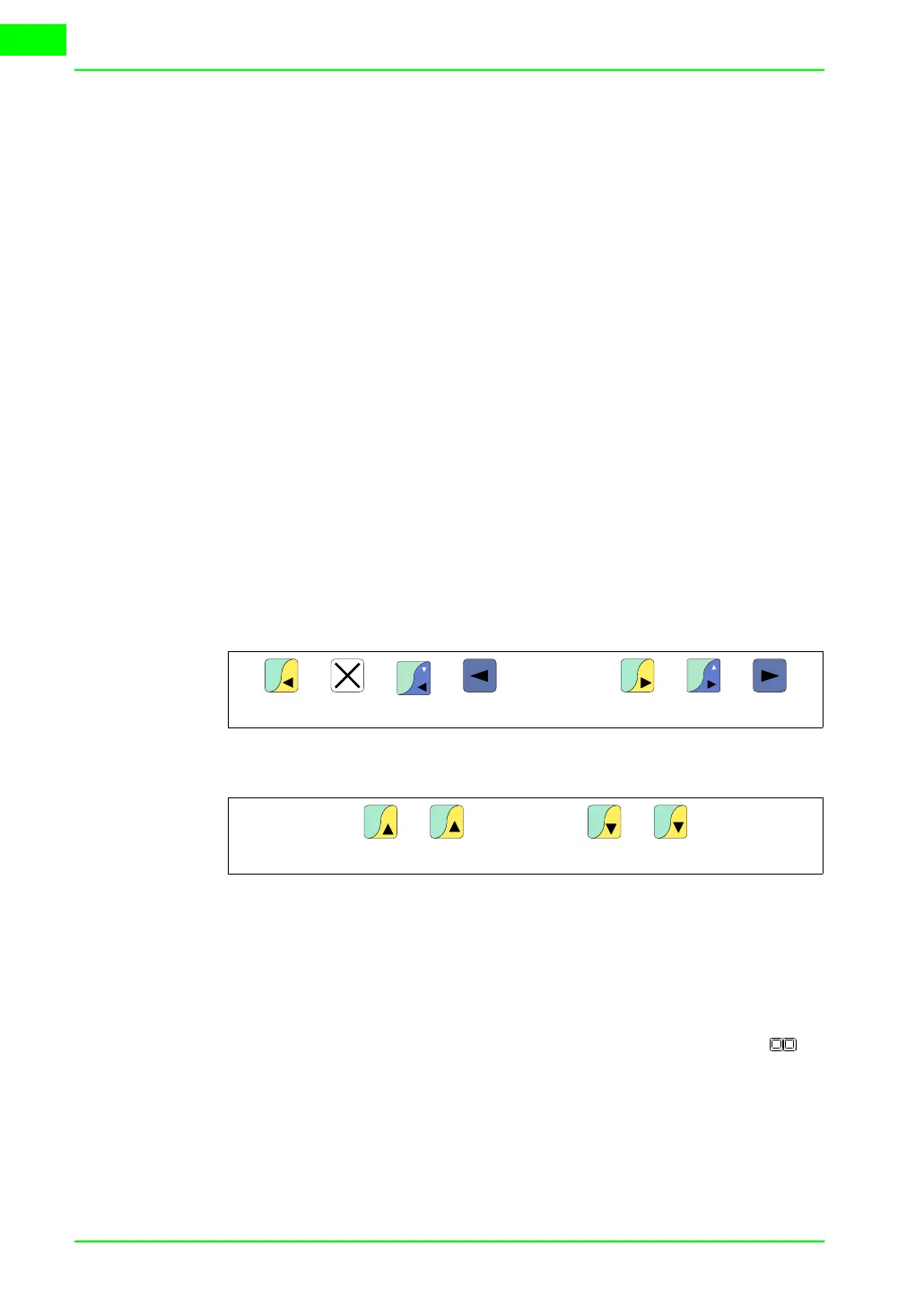
Partial change With the edit mode enabled, pressing
and then inputting a digit or character or pressing
enables the change of only that digit or character pointed to by the cursor;
to change the adjacent digits or characters the cursor must be positioned
manually (the figure above applies only to VT50 and VT60).
Examples of
varying fields
The examples below are offered to clarify how this works. For the sake of
simplicity we have chosen a single product, VT170W, but conceptually
what is said applies to all VTs, irrespective of what is written on the .
Changing the value of a decimal numerical field:
The following example demonstrates the variation (total change) of
field 1 from 9999 to -1234.
VT60
F2
VT50 Others
or
F3
VT50
VT60 Others
.
VT130W
±
Space
VT130W
F1
VT60
F2
Help
VT50 VT60
or
Info
VT50


 To Next Page