CHAPTER 32
Settings for the Modem
405.1200.037.2 - Rel.: 2.21 of 25/02/2008
32-2
Before proceeding to transfer via Modem it has to be set up for reception,
that is, such that on receiving the call the Modem automatically responds
and goes into data reception mode.
AT commands
to be sent
Modems need a series of commands, some of which can be used to set the
Modem. The table below lists the commands (supported by the majority of
modems) necessary for setting the Modem as the VTs require. The com-
mand also comprises the parameter required.
Should the commands not be accepted by the modem being used
for the transfer, consult the producer’s manual for a complete list
of valid commands.
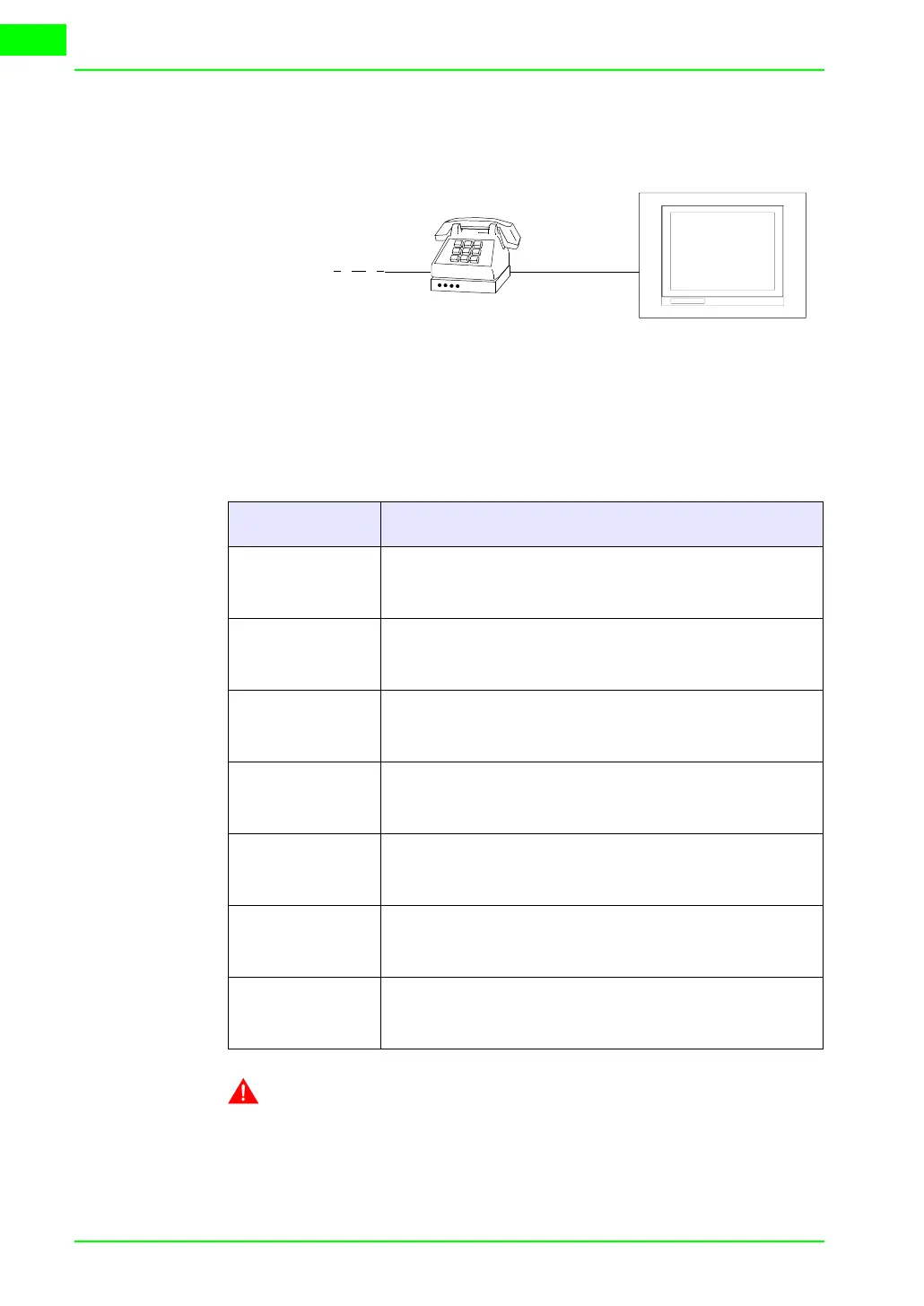
Telephone
line
Table 32.1: AT commands
Command Effect
AT&D0
The modem ignores the DTR signal and considers it always
activated.
AT&H0
or
AT&K0
Disables the RTS/CTS flow check.
AT&R1 The modem ignores the RTS and considers it always active.
ATS0=3 Let it ring 3 times before responding.
ATLn
Set the volume of the modem, where n can have a value from
1 to 3 (1=Min - 3=Max).
AT&W0 Save the modem configuration.
AT&F Reload the factory-made settings (default).



 To Next Page