CHAPTER 36
Operation of terminal with keyboard
405.1200.037.2 - Rel.: 2.21 of 25/02/2008
36-16
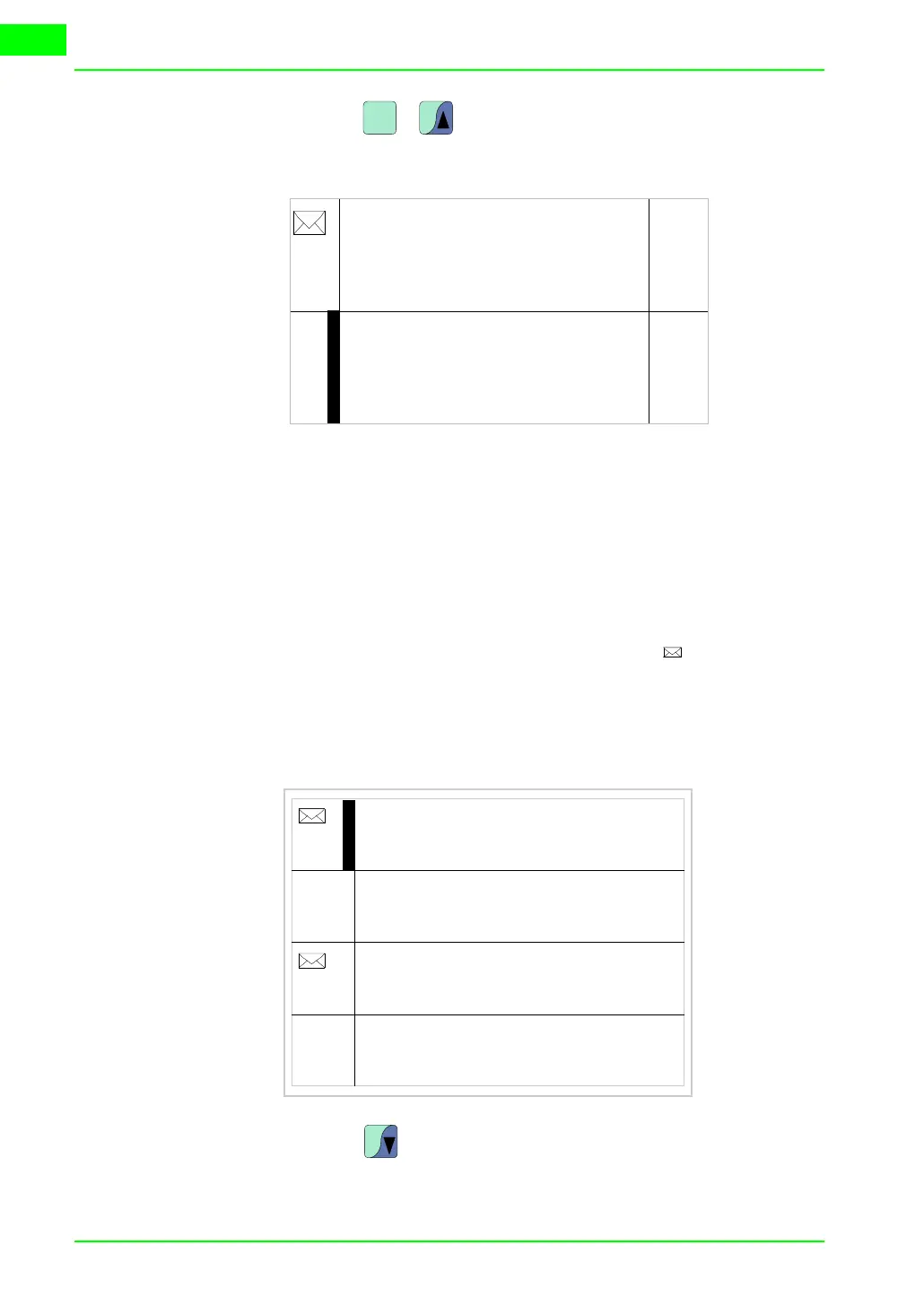
When you press + the previous page appears containing the first
and second messages:
VT330W
info-messages
Format:
• Four rows of 70 characters x1 high or two rows of 35 characters of dou-
ble height (x2) for the text of the message.
• One row for any data field (which in that particular situation could indi-
cate a safety or warning limit value).
• One row for the date and time the signal occured.
• The first display is indicated by a closed envelope [ ] at the top left of
the display. This symbol is not present if the message appeared the last
time the display mode for information messages was accessed.
Example with five messages:
When you press you select the second message displayed as the cur-
rent message (the black bar indicates message has been selected). NB: hav-
shift
PgUp
Pressure exceeds
safety limit
125.5
01-07-1998 10:45a HELP
Temperature exceeds
safety limit
1700
01-07-1998 10:55a HELP
First
message
Second
message
PgDn
Down
Up
Temperature exceeds safety limit
1700
01-07-1998 10:55a
Pressure esxceeds safety limit
125.5
01-07-1998 10:45a
Water level below min.
-10
01-07-1998 11:00a
The level of gas saturation in the
boiler room has reached the first
warning level
345
01-07-1998 19:00a
First
message
Second
message
Third
message
Fourth
message
PgDn



 To Next Page