CHAPTER 36
Operation of terminal with keyboard
405.1200.037.2 - Rel.: 2.21 of 25/02/2008
36-28
The VT can provide an automatic sequential display of information mes-
sages on command from the device (see
“Chapter 38 -> Command area“).
The buffer of the Alarm history can be emptied (the elimination of all the
messages registered) only by means of a command from the device (see
“Chapter 38 -> Command area“).
Once the buffer is full, new alarms are no longer registered. You
are advised to consult the chapter Status area of the VT
“Chapter
38 -> Status area for the terminal“
(see also Software Manual) to be able
to tell when the buffer is full.
The format is similar to that of the alarms except that a character [H] is
added in front of the number of the alarm (see the formats of the various
products).
VT130W
history buffer
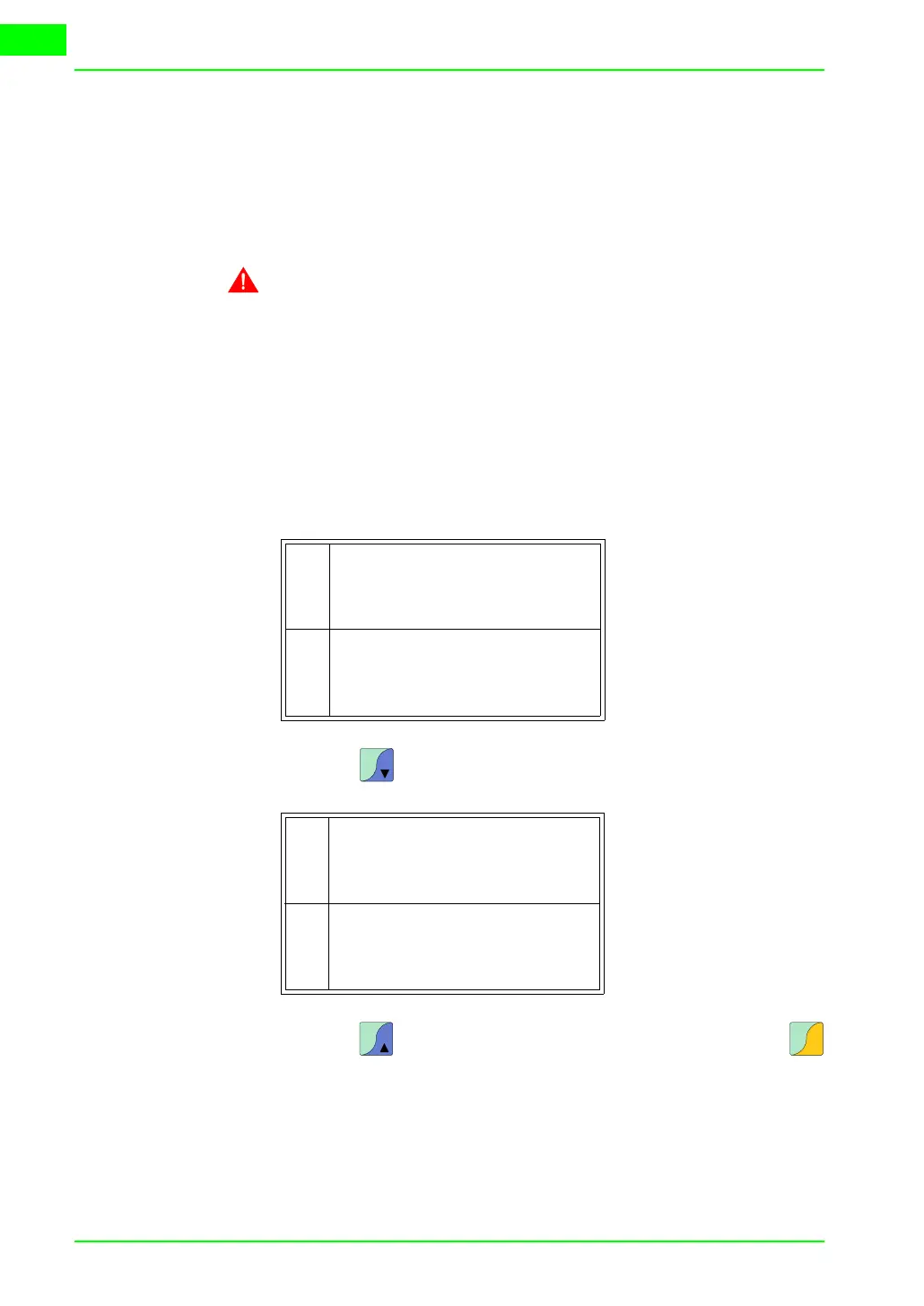
Example with two alarms.
When you press the next page appears containing the following alarm:
When you press the previous page appears again. When you press
you quit display mode of the history buffer.
H20 Lev. low. Stop
10.0
#01-07-1998 11:40a
<01-07-1998 11:37a
Press. Over Max
150.0
#01-07-1998 11:55a
First alarm
Second alarm
0001
0032
<01-07-1998 11:33a
>01-07-1998 11:32a
>01-07-1998 11:32a
H
H
Pg
Dn
T. over Safety lim.
10.0
#01-07-1998 12:29p
Third alarm
0006
<01-07-1998 12:29p
>01-07-1998 12:28p
H
Pg
Up
Esc
Clr



 To Next Page