CHAPTER 29
Inserting customized labels
405.1200.037.2 - Rel.: 2.21 of 25/02/2008
29-2
VT terminals are supplied with labels already set in the appropriate spaces.
If it is necessary to customize keys, the logo or the model the labels can be
replaced with the neutral ones supplied in kit with the terminal (only for
F-keys) or by inserting labels of other materials provided they conform
with the points set out below.
Failure to follow the following indications may cause damage to
the terminal.
Label The label must be of a material that is flexible and does not exceed 125µm
(micrometers).
Use neither stiff materials nor glues.
Warnings Before starting to insert the customized label the following points MUST
BE observed:
• Remove the label already inserted.
• Follow the indications set out in the paragraph Label.
• Do not use compressed air to help insert the label.
• Do not use rigid or other instruments to insert the label.
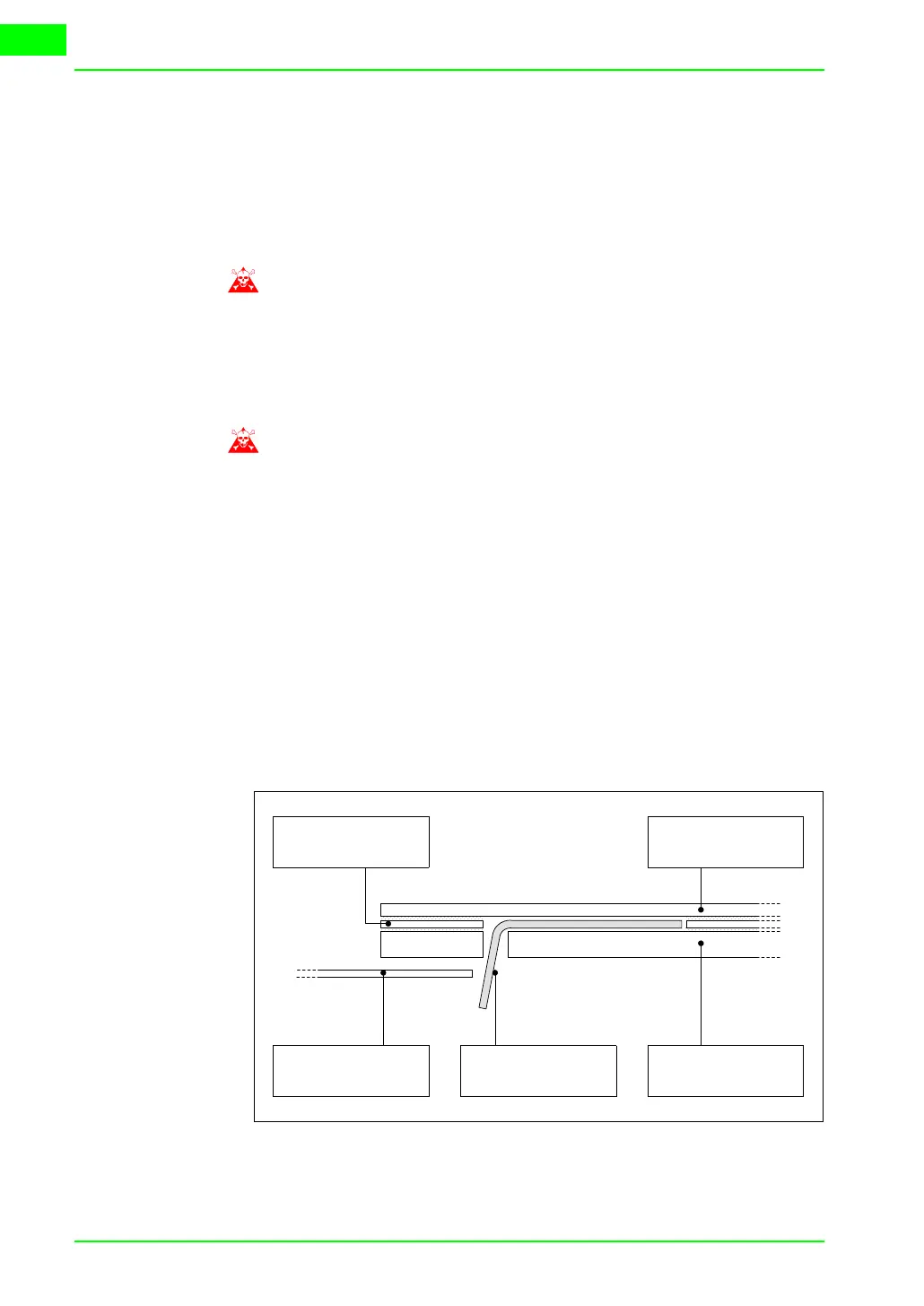
• Do not fold the label between the terminal and the casing. The following
figures illustrate the correct and the incorrect positions for the label.
Correct insertion:
The label illustrated is free and creates no tension on the keyboard.
Container Metal support
Thickness of sticker Keyboard
Label



 To Next Page