405.1200.037.2 - Rel.: 2.21 of 25/02/2008
24-21
A wrong address could give rise to an error of conflict between VT
terminals in the Ethernet network.
Transfer PC ->
VT
For everything to function properly, the first time the VT operator terminal
is switched on it needs to be correctly loaded, that is it needs to have trans-
ferred to it:
• Firmware
• Communication driver
• Project
(Given that the transfer of the three files in practice occurs with a single
operation, it will be defined as “Project transfer” for the sake of simplicity.)
For this it is essential that the VT be prepared to receive the transfer. (See
also
“Chapter 38 -> Command area“).
Preparation for
reception
The programme VTWIN must be used for the transfer (see Software Man-
ual), but the terminal must be prepared for reception.
This means carrying out the following steps:
• Check that the VT is off
• Check that there is a serial connection between the PC and the VT
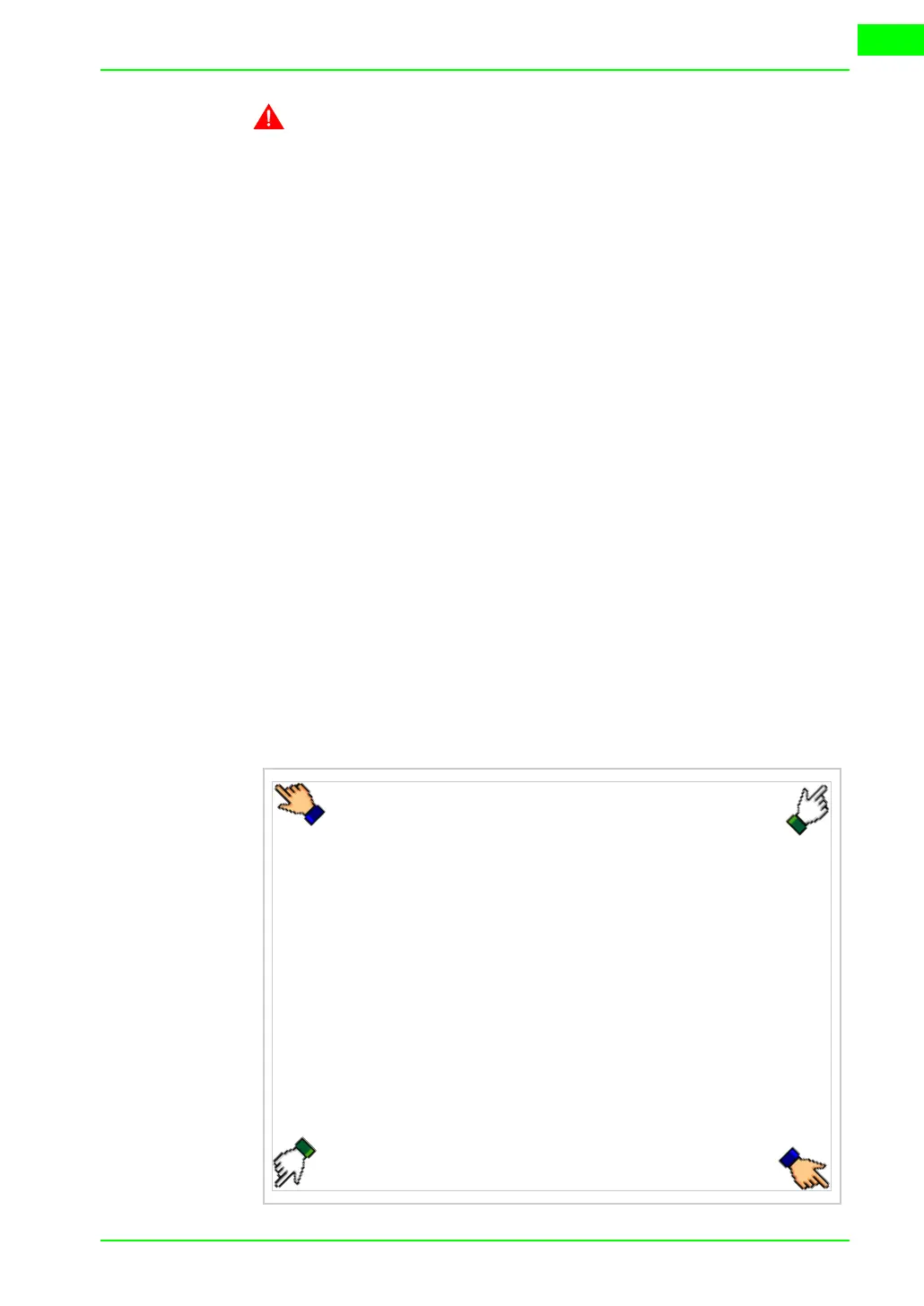
• Switch on the VT and wait for the following mask to appear
• Press one after the other two diagonally opposite corners free of settable
objects or buttons (at least one corner needs to be free)
WAIT FOR BOOT FORCED



 To Next Page