CHAPTER 24
Video terminal VT575W
405.1200.037.2 - Rel.: 2.21 of 25/02/2008
24-22
and wait a few moments, alternatively use the button provided (see Page
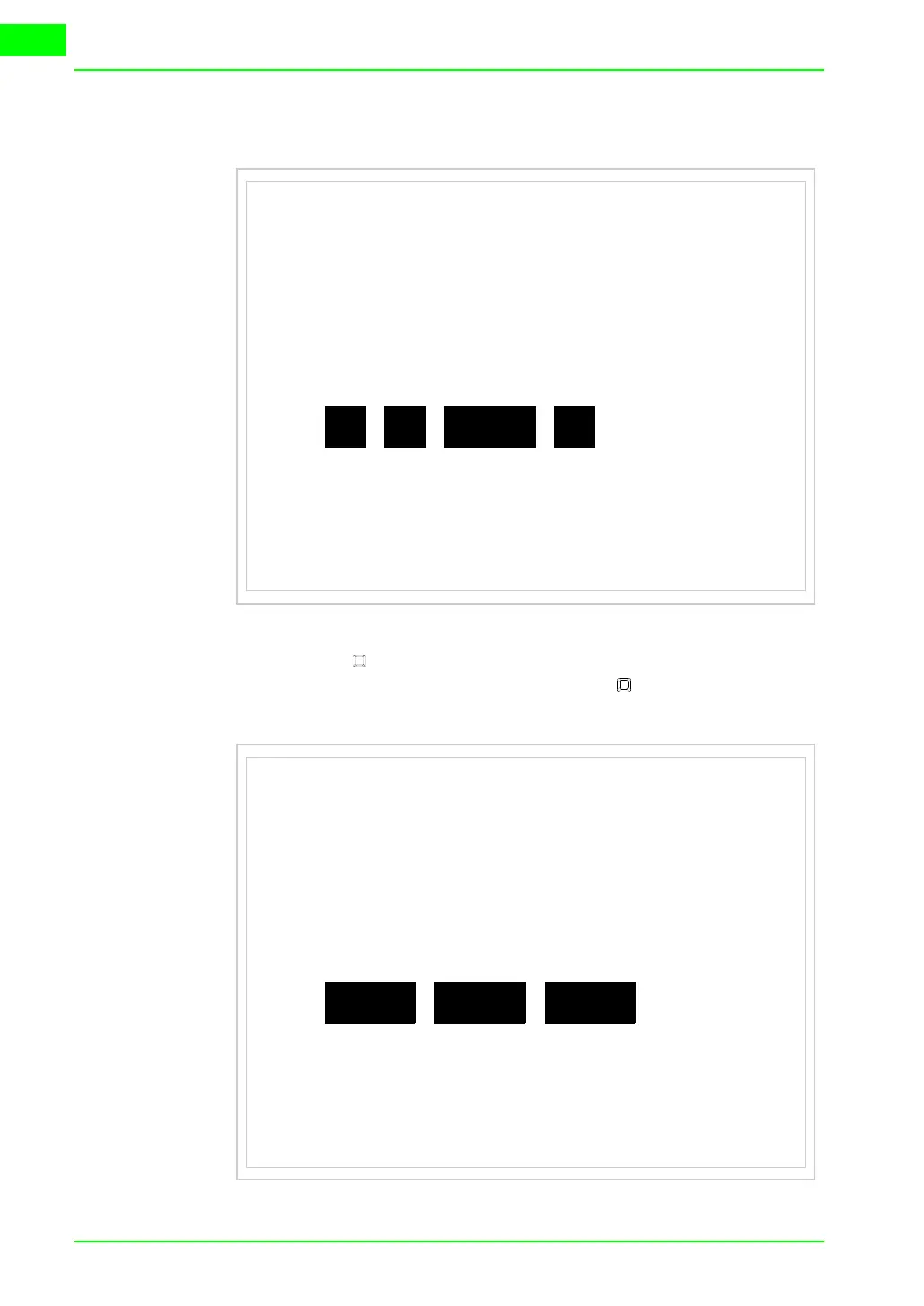
24-21), until the VT displays the following mask
• Choose the port you intend to use for the transfer (MSP or ASP); touch
the relevant on the display. The VT is now ready to receive (refer to
Software Manual for transfer procedure). The MemoCARD appears if
the Memory Card has been inserted in the VT (see Page 24-27)
VT575W TRANSFER PAGE
Touch screen BOOT check : OK
Graphic controller BOOT check : OK
Graphic controller RAM check : OK
Main BOOT and RAM check : OK
Graphic controller synchronization : OK
Main FIRMWARE check : NOT PRESENT
Graphic controller FIRMWARE : ERROR
SELECT:
MSP ASP EXITMemoCARD
VT575W TRANSFER PAGE
Touch screen BOOT check : OK
Graphic controller BOOT check : OK
Graphic controller RAM check : OK
Main BOOT and RAM check : OK
Graphic controller synchronization : OK
Main FIRMWARE check : NOT PRESENT
Graphic controller FIRMWARE : ERROR
SELECT:
PCMODEM EXIT



 To Next Page