CHAPTER 36
Operation of terminal with keyboard
405.1200.037.2 - Rel.: 2.21 of 25/02/2008
36-22
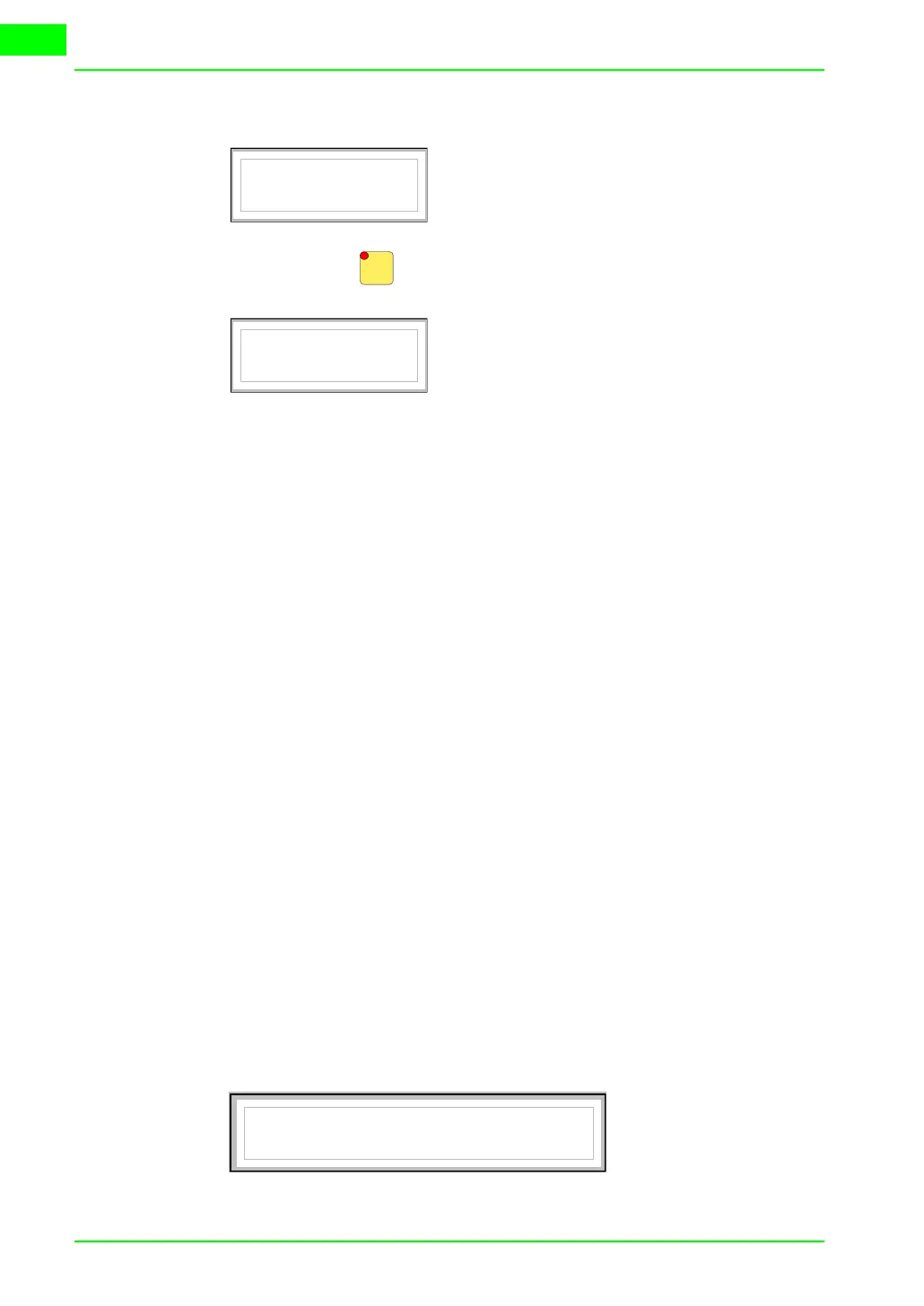
alarm message appears:
When you press the second page appears:
The character [<] followed by the date and time, indicates that the event
triggering the alarm disappeared before the acknowledgment operation.
VT190W
alarms
The first page has the following format:
• Numerical identification of the ISA-1A alarm.
• Two rows of 40 characters for the text of the message.
• One row for any data field (which in that particular situation could indi-
cate a safety or warning limit value).
• Indication in the bottom right-hand corner of the display of:
• Event in but not acknowledged; indicated by [!]
• Event in, present and acknowledged; indicated by [*]
• Event out and not acknowledged; indicated by[#]
The second page has the following format:
• Numerical identification of the ISA-1A alarm.
• One row starting with the character [>] for the date and time of the
appearance of the event (Event in).
• One row starting with:
• the character [#] for the date and time of the Event acknowledged
but still present.
• the character [<] for the date and time of the Event out but not
acknowledged.
Example with two alarms.
Alarm n. 470
Water level lower
First page of the second alarm
than stop threshold
10 #
Alarm
Alarm n. 470
>01-07-1998 11:32a
Second page of the second alarm
<01-07-1998 11:37a
First page of the first alarm
Alarm n. 420
The pressure in the tank exceeds
the maximum limit
150.0 !


 To Next Page