405.1200.037.2 - Rel.: 2.21 of 25/02/2008
16-17
• Choose the required transfer mode: MODEM if you intend to use a
modem or PC if you intend to use a serial port; touch the relevant on
the display
If the choose made is PC, the VT is ready to receive (see Software Manual
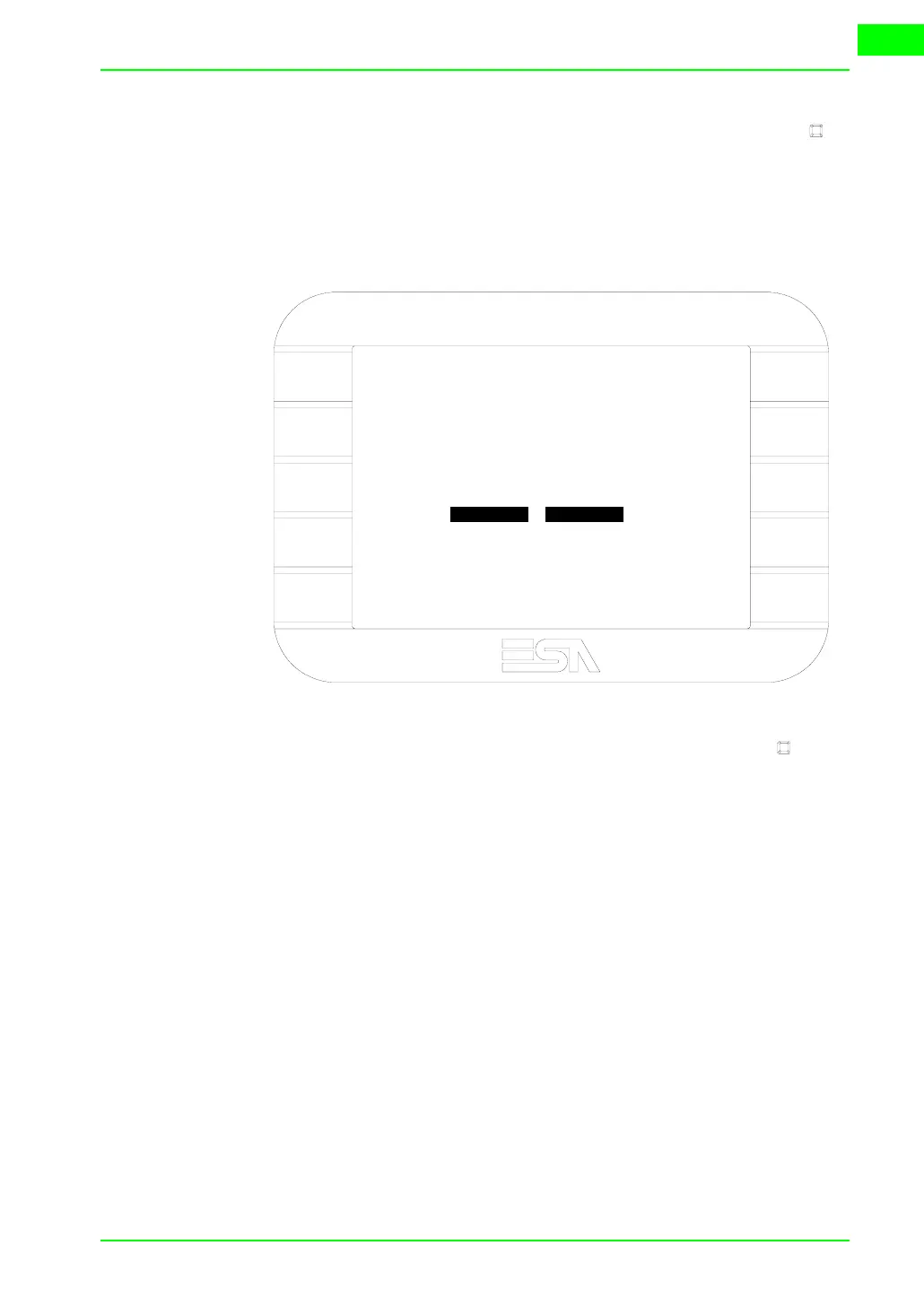
for transfer), if, on the other hand, you choose MODEM, the following
mask will appear
The choice should be according to the speed you intend to use for the trans-
fer (Slow=9600bit/sec or Fast=38400bit/sec), touch the relevant on the
display. The VT is now ready to receive (see Software Manual for the trans-
fer).
Information
relating to
driver
After the project has been transferred, the VT can make available informa-
tion relating to what has been loaded. The information regards:
• Serial ports present
• The name of the driver loaded
• The version of the driver loaded
• Network address of the VT
• Last error to have occurred
To acquire this information carry out the following operations:
• Be situated in any page of the project
• Press two diagonally opposed angles that are free of any settable objects
or buttons (at least one angle must be free)
F1
F2
F3
F4
F5
F9
F10
F8
F7
F6
VT5xx HANDHELD TRANSFER PAGE
Main BOOT and RAM check : OK
Main FIRMWARE check : OK
SELECT:
SLOW FAST



 To Next Page