405.1200.037.2 - Rel.: 2.21 of 25/02/2008
36-5
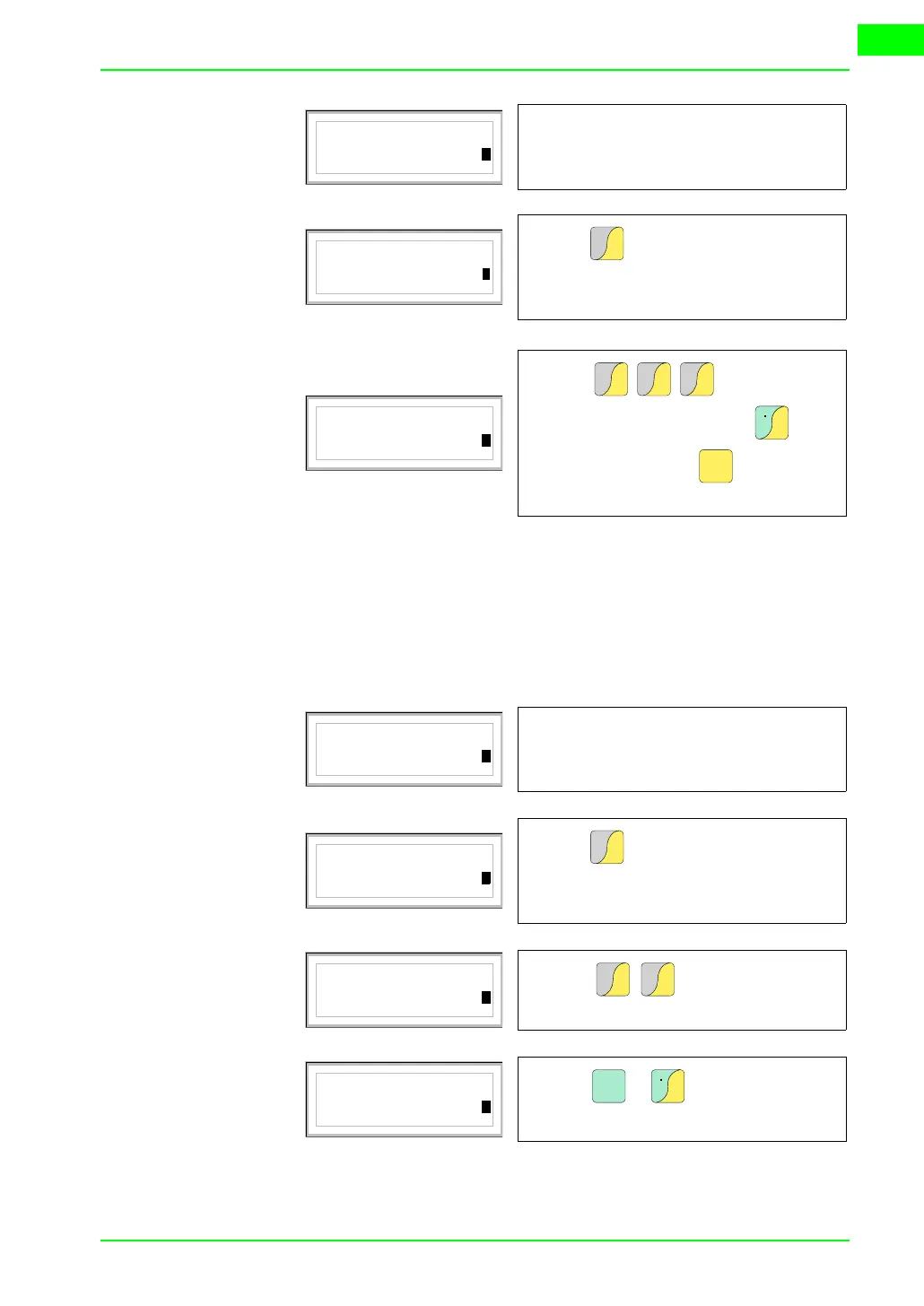
Changing the value of a floating point numerical field:
The procedure for changing a floating point numerical field is as for
a decimal numerical field, except that a decimal point can be inserted
anywhere in the field. The following example shows a variation
(total change) in field 2 from 10.3256 to 321.65.
Sample page
Field 1 9999
9
Edit mode is enabled and the cur-
sor flashes on the rightmost digit
of the data (least significant digit).
Sample page
Field 1 0001
1
Press to enter the first digit of
the new value; the field assumes
the value 1.
1
D
E
F
Sample page
Field 1 -1234
4
Press to complete
the new value; press to
attribute a sign and to confirm
the change.
2
G
H
I
3
J
K
L
4
M
N
O
±
Space
Enter
Sample page
Field 2 10.3256
6
Edit mode is enabled and the cur-
sor flashes on the rightmost digit
of the data (least significant digit).
Sample page
Field 2 0000003
3
Press to enter the first digit of
the new value; the field assumes
the value 3.
3
J
K
L
Sample page
Field 2 0000321
1
Press to complete the
whole numbers in the field.
2
G
H
I
1
D
E
F
Sample page
Field 2 000321.
.
Press + to introduce the
decimal point.
shift
±
Space


 To Next Page