CHAPTER 14
Video terminal VT155W
405.1200.037.2 - Rel.: 2.21 of 25/02/2008
14-24
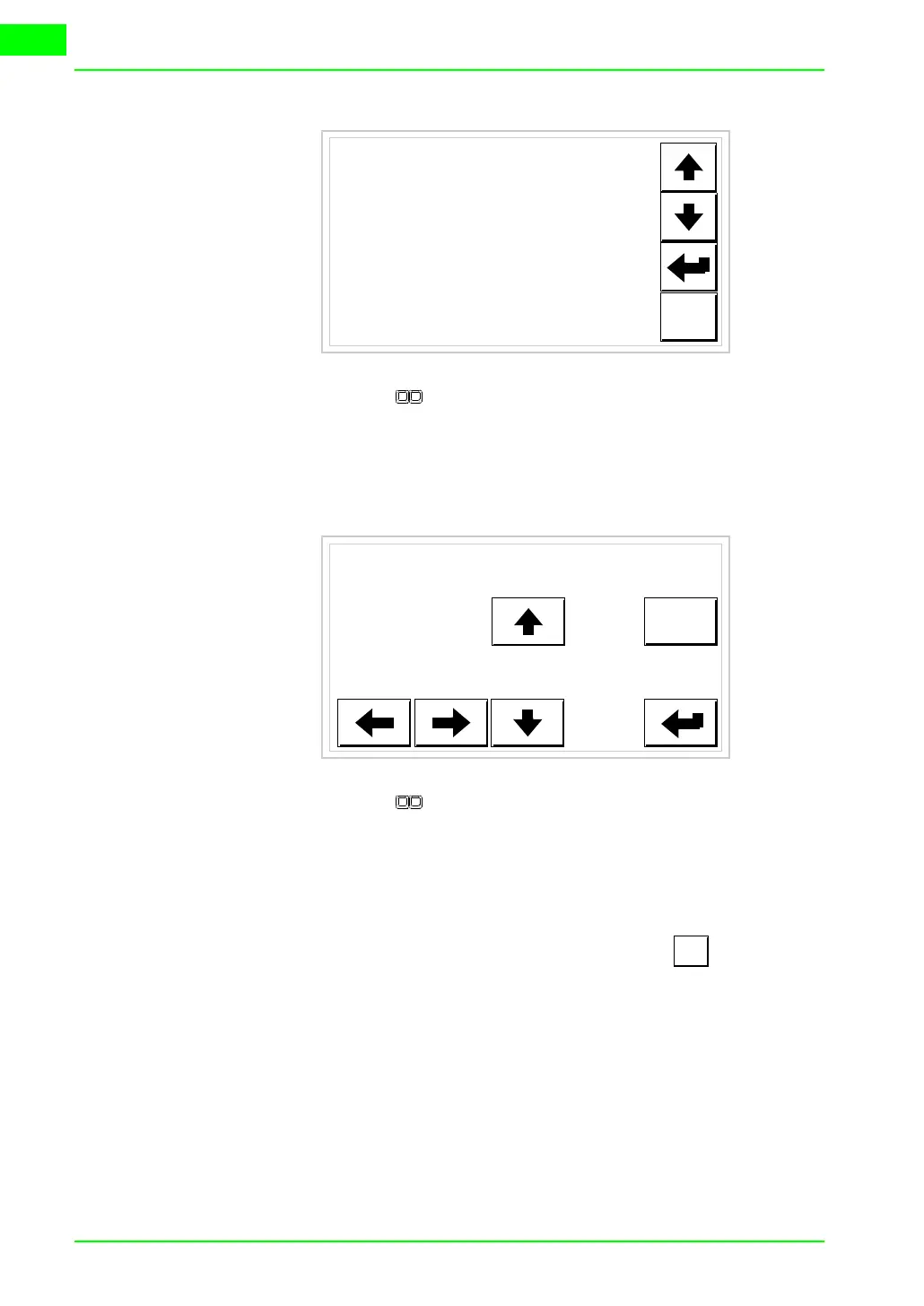
Use the arrow for any variation (see “Chapter 37 -> Operation of
terminal with touch screen“
).
To set the clock touch the words SET CLOCK on the display; the
following mask appears
Use the arrow for any variation (see
“Chapter 37 -> Operation of
terminal with touch screen“
).
Prepare the VT to receive the program:
To prepare the VT to receive the program, while displaying the
driver information page (see Page 14-22), press , and you will
see the following mask
ESC
CONTRAST : ±##
ESC
hh:mm:ss dd/mm/yy
TRAN
PAGE



 To Next Page