CHAPTER 17
Video terminal VT505W
405.1200.037.2 - Rel.: 2.21 of 25/02/2008
17-18
ESA Customer Care Department.
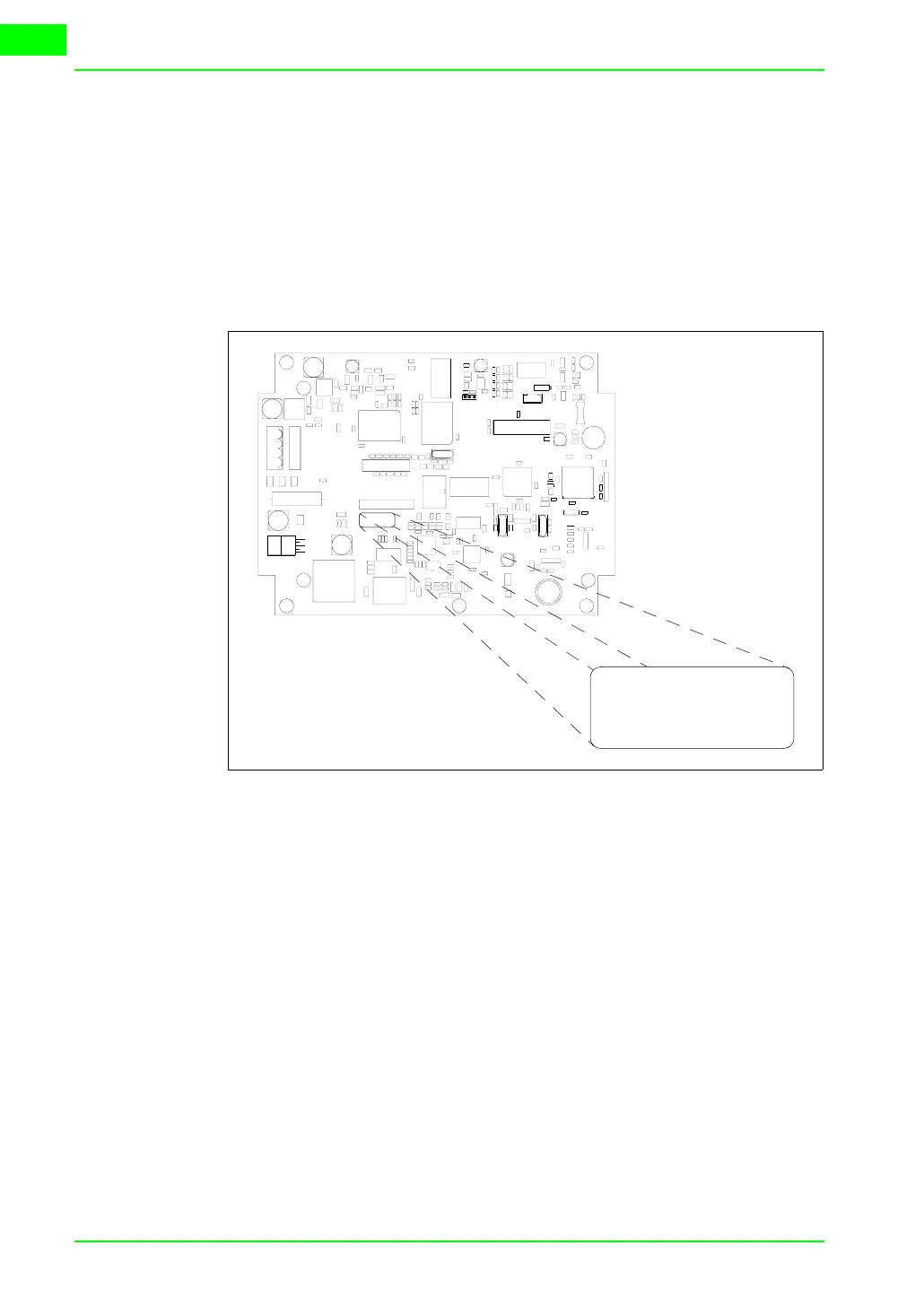
Terminals with no valid MAC address when switched present a mask for its
insertion. If no MAC address belonging to the terminal is available, pro-
ceed as follows:
• Check that the VT is not connected to the power supply.
• Remove the back cover
• Locate the label carrying the MAC address
• Make a note of the number on the label (e.g. 00.0E.0E.00.00.01)
00.0E.0E -> fixed part that identifying as an ESA product
xx.xx.xx -> variable part different for each terminal
• Reconnect the power supply to the terminal and, if necessary, calibrate
the touch screen (see Page 17-13)
• Replace the back cover
• Switch on the terminal again
• The following mask appears; introduce the address previously noted
down (e.g. 00.0E.0E.00.00.01)
00.0E.0E
xx.xx.xx
00.0E.0E
xx.xx.xx



 To Next Page