405.1200.037.2 - Rel.: 2.21 of 25/02/2008
24-19
be necessary to execute an “aided” BOOT update (see Software Manual
“Chapter 14 -> BOOT update“) the address is lost.
This operation must be carried out only with the advice of the
ESA Customer Care Department.
Terminals with no valid MAC address when switched present a mask for its
insertion. If no MAC address belonging to the terminal is available, pro-
ceed as follows:
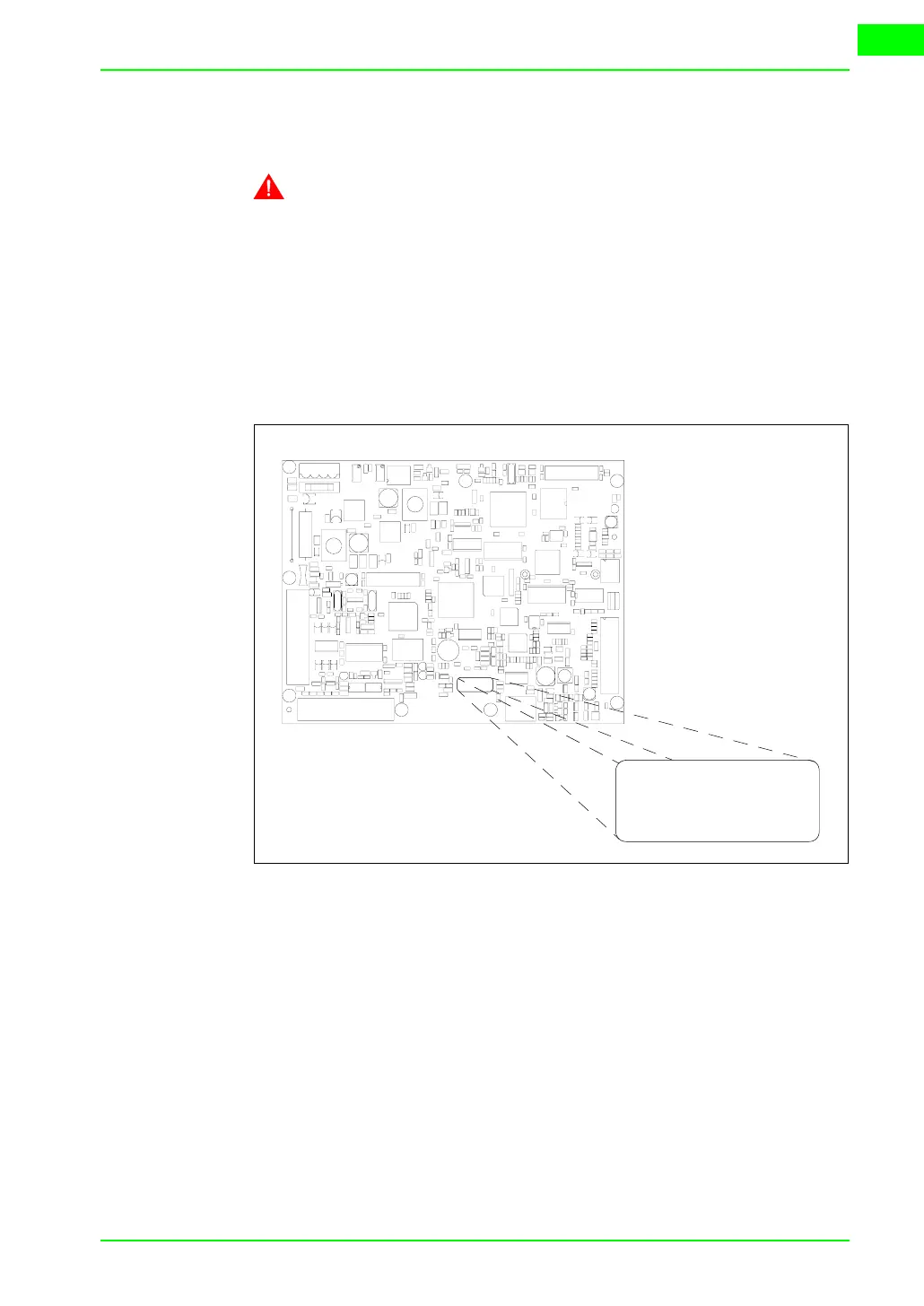
• Check that the VT is not connected to the power supply.
• Remove the back cover
• Locate the label carrying the MAC address
• Make a note of the number on the label (e.g. 00.0E.0E.00.00.01)
00.0E.0E -> fixed part that identifying as an ESA product
xx.xx.xx -> variable part different for each terminal
• Reconnect the power supply to the terminal and, if necessary, calibrate
the touch screen (see Page 24-14)
• Replace the back cover
• Switch on the terminal again
• The following mask appears; introduce the address previously noted
down (e.g. 00.0E.0E.00.00.01)
00.0E.0E
xx.xx.xx
00.0E.0E
xx.xx.xx


 To Next Page
 Loading...

