405.1200.037.2 - Rel.: 2.21 of 25/02/2008
35-23
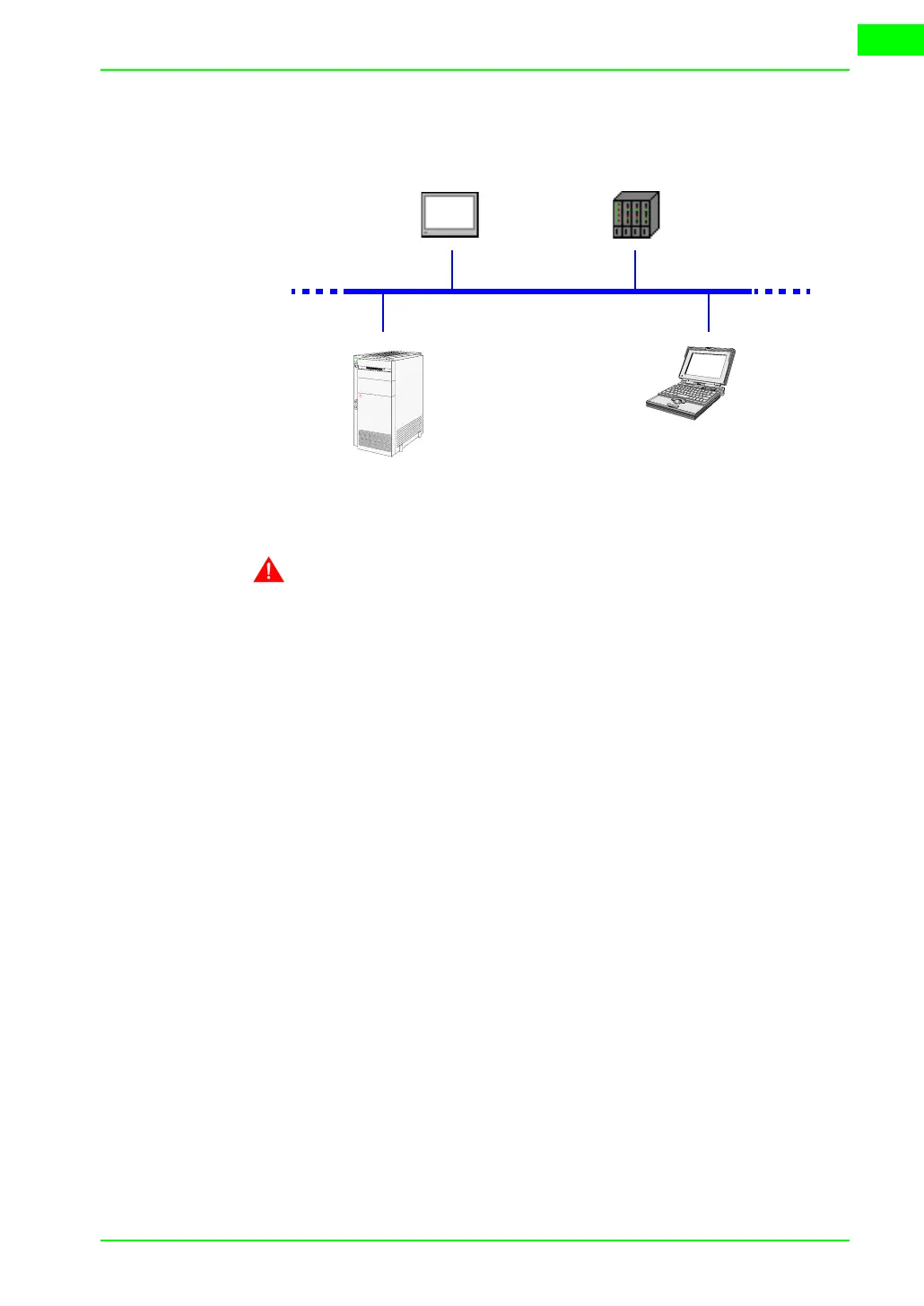
Example of connection between VT and device using a company net-
work.
The connection to the network uses an Ethernet Standard cable.
NOTE: All the parameters that need to be introduced depend on
the configuration of the network to which the connection is made.
You are, therefore, advised to contact the network administrator.
ETHERNET:
Checking the
connection
If considered necessary, it is possible to check that the system is working
properly by running the command PING on a PC in the network.
Go to the prompt of the PC commands and type ping followed by the IP
address assigned to the VT and/or the device and confirm with Enter (E.g.
ping 192.168.100.5).
If the connection and the settings have been executed correctly, response
strings will appear that contain the IP address requested. If, on the other
hand, what appears are strings indicating failure of the request this means
that there are connection problems; in this case the whole procedure includ-
ing the connection cable must be checked.
Ethernet
VT Device


 To Next Page