CHAPTER 37
Operation of terminal with touch screen
405.1200.037.2 - Rel.: 2.21 of 25/02/2008
37-26
ESC
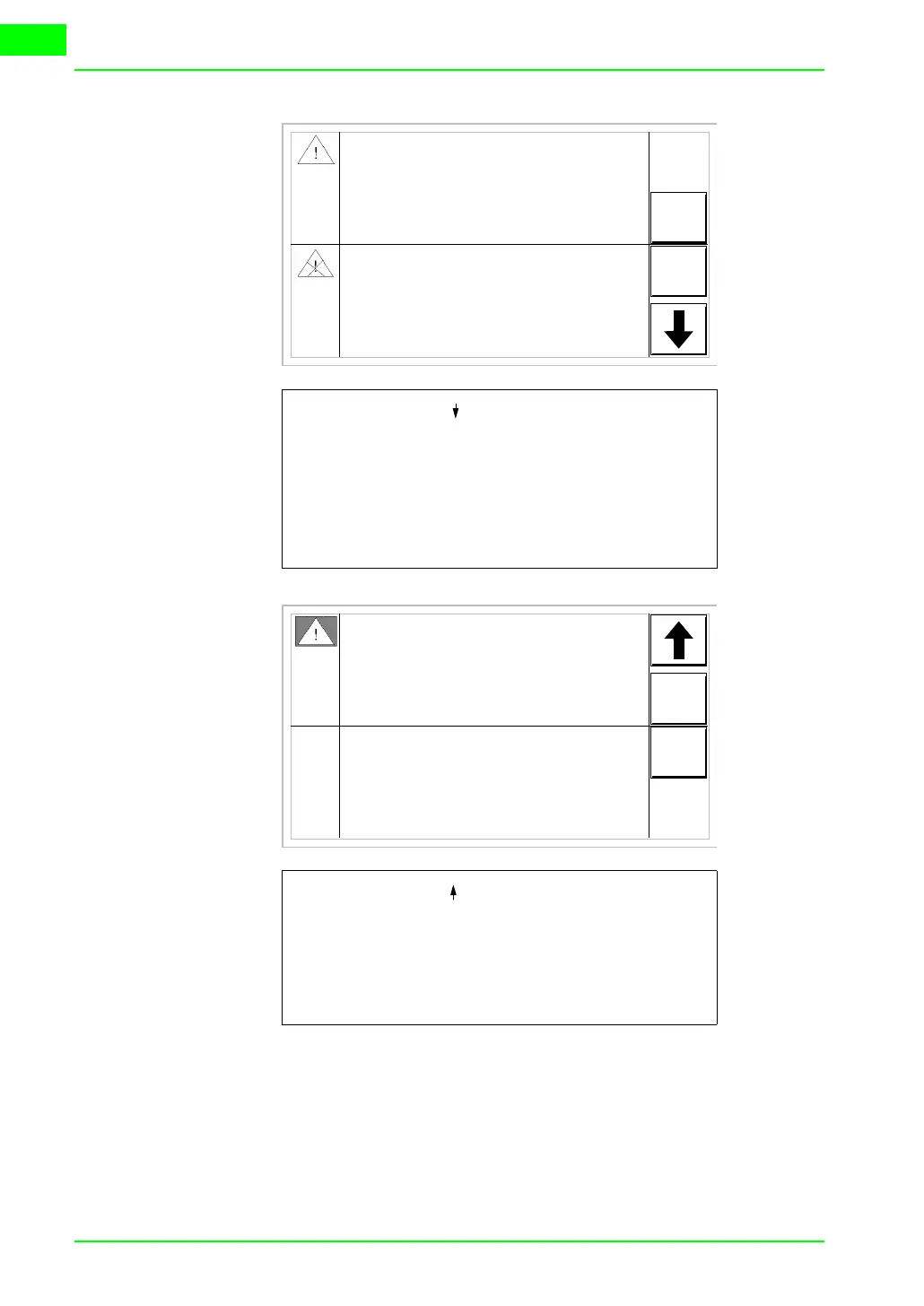
When you press [ ] the next page appears con-
taining the third alarm. Note that the second
alarm is accompanied by the character [<] fol-
lowed by the date and time, indicating that the
event triggering the alarm disappeared before
the acknowledgment operation. All this is also
emphasized by the appropriate symbol.
The pressure in the tank
exceeds the max. limit
HELP
Water level is
lower than the
stop threshold of the
process
10
>01-07-1998 11:32a
<01-07-1998 11:37a HELP
First
alarm
Second
alarm
HIST
150.0
>01-07-1998 11:32a0001
0032
ESC
When you press [ ] the first page appears. Note
that the third alarm is accompanied by the char-
acter [#] followed by the date and time, indicat-
ing that the event triggering the alarm is present
and acknowledged. All this is also emphasized
by the appropriate symbol.
Temperature over the
safety limit
#01-07-1998 12:29p HELP
Third
alarm
HIST
1600
>01-07-1998 12:28p0006



 To Next Page