CHAPTER 38
Data exchange area
405.1200.037.2 - Rel.: 2.21 of 25/02/2008
38-4
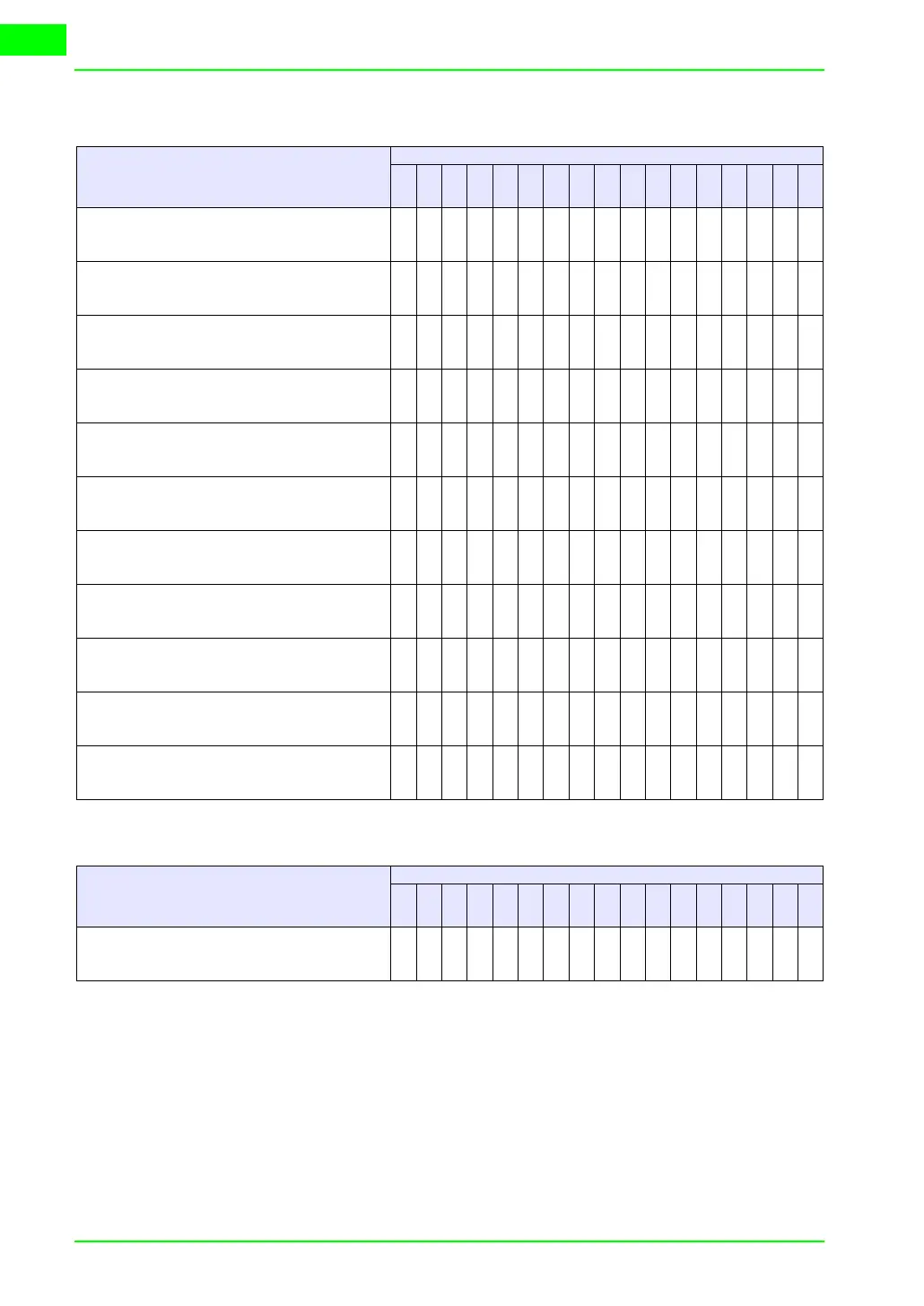
Table 38.1: Meaning of bits of Word 0 - Status word
WORD 0
MEANING OF THE BIT
BIT NUMBER
VT
50
VT
60
VT
130
W
VT
150
W
VT
160
W
VT
170
W
VT
190
W
VT
300
W
VT
310
W
VT
320
W
VT
330
W
WATCHDOG
Always at Status1
00000000000
EDIT MODE
Status 1 when il terminal is in mode for changing fields
11111111111
MESSAGES PRESENT
Status 1 so long as there is a message to display
2 2 -- 2 2 -- -- -- -- -- --
MESSAGE PENDING
Status 1 so long as there is a message “in” but not yet consulted
3 3 -- 3 3 -- -- -- -- -- --
ISA ALARM MESSAGES PRESENT
Status 1 so long as there is an alarm message to display
----2----222222
ISA ALARM MESSAGES PENDING
Status 1 so long as there is an ISA alarm “in” but not yet
acknowledged
----3----333333
COMMAND NOT VALID
Status 1 when the last command sent by the device has not been
carried out
44444444444
ALARM HISTORY BUFFER 80% FULL
Status 1 when the alarm history buffer is 80% full and therefore
close to saturation
----5----555555
ALARM HISTORY BUFFER FULL
Status 1 when the alarm history buffer is full and can hold no
more alarms
----6----666666
MACRO FUNCTION ACTIVE
Status 1 when the VT is processing a macro function
----777777777
BATTERY FLAT
Status 1 when the battery is near its minimum level for maintain-
ing the data in the RAM memory
----------888888
-- : not present
Table 38.2: Meaning of value contained in the Word 1 - Sequence Identifier
WORD 1
MEANING OF THE VALUE
USED
VT
50
VT
60
VT
130
W
VT
150
W
VT
160
W
VT
170
W
VT
190
W
VT
300
W
VT
310
W
VT
320
W
VT
330
W
SEQUENCE IDENTIFIER
Contains a value other than zero if in Project Page context, but
contains zero if in any other context
●●●●●●●●●●●



 To Next Page