CHAPTER 5
Video terminal VT130W
405.1200.037.2 - Rel.: 2.21 of 25/02/2008
5-16
There is one of these pages for each communication port; you can move
between the various pages by pressing .
If you press while displaying this page you can access the page for set-
ting the clock and the contrast.
In order to access the contrast setting, use or to select the SET
CONTRAST option that is displayed in reverse colors and press ; the
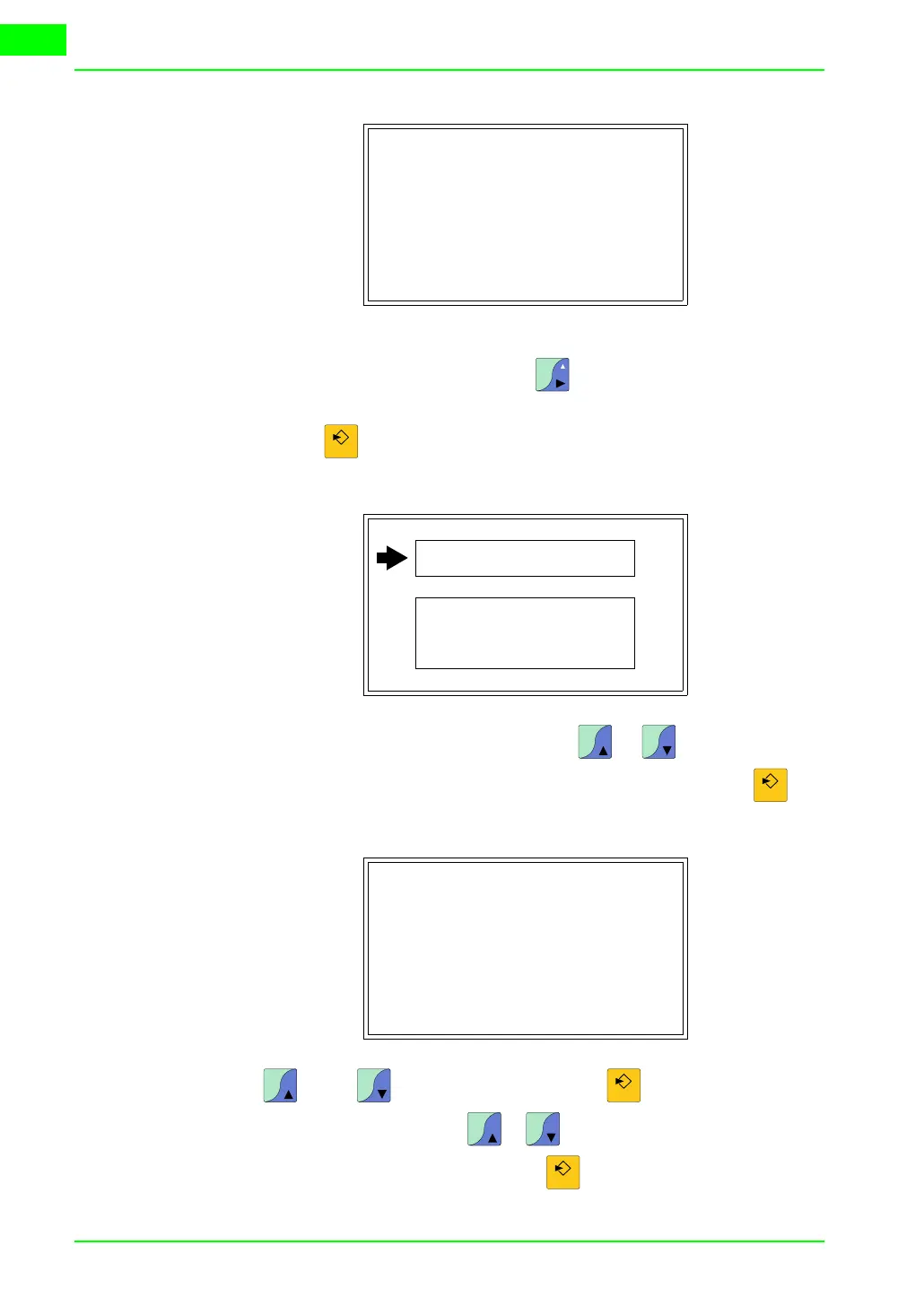
following mask will appear:
Use and/or to effect any variation and for the confirmation.
To be able to set the clock use or to select the SET CLOCK option
that is displayed in reverse colors and press ; the following mask will appear:
SERVICE PAGE
Port : xxxxxxxxxx
Driver : xxxxxxxxxx
Version : xxxxxxxxxx
Addr VT : xxxxxxxxxx
Error : xxxxxxxxxx
ENT: Set Clock / Contrast
ESC: Escape
±
Space
Enter
SET CONTRAST : ±##
SET CLOCK :
ddd,dd/mm/yy
hh:mm:ss
Pg
Up
Pg
Dn
Enter
CONTRAST : ±##
Pg
Up
Pg
Dn
Enter
Pg
Up
Pg
Dn
Enter



 To Next Page