ECI Multi Functional Weighing Controller Operating Manual
Page 254
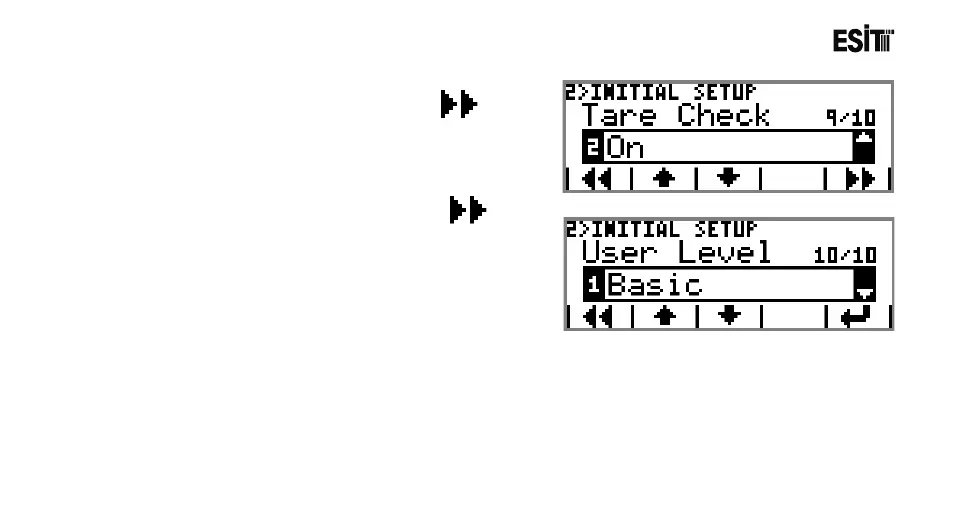
9) Proceed to the next sub-menu by pressing key.
Select "Off" from the selection list of the Tare Control sub-
menu.
10) Proceed to the next sub-menu by pressing key.
Select "Basic" from the selection list of the "UserLev." sub-
menu.
Thus the system identification is completed.



 To Next Page