ECI Multi Functional Weighing Controller Operating Manual
Page 255
Now let's proceed to the product identification.
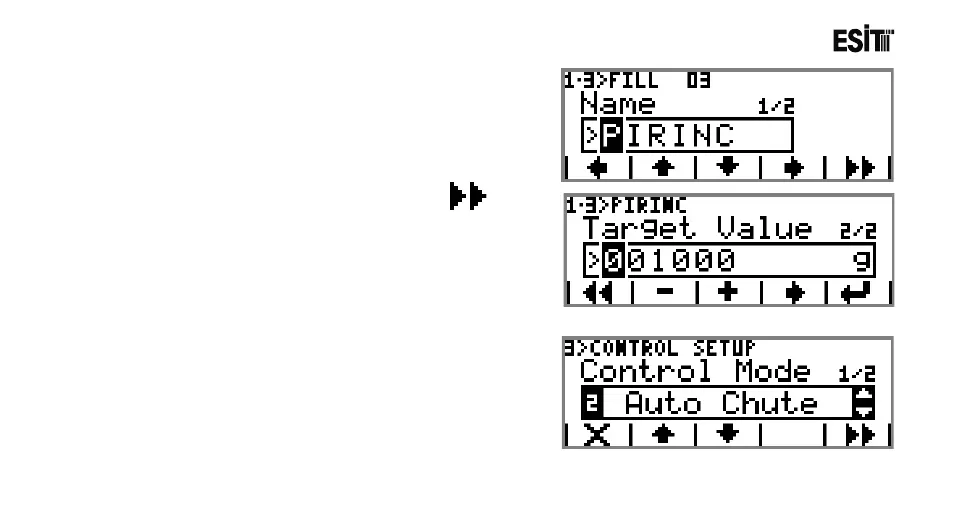
Enter the menu FILL 01 from product setting menu. Replace
the name FILL 01 with "RICE" from the name sub-menu.
11) Proceed to the next sub-menu by pressing key.
Enter 1000g from "Target Value" sub-menu.
Thus the product identification is completed.
Now let's make the control settings.
12) Enter the menu "Control Mode" from Control Setting
menu. Select “Auto Shot” from the selection list.



 To Next Page