ECI Multi Functional Weighing Controller Operating Manual
Page 256
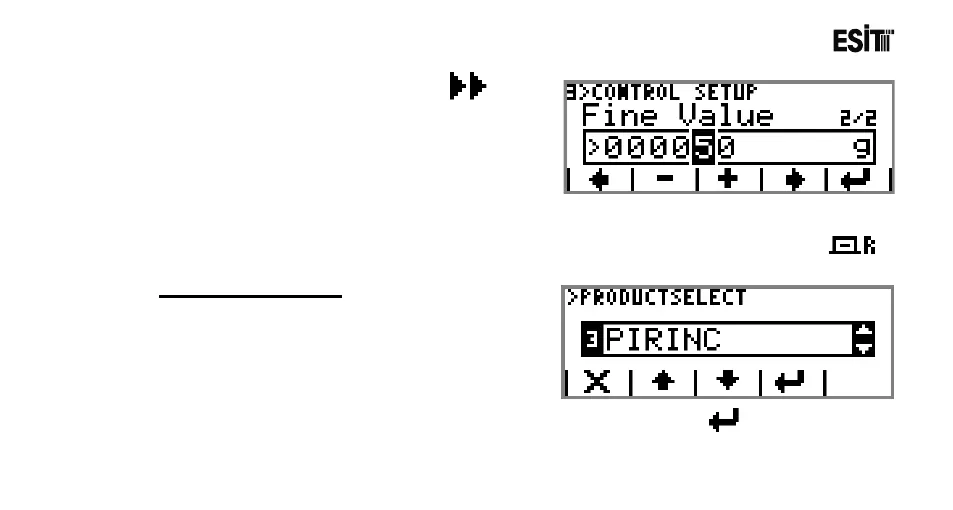
13) Proceed to the next sub-menu by pressing key.
Enter 50g in Sensitive Quantity sub-menu.
Thus we've finished all settings related to the filling. Now
let's proceed to the application.
12.7.3.1 Operation
After making the system settings and product identification, the product is selected by pressing
key on the main screen.
SELECT PRODUCT
It is used for selecting product. The options are;
1) RICE
2) FILL 02
.
.
16) FILL16
After selecting the product, the selected product is confirmed by pressing the key.



 To Next Page