Setup
Power Blazer 137
Test Configurator Overview
Test Application indicates the selected test application.
Topology, for Transport Test Applications, indicates the selected
test topology.
Modify Structure button, allows the configuration of the physical
port and the signal interface structure.
Port Status indicates either the following:
Port status icon and its description for a CFP4/CFP8/OSFP/QSFP
interface is only displayed when validating or if there is a problem
as described in the following table.
Transceiver System status for a transceiver system is only displayed
when there is a warning or a problem as described in the following
table.
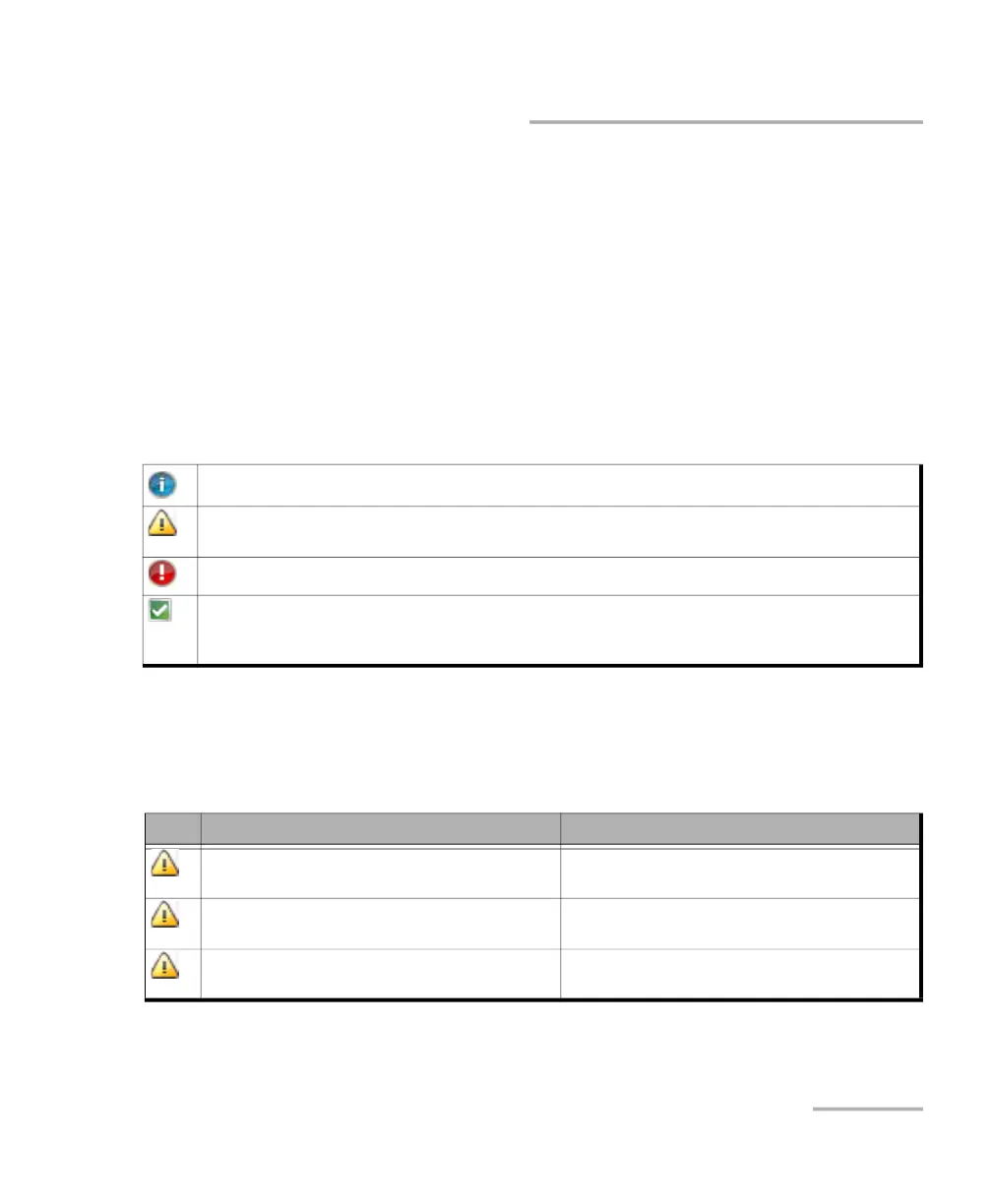
Validating transceiver.
Missing transceiver, Loopback capability not supported (QSFP56), Transceiver initializing (not ready to
carry traffic) (DCO transceivers), or Unable to validate transceiver.
Invalid transceiver (or mismatch with the selected signal/interface).
Valid transceiver matching the selected interface/rate. This icon is not displayed here, it is only
displayed for the Physical Interface Port. Using a non-EXFO supported transceiver may report that the
transceiver is valid but the device may not operate as intended.
Icon Displayed Message Description
Port A/B / Port 1 - The battery for the insertion
counter is low, please contact EXFO Support
The battery is low and must be replaced by an
EXFO authorized service center.
Port A/B / Port 1 - The battery for the insertion
counter is depleted, please contact EXFO Support
The battery is dead and must be replaced by an
EXFO authorized service center.
A1/A2/B1/B2 / Port 1 - Missing TA/TA4 Transceiver
System
No transceiver system detected












 To Next Page