Setup
138 FTBx-88000 Series
Test Configurator Overview
Transceiver Transaction Fault indicates that the module is unable
to discover the transceiver device or experiences abnormal
communication conditions; refer to page 434 for more information.
Physical Interface Port indicates the physical interface port. For
Dual Port topology, there is a physical interface for each port.
The status icon for a physical CFP4/CFP8/OSFP/QSFP interface is
displayed as described in Port Status above.
Connection, available with iOptics, graphically represents the
connection used for the test. For AOC, the cable length is also
displayed.
Arrows are used to indicate the interconnection between blocks as
well as the direction of the clock and data flow.
A line with an arrow on both ends indicates a bidirectional
communication (TX/RX).
A line with a single arrow indicates a unidirectional
communication, either TX when going out of a block or RX
(or RX2) when going into a block. RX2 indicates the physical
BNC TX/RX2 port.
A line going out of a block returning back to the same block,
indicates a loopback communication.
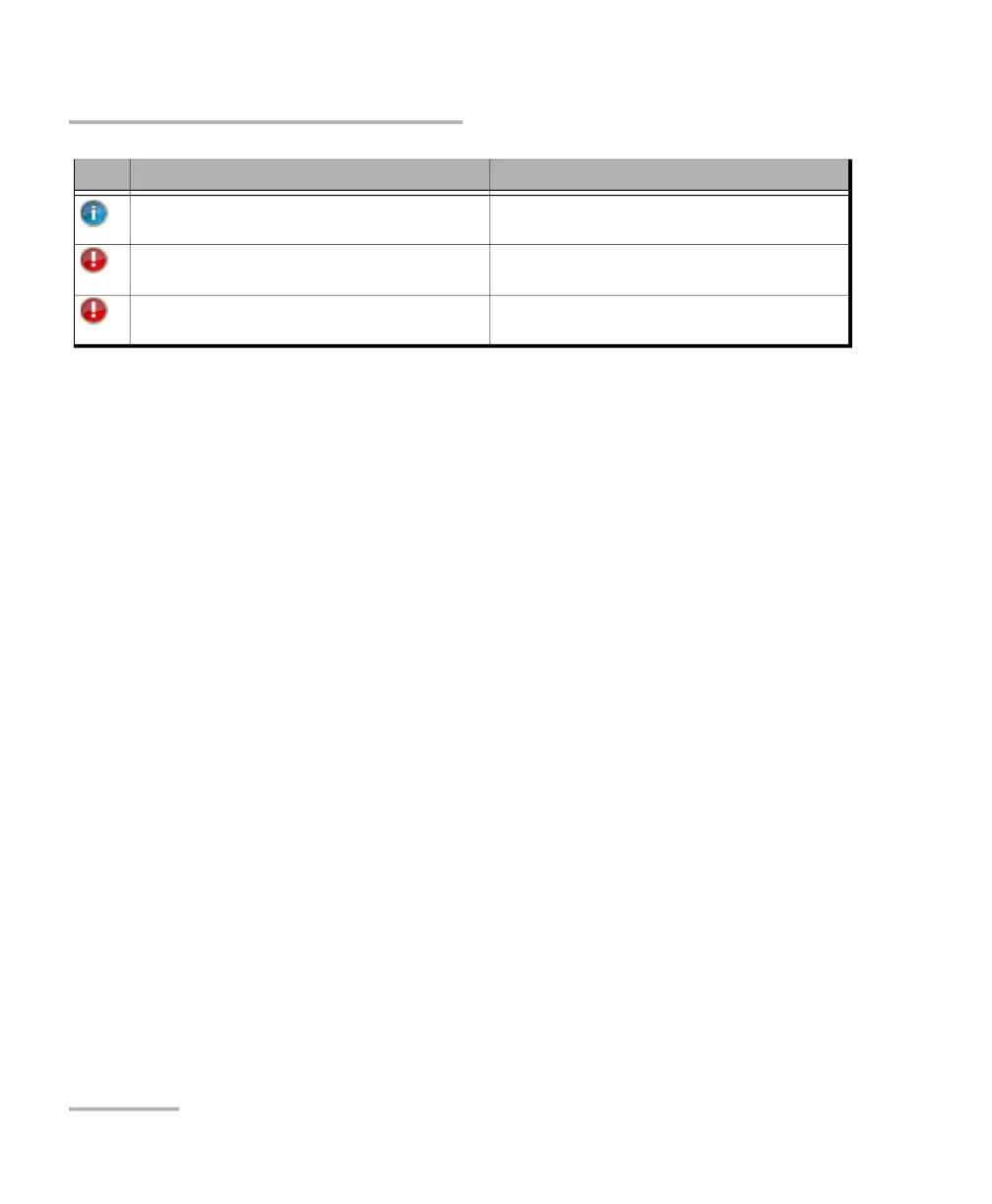
A1/A2/B1/B2 / Port 1 - Validating TA/TA4
Transceiver System
Validation process is on-going
A1/A2/B1/B2 / Port 1 - Invalid TA/TA4 Transceiver
System
Validating process completed and detected
transceiver system type not expected
Port 1 - Invalid TA4 Transceiver System Version Validating process completed and detected
transceiver system version not compatible
Icon Displayed Message Description












 To Next Page