Chapter 11 System Management
11.2 Functions in the Action Area for System
ETERNUS Web GUI User’s Guide
478
Copyright 2011 FUJITSU LIMITED P2X0-1090-02ENZ0
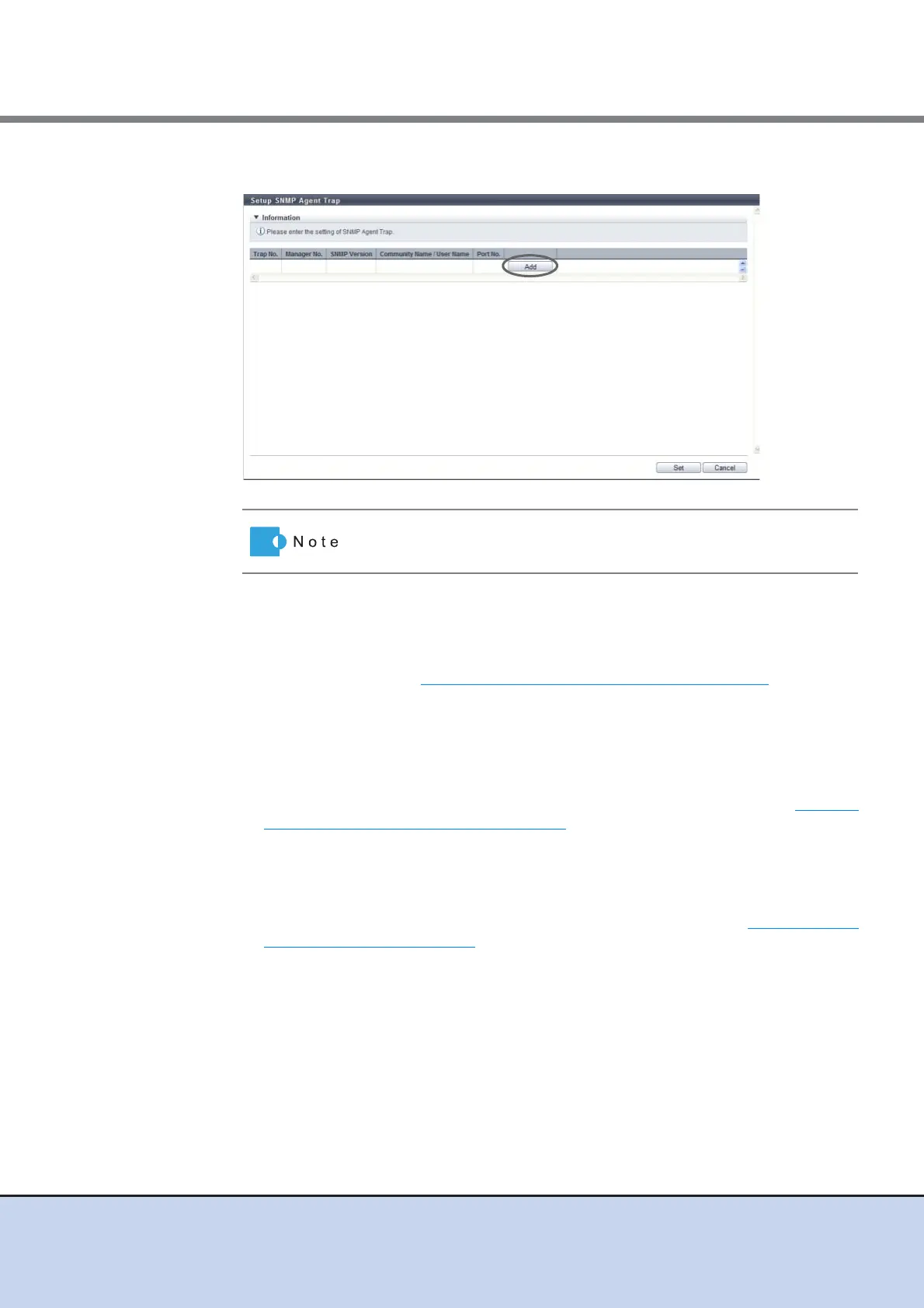
2 Click the [Add] button.
3 Add or edit the trap information, and click the [OK] button.
• Manager No.
Select a manager number from "Manager01" to "Manaegr10".
The management number of the SNMP Agent Manager, which has been registered
using the procedure in "11.2.3.4 Setup SNMP Agent Manager" (page 466)
, is displayed
as an option.
• SNMP Version
Select the trap SNMP version from "v1", "v2c", or "c3".
• Community Name
Select the community name used when sending a trap.
The community name, which has been registered using the procedure in "11.2.3.7
Setup SNMP Agent Community" (page 474), is displayed as an option.
If "v1" or "v2c" is selected as the "SNMP Version", the "Community Name" must be
specified.
• User Name
Select the user name used when sending a trap.
The user name, which has been registered using the procedure in "11.2.3.6 Setup
SNMP Agent User" (page 471), is displayed as an option.
If "v3" has been selected as the "SNMP Version", the "User Name" must be specified.
• Port No.
Enter the port number of the trap destination between 1 - 65535.
When changing a port number, enter a unique port number.
Click the [Trap No.] link to edit the existing trap.



 To Next Page