4-18
Chapter 4 Connection to the External Devices Setup for the External Device Connection
The "Multiamplifier" setup menu will be displayed.
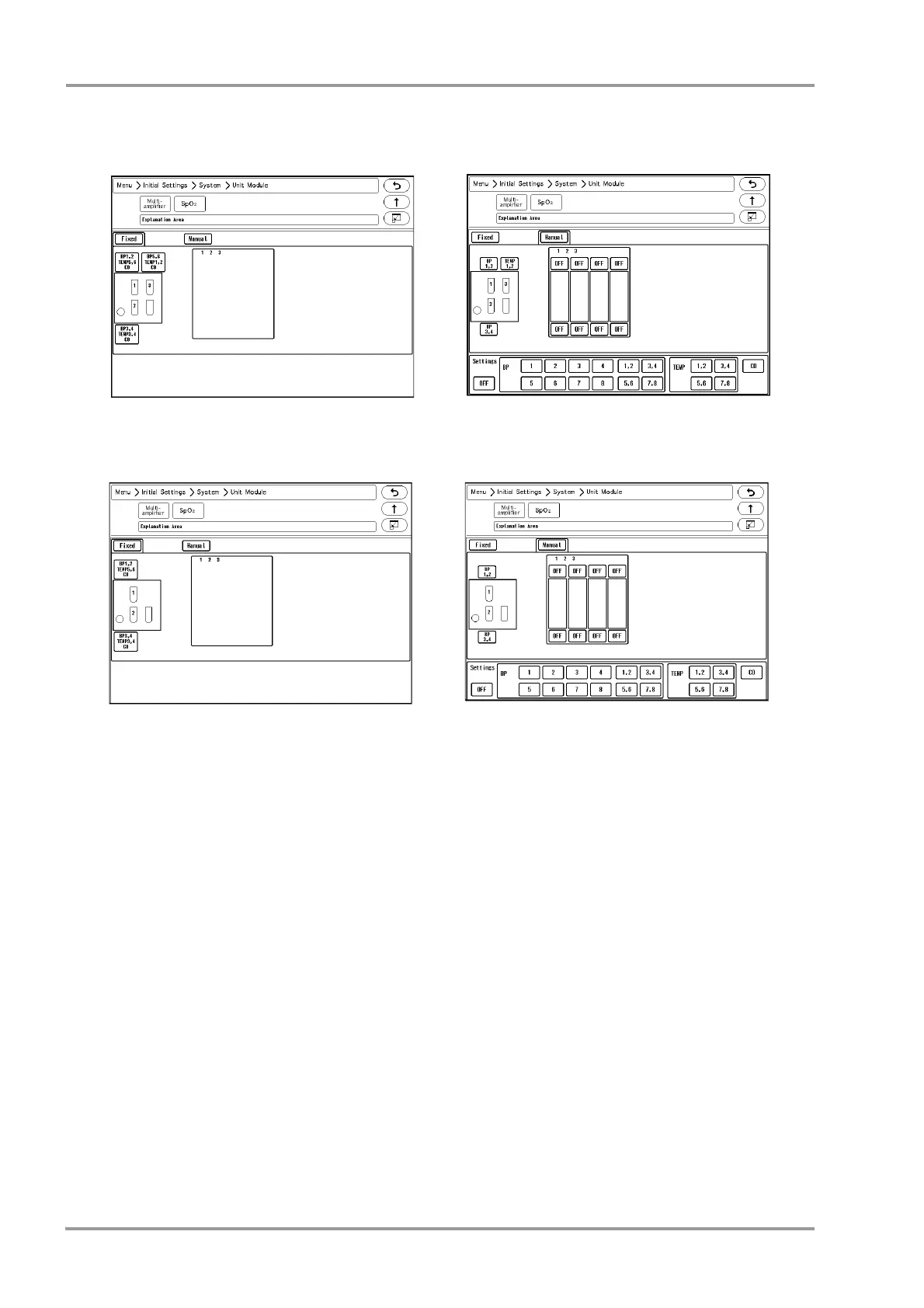
2Select from [Fixed]/[Manual].
[Fixed]: The parameter will be automatically fixed according to the actual cable connection.This selection is
possible only when HS-8000 or DS-8007 is used.
[Manual]: BP and TEMP channels can be assigned to any connectors.
When IB-8004 is connected to the DS-8500 system, [Manual] will be automatically selected.
(
Operation Manual "Multiparameter Connector Setup for BP, TEMP, CO Measurement" P7-109)
Example:
To assign BP5 to multiparameter connector 1 for the HM-800 Multi Module inserted to slot 2 of the IB-8004-1.
When the HS-8000 is used
When [Fixed] is selected
When [Manual] is selected
When the DS-8007 is used
When [Fixed] is selected
When [Manual] is selected



 To Next Page