4-30
Chapter 4 Connection to the External Devices Connection with the Laser Printer
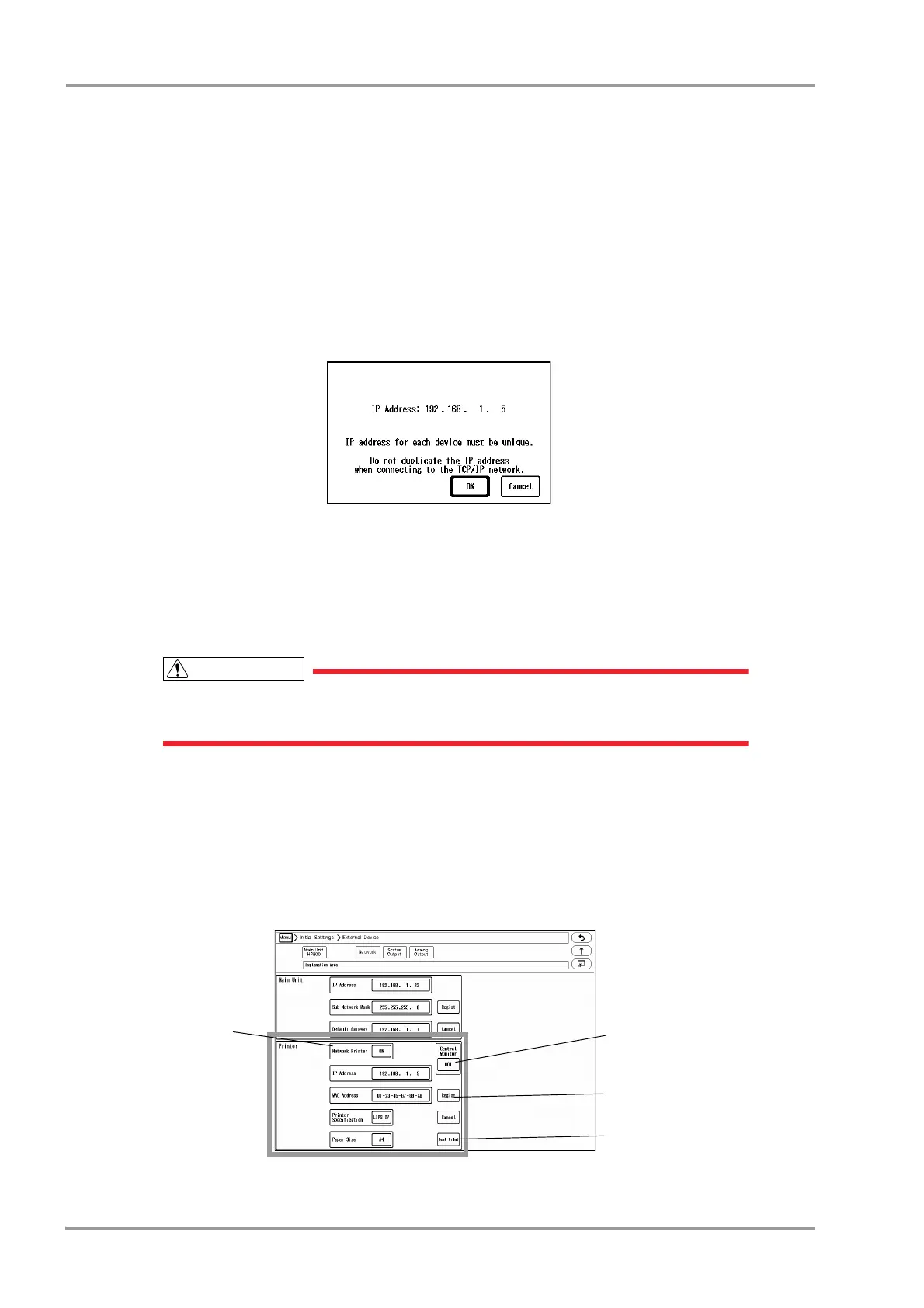
5Select the printer specification.
[LIPS IV]: Select when LIPS IV laser printer (Canon) is used.
[ESC/page]: Select when ESC/page laser printer (Epson) is used.
[PCL5]: Select when PCL5 laser printer (HP) is used.
6Select the paper size.
[A4]: Select when using A4 size paper.
[Letter]: Select when using letter size paper.
7When [ Regist ] is pressed, a confirmation message will be displayed.
[OK]: To register the setting, press this key.
[Cancel]: To cancel registering, press this key.
8Perform test printing.
Verify that the printing is properly performed.
If the output characters are garbled, printer specification may be incorrectly selected.
Refer to the operation manual of the printer and check the printer specification.
To Output on the DS-LAN Printer
Set the central ID of the central monitor which is connected to the laser printer.
1Press the [Menu], [Initial Settings], [External Device], [Network] keys.
The laser printer setup screen will be displayed.
2Select [DS-LAN] for "Network Printer".


 To Next Page
 Loading...

