5-10
Chapter 5 Initial Settings Alarm Related Setup
highest priority alarm.)
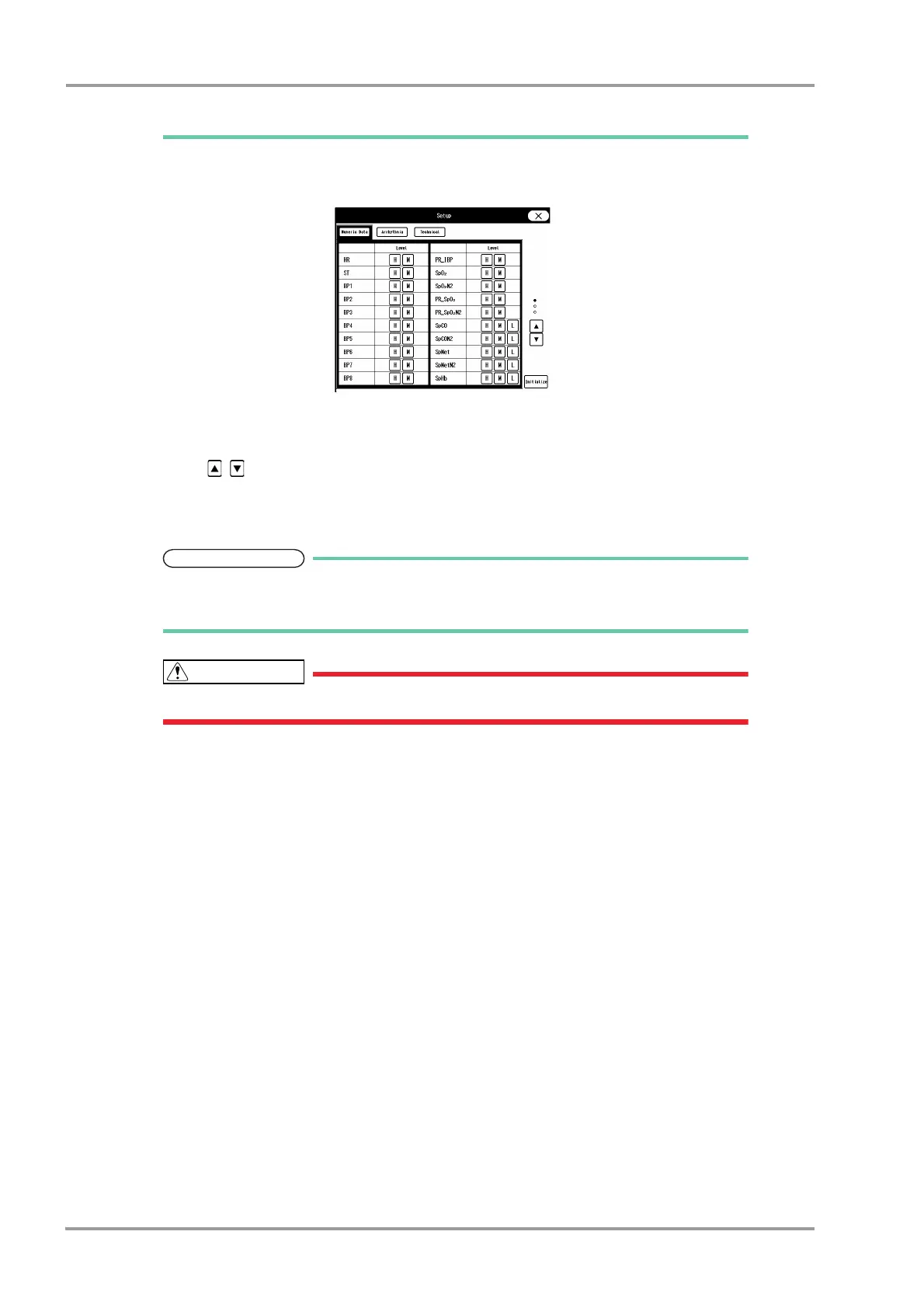
1 Press the [Set] key.
The "Setup" window will be displayed.
2 Press one of the [Numeric Data], [Arrhythmia], [Technical] key.
The window will change according to the selected alarm group.
3 Press the / keys.
The page will switch.
4 Select the alarm level from [S] / [H] / [M] / [L] / [OFF] for each parameter.
Only the displayed alarm level can be selected.
Press the [Initialize] key to initialize the alarm level setting.
If [OFF] is set for the alarm level, alarm will not be generated.



 To Next Page