GE MEDICAL SYSTEMS
DIRECTION 5184024-100, REVISION 5 LOGIQWORKS® BASIC SERVICE MANUAL
4-20 Section 4-3 - System Check
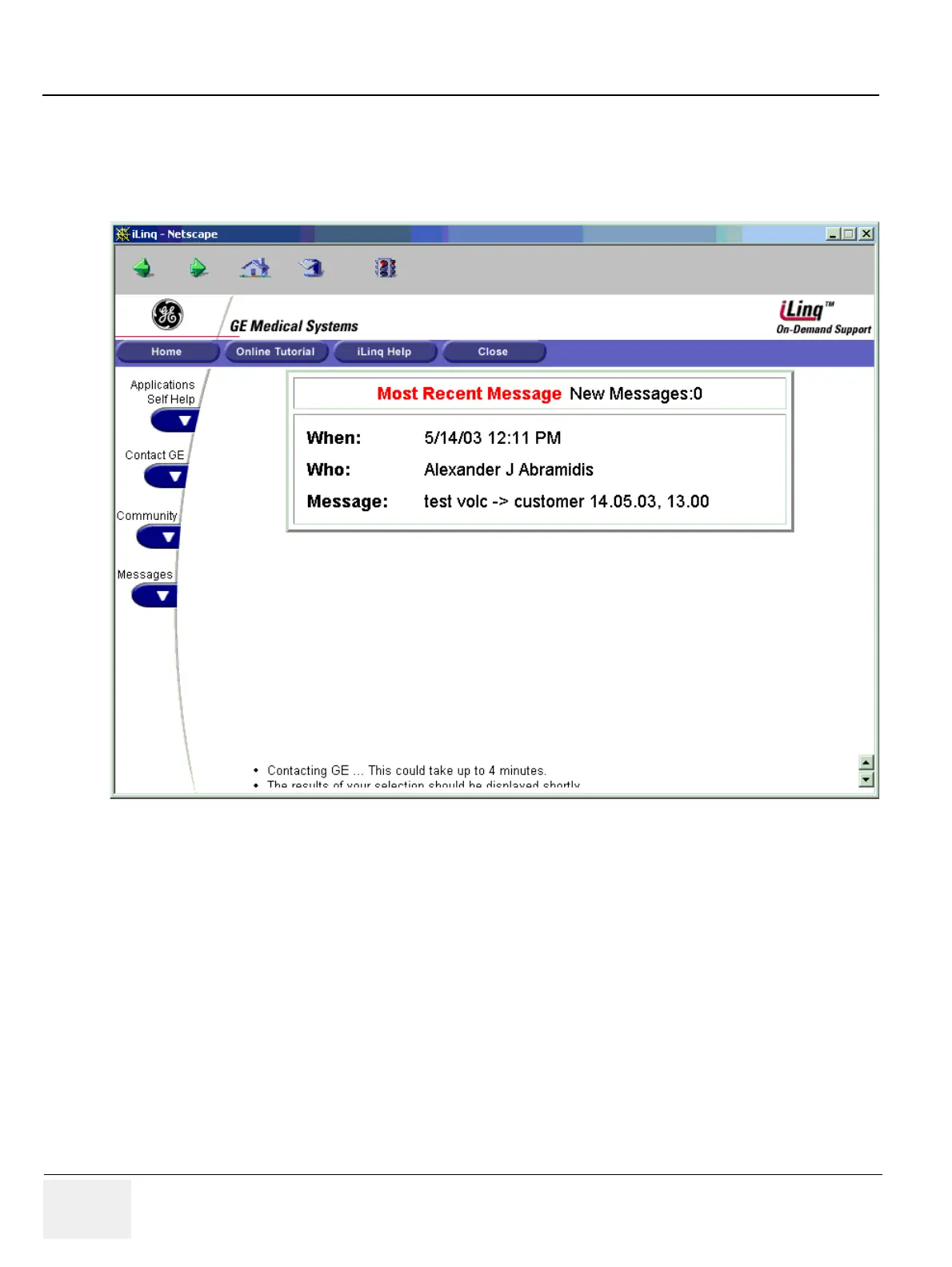
4-3-5-2 Checking iLinq Connection
1.) Click On the iLinq button on the Desktop. Wait until the system is connected to GE to check for new
messages. You will see the update screen.
Figure 4-21 iLinq Home screen



 To Next Page