GE MEDICAL SYSTEMS
D
IRECTION 5184024-100, REVISION 5 LOGIQWORKS BASIC SERVICE MANUAL
Chapter 10 Quality Assurance 10-15
10-6-5-2 Restore (cont’d)
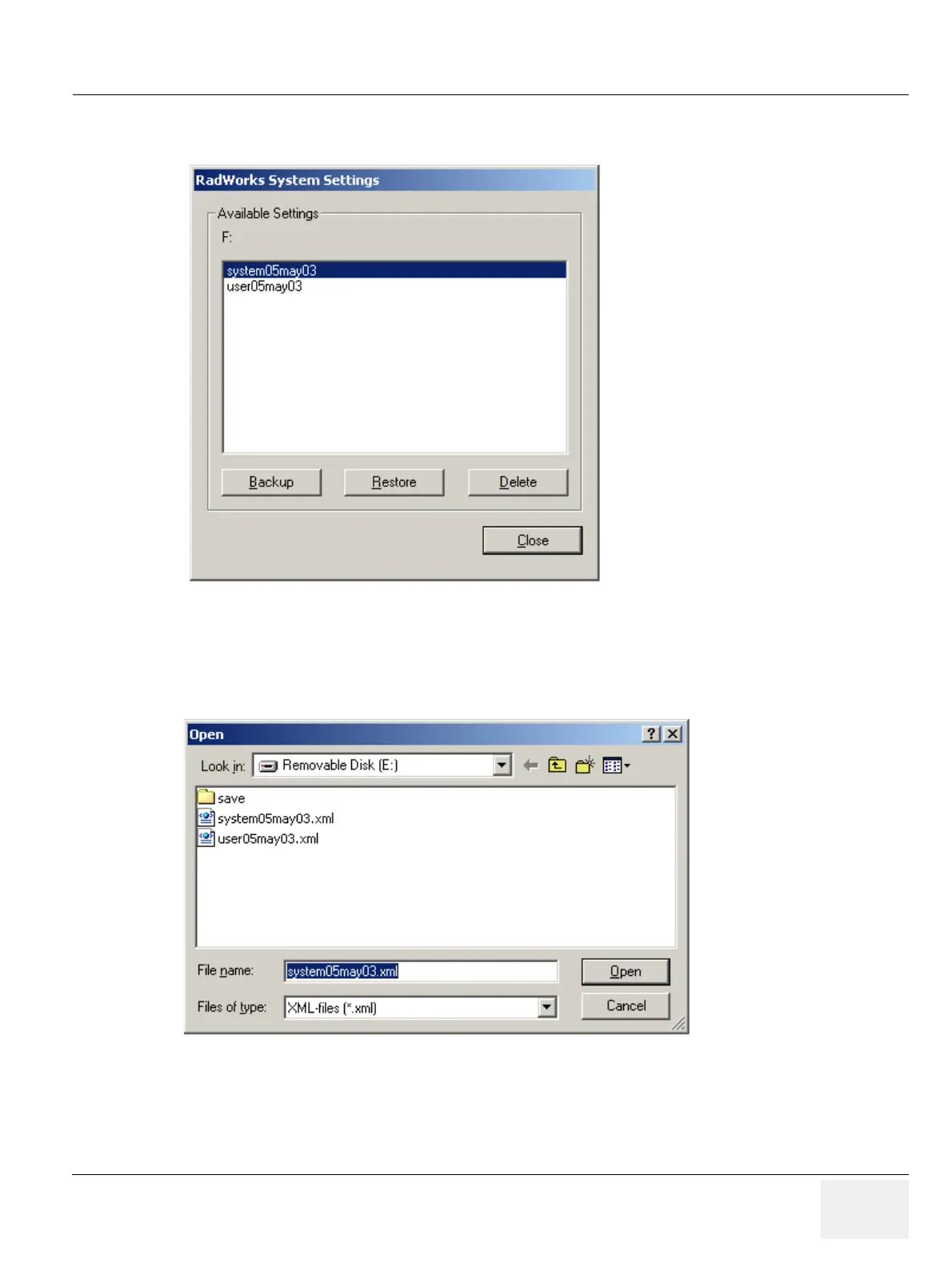
2.) Select the system settings from the Available Settings list (see Figure 10-12).
3.) Click on “Restore”.
4.) Pick up a previously saved file and click “Open”.
5.) Close the “RadWorks Setting Tool”.
Figure 10-12 Restore RadWorks System Settings.
Figure 10-13 Load System Settings


 To Next Page
 Loading...






