Operation Instruction SC201(1900A/1903A)
34
return to the state of step 2).
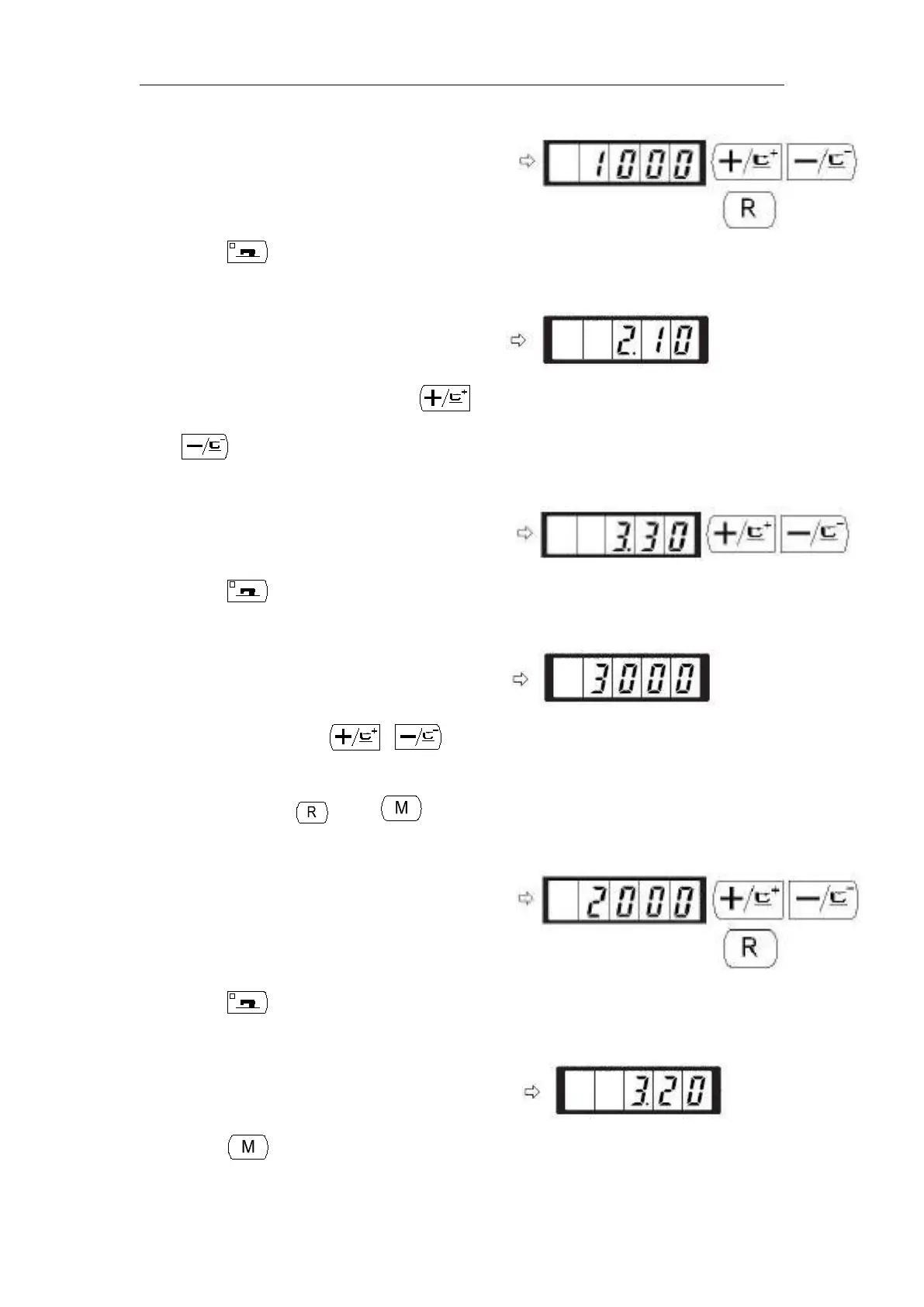
5) Press key. The sewing LED goes off and
the set value of the first stitch is registered.
6) Indicate memory switch No.3 with or
key. Here, set the sewing speed of second stitch.
7) Press key. The sewing LED lights up and the set
value of the second stitch is indicated.
8) Indicate “2000” with or key. The value
returns to the initial value at the time of delivery from
the factory with . Press key to cancel the
operation here and return to the state of step 6).
9) Press key. The sewing LED goes off and the set
set value of the second stitch is registered.
10) Press key. The memory switch setting mode is finalized and the mode



 To Next Page