Microlab
®
STAR Service Manual
6-16
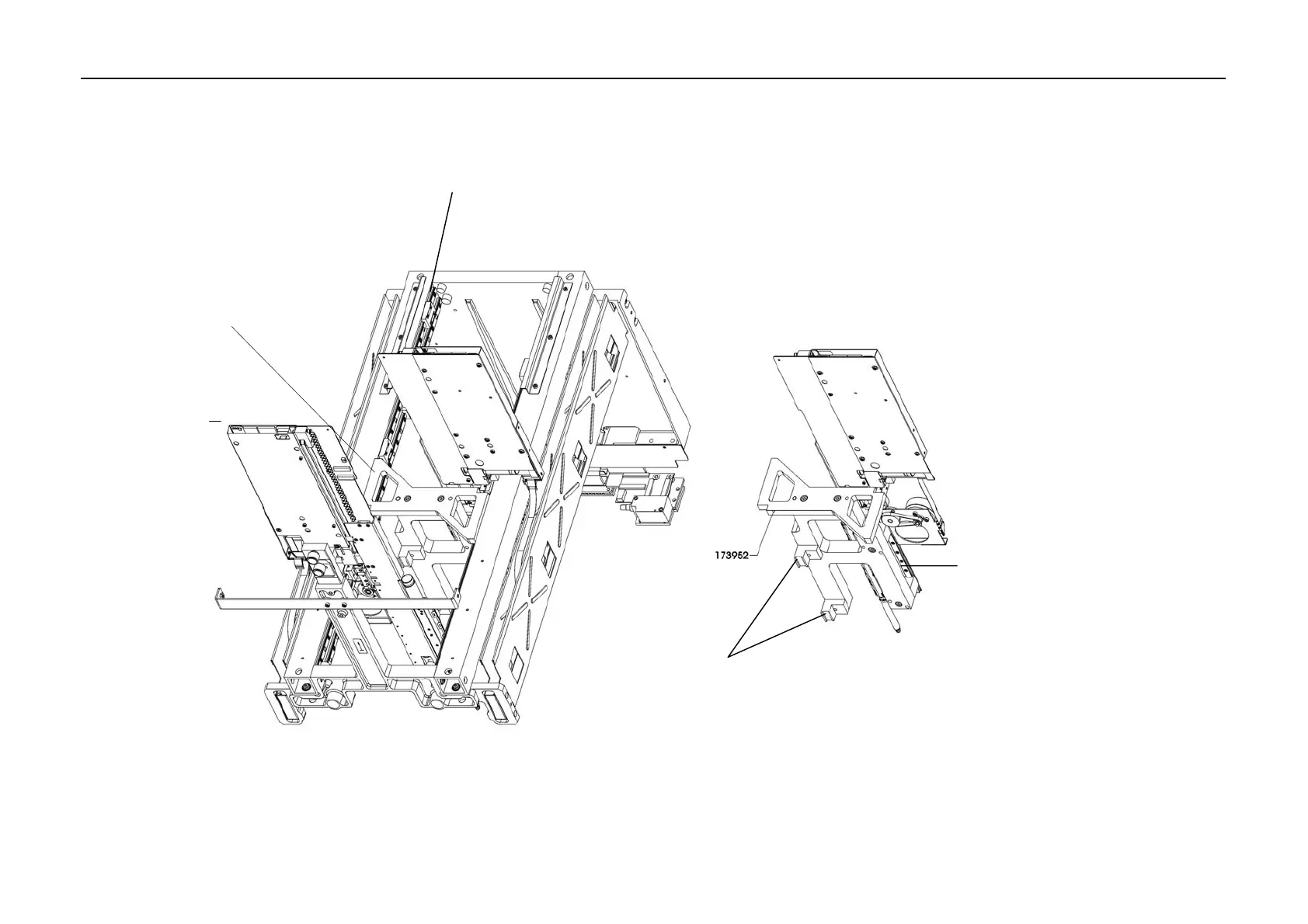
6.3.2 Pipetting Channel Adjustment Tool
Channel Adjustment
Tool placed approx. In
the middle onto Pipetting
Arm's upper Y-Guides
Pipetting Arm's left upper Y-Guide shaft
• Remove Y-Spindles first
• Gently drive Pipetting Head all the
way down, then gently push
Channels Z-Guide Shaft into
Adjustment Tool. If not possible
release locking and fixing screws.
• Check visually, there may be no
Gaps between Z-Guide and referenc
grooves of Adjustment Tool.
• Freeze Adjustment Position by
carefully tightening the fixing screws.
Pipetting Channels Z-Guide sha
Adjustment Tool reference grooves
No Gap visible indicates a perfect adjustment
For a better understanding only two Channels with the adjustment Tool are shown here.



 To Next Page